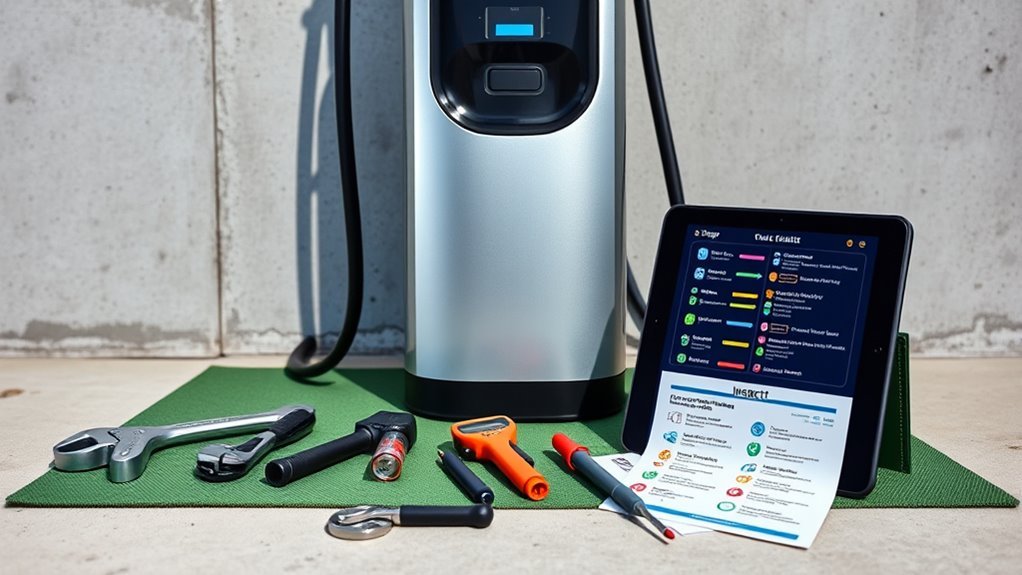
Maintaining your EV charger helps keep home charging safe, reliable, and convenient. Regular visual inspections, proper cable storage, careful cleaning, and software updates can help you spot problems before they interrupt charging. You do not need to be an electrician to perform basic external checks, but electrical testing and internal repairs should always be left to qualified professionals.
Quick Answer
EV charger maintenance involves checking cables and connectors for damage, cleaning accessible surfaces according to the manufacturer’s instructions, keeping charging equipment dry and properly stored, and checking software updates. Inspect your charging cable before use and perform a more detailed visual check monthly. Stop using damaged equipment and contact a qualified electrician when electrical problems appear.
Key Takeaways
- Inspect charging cables and connectors before use. Never charge with visibly damaged equipment.
- Clean your charger only as directed by its manufacturer. Never spray liquids into electrical connectors.
- Keep charging cables supported, untangled, and protected from vehicles and sharp objects.
- Check firmware and connectivity on chargers that support software updates.
- Stop charging if you notice burning smells, unusual heat, damaged insulation, or repeated breaker trips.
- Use a qualified electrician for internal electrical inspections, wiring problems, and repairs.
At a Glance
| Time Required | About 5–10 minutes for a routine external inspection. |
| Difficulty | Easy for external checks; professional qualification required for electrical work. |
| Tools Needed | Clean, dry microfiber cloth, manufacturer’s manual, and charger app if supported. |
| Cost | Routine visual checks usually have no additional cost. Professional service and replacement parts vary by charger and installation. |
Warning: EV charging equipment carries potentially dangerous electrical power. Never open the charger housing, touch internal wiring, insert tools into connector contacts, or attempt electrical repairs. Stop using damaged equipment. If you notice smoke, a burning smell, unusual heat, or repeated circuit breaker trips, arrange professional assistance before charging again.
Why Regular Maintenance Is Essential for EV Chargers
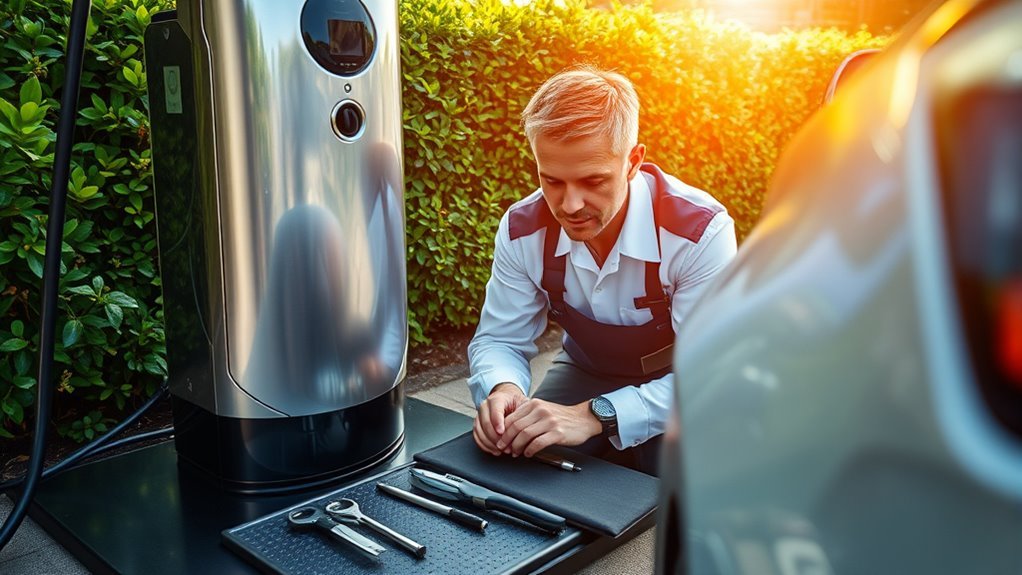
Routine maintenance helps identify problems that could affect the safety and reliability of your EV charging equipment. A damaged cable, contaminated connector, or loose mounting bracket may become more troublesome if ignored.
Regular inspections allow you to identify visible wear before it becomes a serious problem. The Electrical Safety Foundation International recommends checking charging cables before use and never operating damaged charging equipment.
Preventive maintenance can also reduce avoidable downtime. Proper storage helps protect charging cables, while timely software updates may resolve compatibility or connectivity issues on supported models.
The most useful EV charger maintenance habit is simple: inspect the equipment before charging and stop using it when something looks or feels wrong.
These habits may help extend equipment service life and avoid unnecessary repairs. However, routine cleaning cannot correct damaged wiring, defective components, or an unsuitable electrical installation.
For those problems, professional diagnosis is essential.
Essential Maintenance Tasks for Your EV Charger
Most homeowners can handle basic external maintenance without special equipment. The key is knowing which tasks are safe to perform and which require an electrician.
1. Inspect the charging cable and connector
Before charging, look along the visible cable and charging handle for:
- Frayed, cracked, cut, or worn insulation.
- Sharp bends, crushed sections, or exposed conductors.
- Discoloration, melting, or other signs of overheating.
- Damaged connector housing or visible contact damage.
- Moisture, mud, or foreign material around the connector.
Do not use a cable that shows significant damage. Contact the manufacturer or an approved service provider about repair or replacement.
Do not attempt to repair charging cables with electrical tape or other makeshift materials.
2. Check the charger housing and mounting
Look at the outside of the charging unit for cracks, corrosion, loose covers, impact damage, or signs of water entry.
Check whether the unit appears securely mounted, but do not open the housing or attempt to tighten internal electrical connections.
If the unit moves unexpectedly, has a damaged enclosure, or appears to have water inside, stop using it and arrange an inspection.
3. Clean accessible surfaces safely
Keeping the charger clean helps prevent dirt from collecting around the housing, cable, and connector.
However, cleaning instructions vary by manufacturer.
For example, Tesla’s Wall Connector safety instructions specify wiping the exterior, charging cable, and connector end with a clean, dry cloth.
Follow this general safety procedure:
- Stop the charging session and disconnect the charger from the vehicle using the normal procedure.
- Turn off power at the circuit breaker when required by the manufacturer’s cleaning instructions.
- Use a clean, dry microfiber cloth to remove loose dirt and dust.
- Avoid spraying water or cleaning products onto the charging equipment.
- Never insert a cloth, brush, cotton swab, or metal object into electrical contacts.
- Check that the equipment is clean, dry, undamaged, and ready for use before restoring power.
If contamination remains inside the connector, contact the manufacturer for the correct cleaning or replacement procedure.
Never use abrasive cleaners, harsh solvents, or a pressure washer unless the specific manufacturer explicitly permits the method.
4. Store the charging cable properly
Proper cable storage reduces unnecessary wear.
- Place the charging handle in its designated holster when not in use.
- Keep cables away from driveways and areas where vehicles may run over them.
- Avoid sharp bends, twisting, and pulling on the cable.
- Use the charger’s intended cable management system.
- Keep cables clear of walkways to reduce trip hazards.
Do not pull the cable itself to disconnect the charging handle from your vehicle.
Pro Tip: Make returning the charging handle to its holster part of your normal parking routine. This helps protect the connector from dirt, unnecessary moisture exposure, and accidental impact.
5. Check software and connectivity
If you have a smart charger, open its manufacturer app periodically to check for firmware updates, fault messages, and connection status.
Some connected charging stations install firmware automatically. Others require you to approve or initiate an update.
For chargers without software connectivity, there may be no routine firmware task available to the owner.
6. Perform a basic operational check
After confirming that the charger is undamaged and safe to use, start a normal charging session.
Check that:
- The charger begins charging normally.
- The vehicle recognizes the charging connection.
- The charger’s status light or app displays the expected operating state.
- No new fault messages appear.
- The session continues without unexpected interruptions.
Charging speed can vary with vehicle settings, battery temperature, state of charge, and available electrical power. A slower session does not automatically mean the charger is defective.
If the charger repeatedly reduces power or reports an electrical fault, investigate the issue rather than increasing the charging current to compensate.
EV Charger Maintenance Schedule
A simple schedule can make regular maintenance easier. The following intervals are practical suggestions for a typical residential charger, not universal manufacturer requirements.
Always follow your equipment manual, warranty conditions, and applicable local requirements if they specify a different schedule.
Before Each Use
- Check the visible cable and charging handle for damage.
- Look for dirt, moisture, or foreign material around the connector.
- Confirm that the charging area is clear of hazards.
Monthly
- Inspect the housing, cable, and visible mounting hardware.
- Clean accessible surfaces according to the manufacturer’s instructions.
- Check the connector holster and cable storage area.
- Review charger app notifications and software status.
Every Three Months
- Review recent charging errors or unexpected interruptions.
- Confirm that normal charging and any scheduling features work.
- Inspect outdoor installations for weather-related damage.
- Review cable wear in areas where it may rub against walls or other surfaces.
Annually or as Required
Review the manufacturer’s maintenance recommendations and arrange professional inspection when required by the equipment instructions, site conditions, local rules, or previous electrical problems.
High-use, shared, commercial, and outdoor chargers may need a more formal maintenance program than a typical residential unit.
Note: An annual professional inspection is a reasonable preventive option for some installations, but it is not a universal legal requirement for every residential EV charger. Follow the actual requirements for your equipment and location.
Spotting Issues: Your Guide to Visual Inspections
Visual inspections help you identify potential problems before they become serious.
Start by examining the charging unit’s exterior. Look for cracks, damaged covers, corrosion, moisture, or signs that something has struck the equipment.
Next, inspect the accessible charging cable and connector. Look for worn insulation, damaged plastic, unusual discoloration, or visible contamination.
Check exposed seals and gaskets for obvious damage without removing or opening the housing.
For outdoor installations, look for standing water, ice, debris, rust, or changes around the mounting surface.
Protecting Outdoor EV Chargers
Outdoor charging equipment should be installed and used within its specified environmental rating.
To help protect your charger:
- Keep drainage paths and the surrounding area clear.
- Store the charging handle in its designated holder.
- Remove loose snow or debris without forcing or damaging electrical components.
- Check for visible moisture or corrosion after severe weather.
- Avoid directing pressure washers or strong water jets at the charger.
Do not wrap a charger in plastic or cover it with an improvised enclosure. Use only protection approved for your particular model.
If water appears to have entered the equipment, stop using it and request professional advice.
Plug-In Versus Hardwired Charger Checks
The maintenance needs of plug-in and hardwired chargers are similar, but their electrical connections differ.
Plug-in chargers: Visually inspect the accessible power plug and receptacle area for discoloration, damage, or signs of overheating. Do not disturb damaged or unusually hot components.
Hardwired chargers: Inspect the visible housing and cable entry area. Internal wiring and terminal connections must be checked by a qualified electrician.
For both types, repeated breaker trips or temperature-related faults require investigation.
Never use an extension cord or multiplug adapter to power an EV charger. The Electrical Safety Foundation International specifically warns against these practices.
Why Software Updates Matter for Optimal Performance
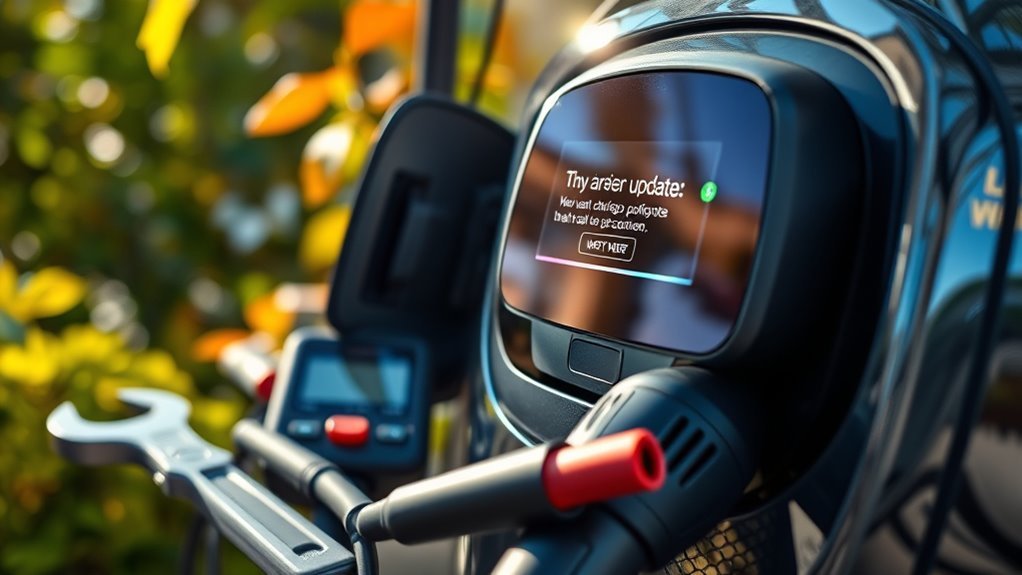
Physical maintenance is important, but smart EV chargers also need attention to their software and connectivity.
Firmware updates may fix bugs, improve compatibility, enhance security, or introduce new charging features.
For example, Tesla explains that connected Wall Connectors can automatically receive firmware updates through Wi-Fi.
Other manufacturers may provide updates through their charging apps or approved service procedures.
How to Check for Charger Updates
- Open your charger’s official manufacturer app or management interface.
- Confirm that the charger is connected, if connectivity is supported.
- Check for available firmware updates or notifications.
- Follow the manufacturer’s update instructions.
- Allow the update to complete without interrupting the process.
- Check the charger’s status afterward.
Not every EV charger has Wi-Fi, an app, or user-installable firmware. Follow the procedure provided for your model.
What If Your Charger Loses Wi-Fi?
A disconnected charger may lose scheduling, reporting, remote access, or automatic update features.
First, check whether your home internet connection is working.
If the network is functioning, review the charger app for connection errors. A changed Wi-Fi password, weak signal, or router problem may be responsible.
ChargePoint’s Home Flex troubleshooting guide provides model-specific steps for network and charging problems.
Use the manufacturer’s recommended restart or reconnection procedure if needed.
Do not open the charger housing to investigate Wi-Fi problems.
Pro Tip: Check your charger’s app after a router replacement or Wi-Fi password change. A charger can sometimes continue basic charging while its connected features remain unavailable.
Basic EV Charger Troubleshooting
Some charging interruptions are caused by settings or connectivity rather than damaged hardware.
Before requesting service, check the charger’s displayed error message and consult its manual.
Charger Has Power but Will Not Start Charging
Check whether the vehicle is scheduled to charge later, the battery has reached its selected charge limit, or the charger has an access restriction enabled.
Verify that the connector is properly seated using the normal manufacturer-approved procedure.
If a fault message appears, follow the instructions for that specific error.
Charging Stops Unexpectedly
Review the charger app and vehicle display for warnings.
Possible causes include charging schedules, vehicle charging settings, communication faults, temperature-related power reduction, or electrical problems.
Do not assume that every interruption is a software issue.
Charging Is Slower Than Expected
Check the vehicle’s charging limit, charging schedule, and displayed error messages.
Some chargers automatically reduce charging power when temperatures rise.
Tesla’s thermal monitoring documentation explains that its Wall Connector can reduce current or stop charging when excessive heat is detected.
Repeated heat-related reductions should be investigated rather than ignored.
Charger Displays an Error Light
Different manufacturers use different indicator lights and error codes.
Check the manual for your exact model before interpreting the warning.
Record the displayed code or take a photo of the indicator if it is safe to do so.
If the fault remains after the manufacturer’s approved troubleshooting steps, contact the manufacturer or a qualified service professional.
Warning: Do not repeatedly reset a tripping circuit breaker to force charging to continue. A recurring trip may indicate an electrical problem that needs professional diagnosis.
When to Seek Professional Help for EV Charger Maintenance
While basic external inspections are suitable for most owners, some problems require professional assistance.
Stop using your charger and contact a qualified electrician or approved service provider if you notice:
- Persistent overheating or repeated temperature warnings.
- Repeated circuit breaker trips.
- Burning smells, smoke, or visible melting.
- Cracked casing, exposed wiring, or damaged insulation.
- Discoloration around a plug, receptacle, or charging connector.
- Water entering the charger housing.
- Persistent electrical fault messages.
- A loose or damaged charging unit.
If you notice smoke or flames, move away from the equipment and contact emergency services.
If an electrical fault occurs, stop charging and isolate power only when it is safe to do so. Do not touch damaged, wet, or unusually hot electrical components.
What Does a Professional Inspection Include?
Depending on the charger and reported problem, a qualified technician may inspect:
- Electrical supply and circuit protection.
- Grounding and applicable fault protection.
- Wiring and internal electrical connections.
- Manufacturer-specified terminal torque.
- Signs of overheating or moisture damage.
- Charging cable and connector condition.
- Fault history and manufacturer diagnostics.
- Installation condition and applicable electrical requirements.
The exact inspection depends on the equipment and installation.
Professional assistance is also appropriate when relocating a charger, upgrading electrical capacity, replacing damaged components, or investigating repeated charging faults.
Some manufacturers provide approved replacement procedures for specific parts. These procedures may require electrical isolation, testing, and trained personnel.
For example, ChargePoint recommends qualified electrical professionals for installation and repair services.
Never attempt to repair internal components without the qualifications and procedures required for the work.
Frequently Asked Questions
What Maintenance Does an EV Charger Need?
An EV charger needs regular external inspections, charging cable checks, safe cleaning, proper storage, and software updates if supported. Follow the manufacturer’s maintenance instructions and arrange professional service for electrical faults or damaged components.
What Is the 80/20 Rule for EV Charging?
The 20–80 guideline generally refers to keeping an EV battery between approximately 20% and 80% state of charge during everyday use. It is not a universal requirement. Some vehicles have different recommended charging limits, so follow your manufacturer’s battery guidance. This guideline concerns battery care, not maintenance of the charging station itself.
Do EV Chargers Require Maintenance?
Yes. Even chargers with few moving parts need periodic external checks. Inspect the cable and connector for damage, keep the equipment clean according to the manufacturer’s instructions, and check for software or operating problems. Electrical repairs should be handled by qualified professionals.
How Often Do EV Chargers Need to Be Inspected?
Check the charging cable and connector before use. A more detailed monthly visual inspection is a practical routine for many homeowners. Review operating performance and weather-related wear periodically. Professional inspection frequency depends on the manufacturer’s instructions, installation conditions, local requirements, and any faults that occur.
Can I Clean an EV Charger With Water?
Follow the cleaning instructions for your charger. Some manufacturers specify a dry cloth and prohibit spraying liquids onto the unit or connector. Never allow liquid into electrical contacts, and do not use a pressure washer unless the manufacturer explicitly permits it.
When Should I Stop Using My EV Charger?
Stop using the charger if you notice visible damage, unusual heat, burning smells, smoke, water ingress, or repeated electrical faults. Isolate power when safe and arrange professional inspection before using it again.
Conclusion
Maintaining your EV charger is about more than keeping it clean. Regular visual checks, proper cable storage, manufacturer-approved cleaning, and software maintenance help support safe and reliable charging.
Make a habit of inspecting the charging cable before use and checking the entire installation more thoroughly each month. Watch for damaged insulation, unusual heat, moisture, and recurring fault messages.
Most routine external maintenance is straightforward, but electrical testing and repairs require professional expertise. Knowing when to stop using the charger is just as important as knowing how to maintain it.
Follow your manufacturer’s instructions, address problems promptly, and keep your charging equipment in good condition for dependable everyday use.
Sources
- Electrical Safety Foundation International — Electric Vehicle Charging Safety — Cable inspections, approved equipment, safe installation, and charging precautions.
- Tesla — Universal Wall Connector Important Safety Information — Cleaning, damaged equipment, cable storage, and electrical safety.
- Tesla — Troubleshooting a Wall Connector — Operating indicators, firmware updates, and connectivity.
- ChargePoint — Home Flex Troubleshooting — Charging interruptions, connectivity, and fault diagnosis.
- ChargePoint — Important Safety Instructions for AC Products — Installation and professional servicing precautions.
- Tesla — High Voltage Battery Information — Battery charging limits and everyday charging guidance.






Leave a Reply