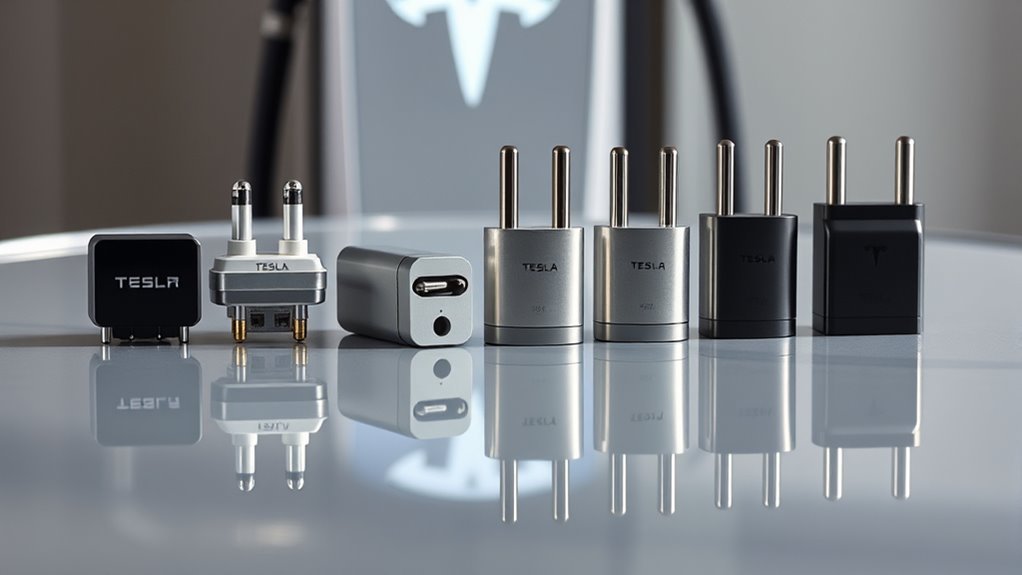
Charging your electric vehicle often feels difficult because of different plug types. Choosing the right adapter ensures you can power your car at almost any public station without stress. This guide explains how these tools bridge the gap between your car and the grid.
Quick Answer
Tesla owners typically need a J1772 adapter for slower public charging and a CCS adapter for fast charging at non-Tesla stations. Non-Tesla drivers use a NACS adapter to access the Tesla Supercharger network. Always verify your vehicle’s port type and choose only UL-certified equipment for safety.
Key Takeaways
- Tesla vehicles use the North American Charging Standard (NACS) connector, while many other EVs use the J1772 or CCS1 connector.
- The J1772 to Tesla adapter unlocks access to thousands of public Level 2 charging stations.
- A CCS to Tesla adapter allows specific non-Tesla EVs to use the Supercharger network.
- Always purchase UL-certified adapters to prevent electrical hazards and equipment damage.
- Knowing your vehicle’s charging port type is the first step toward effective trip planning.
Why EV Adapters Matter for Charging Access
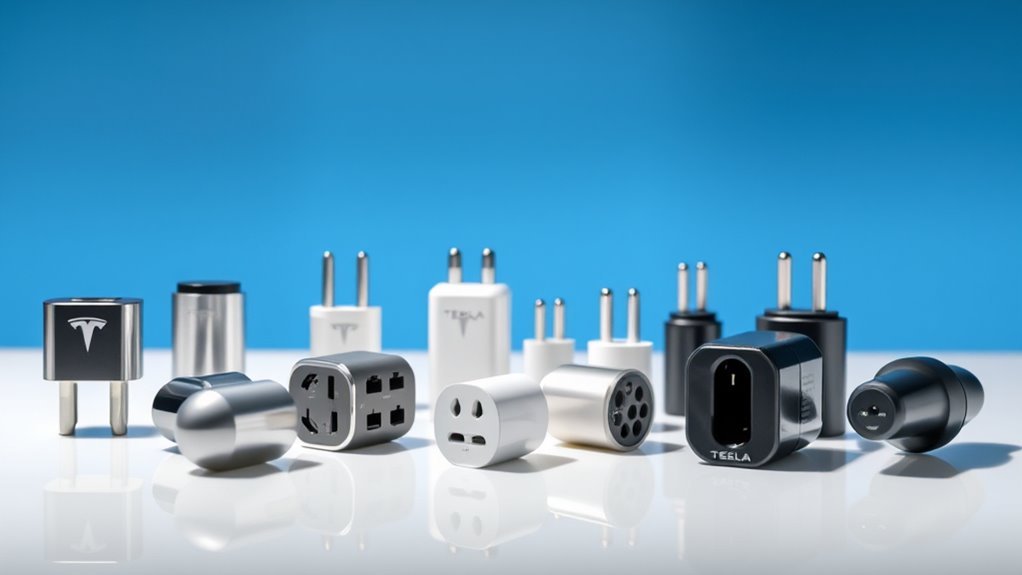
Electric vehicle charging isn’t one-size-fits-all. Different automakers use different plug standards, which creates challenges for drivers during long trips.
Adapters act as the essential bridge between your car’s port and the charging station’s cable. Without them, you cannot connect to networks designed for other vehicle types.
Safety remains the top priority when buying these tools. Always select UL-certified adapters because they undergo rigorous testing to ensure they handle high-voltage currents safely.
Understanding Tesla Charging Adapter Types
Knowing which adapter your vehicle requires is vital for a stress-free drive. You will primarily encounter two categories of adapters based on your vehicle brand and the charging station you want to use.
Main Adapter Types
Tesla includes a J1772 adapter with most vehicle deliveries. This allows you to plug into standard public Level 2 chargers found at malls, hotels, and parking garages.
The CCS to Tesla adapter serves a different purpose. It allows non-Tesla EVs to plug into the Tesla Supercharger network, provided the station supports non-Tesla charging via the Tesla app.
Some third-party manufacturers, such as Lectron, produce reliable adapters that support high-power fast charging.
Checking Your Compatibility
Before you buy an adapter, check your vehicle’s owner manual to confirm your specific charging port standard. Not every adapter works with every battery pack or charging station.
- Tesla vehicles use the proprietary NACS connector by default.
- The Tesla to J1772 adapter works for slower, AC charging stations.
- Non-Tesla EVs require a specific NACS-to-CCS adapter to use Superchargers.
Consult a qualified professional or your automaker if you have questions about specific hardware requirements. Always consult a qualified professional before making decisions based on this information.
Features of Quality Charging Adapters
A good adapter provides more than just a physical connection. It must maintain high conductivity and thermal management to prevent charging slowdowns.
Improving Your Charging Range
Adapters significantly extend your travel range by opening up more charging locations. Having the right tools means you no longer rely on a single charging network.
- J1772 adapters provide access to over 40,000 public stations in North America.
- High-quality adapters support high-current delivery without significant power loss.
- UL-certified materials provide essential protection against overheating during long sessions.
Using Fast Charging Safely
Fast charging, or DC fast charging, requires robust hardware to handle extreme heat and electricity flow. The CCS to Tesla adapter allows for these high-speed sessions.
Most modern fast chargers can deliver up to 250 kW of power. Ensure your chosen adapter is rated for the maximum power your vehicle can accept to avoid limiting your charging speed.
Choosing the Best Adapter
Select an adapter based on your specific vehicle and how you drive. If you mostly charge at home, you may never need a DC fast-charging adapter.
Look for these indicators of quality:
- UL Certification: Never skip this requirement for safety.
- Build Quality: Choose impact-resistant materials that survive dropping or daily wear.
- Warranty: Reputable brands usually offer a limited warranty on their charging hardware.
Installation and Usage Tips
Using an adapter is straightforward, but correct technique preserves both your charger and your car’s port.
| Action | Recommendation |
|---|---|
| Connection | Attach the adapter to the station cable before plugging it into your car. |
| Storage | Keep your adapter in the car to ensure you have it during emergencies. |
| Inspection | Check pins for debris or damage before every use. |
| Security | Lock your car to prevent accidental disconnection during charging. |
Performance and Efficiency
Charging speed depends on both the adapter and the station itself. Even a high-quality adapter cannot overcome the limitations of an old, slow charging station.
Some users report that third-party adapters may have different build tolerances. Test your adapter at a low-current station first if you feel concerned about a new purchase.
Resolving Common Adapter Issues
Sometimes you might experience connectivity errors. This usually happens when the connection isn’t tight or the pins don’t align correctly.
If your car refuses to charge, try unplugging the adapter from the station cable and reconnecting it firmly. If the problem continues, inspect the pins inside the adapter for bent metal. Always consult a qualified professional if you encounter persistent electrical faults.
Future Trends in Charging Standards
The industry is moving toward the NACS connector as the primary standard in North America. Many automakers have announced plans to adopt this plug in future vehicle models.
This shift will eventually reduce the need for many types of adapters. Until then, keeping a reliable, certified adapter in your trunk remains the best way to travel anywhere without worry.
Frequently Asked Questions
How do I choose the right Tesla adapter?
Assess your vehicle’s port and the type of charger you plan to use most. A J1772 adapter handles everyday public charging, while a CCS adapter is necessary for DC fast charging at non-Tesla stations.
What are the different Tesla charging adapters?
The main types are the J1772 to Tesla adapter for standard charging and the CCS to Tesla adapter for rapid charging. Each enables different levels of network access.
How to find a compatible Tesla charger?
Use the navigation system in your car or the official Tesla mobile app. These tools filter stations based on your vehicle’s specific connection requirements.
Are CCS and J1772 the same?
They are not the same. J1772 is for standard Level 2 charging, while CCS includes additional pins to support high-speed DC charging.
Conclusion
The right adapter transforms your EV from a car with limited range to a vehicle that can access almost any charger. Invest in quality, UL-certified hardware to ensure your equipment lasts as long as your vehicle. Keep your adapter handy and enjoy the freedom of the open road.







Leave a Reply