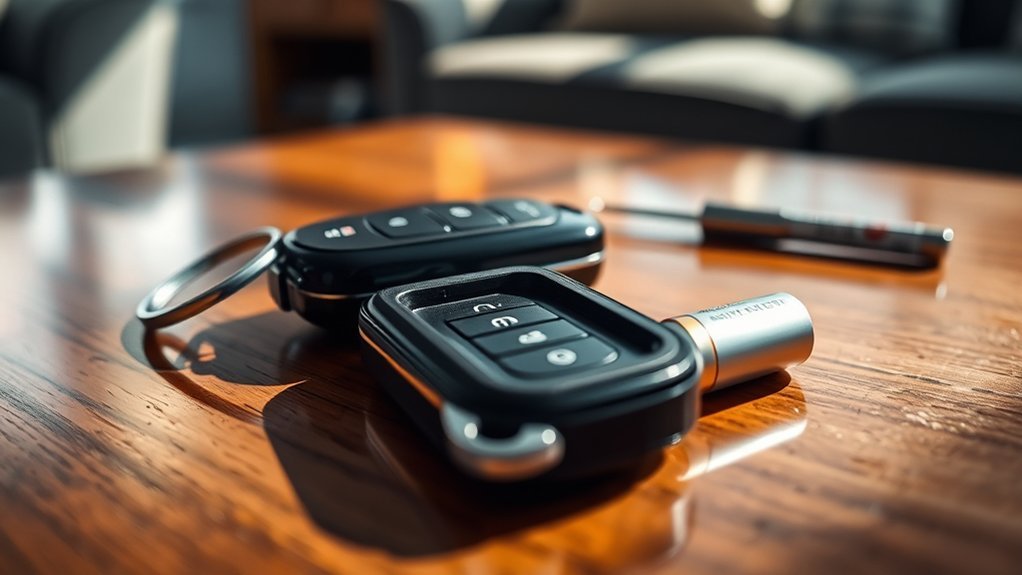
Replacing a car key fob battery involves identifying the correct battery model, prying the casing open with a flathead screwdriver, and swapping the old cell for a new one. Ensure the positive side faces up during installation, then reassemble the device and test the lock and unlock functions. This quick maintenance task saves you from potential lockouts and dealership service fees.
Quick Answer
To replace your key fob battery, pry open the casing with a small flathead screwdriver, note the battery orientation, and insert a new battery of the same size. Most fobs use standard CR2032 or CR2025 button cells. Always test the buttons immediately after reassembly to confirm the device works.
Key Takeaways
- Identify your specific battery type by checking the fob casing or your owner’s manual.
- Use a flathead screwdriver or plastic prying tool to open the housing without force.
- Note the battery orientation before removal to ensure the new battery sits correctly.
- Insert the replacement battery with the positive side facing upward.
- Reassemble the casing securely and test all buttons to confirm full operation.
Reasons to Replace Your Key Fob Battery
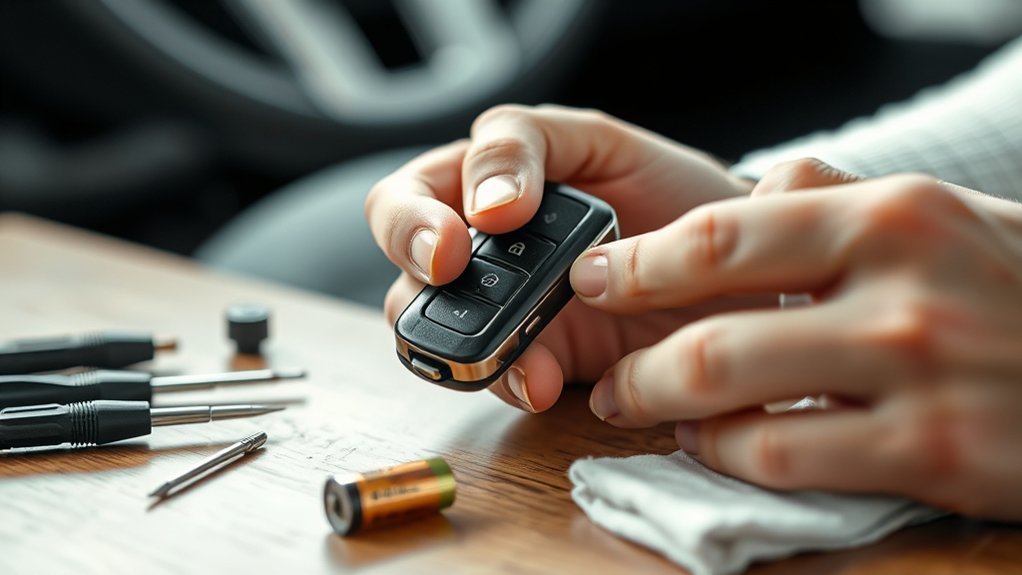
Key fob batteries typically last about three to five years. You should replace the battery as soon as you notice signs of weakness to avoid an unexpected lockout.
Common symptoms of a dying battery include a significantly decreased signal range or intermittent response when you press the buttons. If your vehicle fails to recognize the fob, the battery likely needs a change.
Performing this check regularly maintains your vehicle’s locking system performance. Since different manufacturers require specific battery sizes, always confirm the correct type before purchasing a replacement.
Identifying Your Key Fob Battery Type
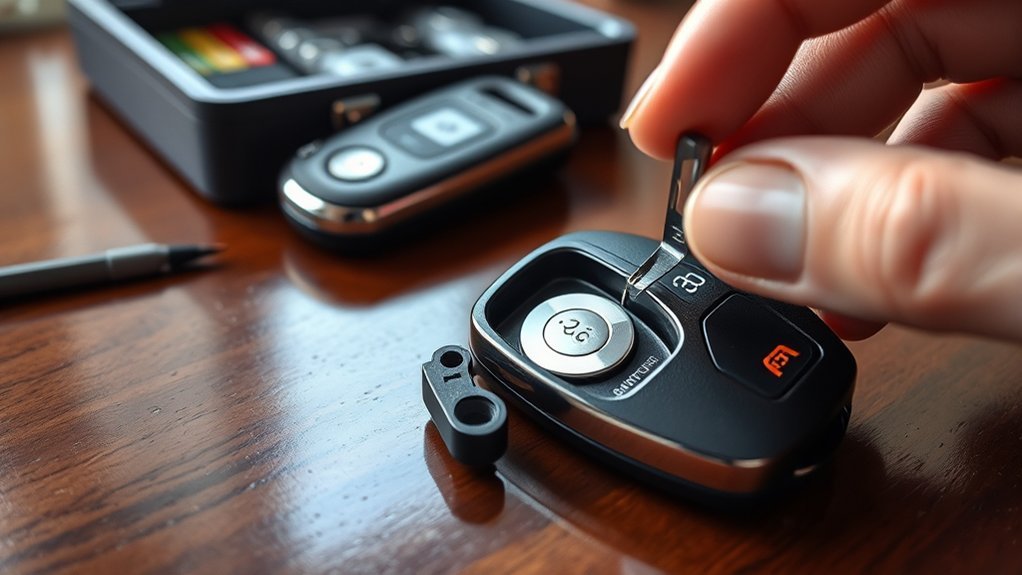
You can identify your battery type by inspecting the back of the fob for printed model numbers. If no markings exist, search for your vehicle’s make, model, and year plus the phrase “key fob battery” online.
Most fobs use common button cells like the CR2032, CR2016, or CR2025. These vary in thickness and energy capacity, so using the exact match matters for proper fit.
Check Back Of Fob
Examine the back of the fob for a stamped battery model number. This detail saves time and ensures you buy the correct replacement.
If the information remains hidden, consult your vehicle’s owner manual. The manual lists the exact battery specifications required for your specific keyless entry system.
Online Battery Type Lookup
Use your vehicle’s specific make and model to search for the battery type online. Many automotive forums and manufacturer websites provide reliable compatibility charts.
Retailers often host lookup tools that match your car details to the correct battery. Verify the result against the battery currently inside your fob before buying a new one.
Common Battery Types Used
Most modern key fobs rely on standard lithium coin batteries. These batteries are widely available at hardware stores and electronics retailers.
- CR2032: A common thick battery used in many newer models.
- CR2025: A slightly thinner option frequently found in mid-sized fobs.
- CR2016: A thin battery used in compact, low-profile fob designs.
Step-by-Step: Opening Your Key Fob Safely
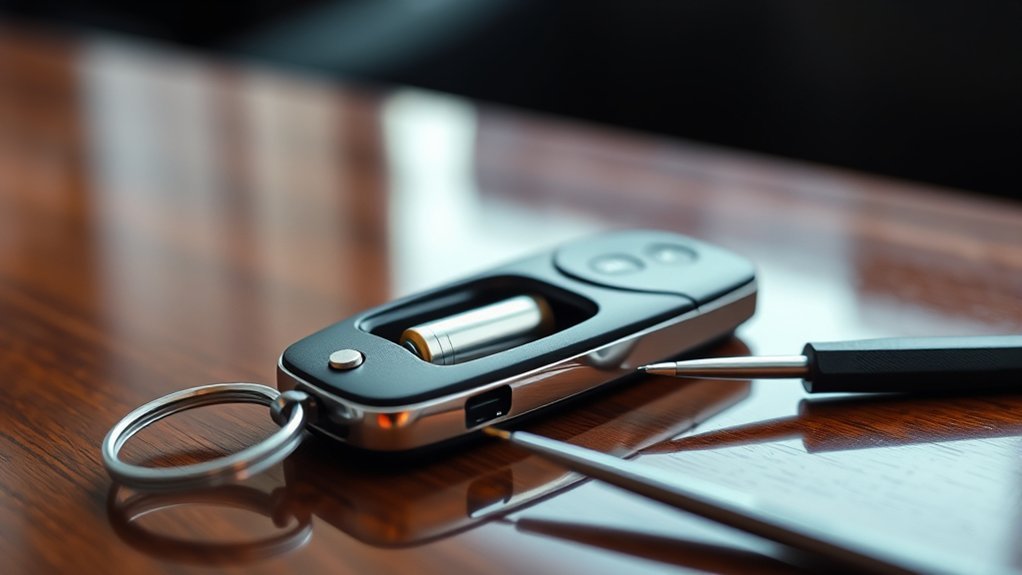
Opening a fob requires patience to avoid damaging the plastic shell. Identify the seam where the two halves meet before you begin.
Gather a small flathead screwdriver. If your fob includes a physical emergency key, remove it first, as this often reveals hidden release points or screws.
Identify Your Key Fob
Before you pry, look for a small groove specifically designed for a screwdriver. Some fobs require you to slide a back cover off rather than prying the sides apart.
- Search for a small screw that secures the casing.
- Check for plastic tabs that hold the two halves together.
- Remove the physical backup key to see if a release button exists.
Use Proper Tools
A flathead screwdriver is the standard tool for this task. Use a smaller size to avoid leaving deep marks on the plastic casing.
If you prefer not to use metal tools, a plastic prying tool prevents surface scratches. Place the tool into the seam and apply light, steady pressure to pop the clips open.
Open With Care
Start at one corner and slowly work your way around the seam. Avoid inserting the screwdriver too deeply to protect the internal circuit board.
Once the casing splits, lift the cover carefully. Some fobs contain loose buttons or a circuit board that might fall out if you aren’t cautious.
Removing the Old Battery: Tips for Success
Note the orientation of the old battery before you remove it. Taking a quick photo with your phone helps you remember how to install the new one.
Use a small, non-conductive tool to nudge the battery out of its clip. Clean any dust or debris from the contacts with a dry cloth to ensure a strong electrical connection.
Top Errors When Replacing Key Fob Batteries
Mistakes during this process can lead to a non-responsive fob. Avoid these common pitfalls to ensure a successful repair:
- Forcing the casing open, which can snap internal plastic clips.
- Installing the battery upside down, preventing the circuit from completing.
- Leaving debris on the contacts, which creates a poor connection.
- Using the wrong battery size, which causes the fob to malfunction or fail to close.
Installing the New Battery Correctly
Slide the new battery into the housing, ensuring it sits flat against the contacts. The positive side, usually marked with a plus sign, typically faces up toward the buttons.
Do not force the battery into a tight slot. If it doesn’t slide in with gentle pressure, verify that you have the correct battery model for your fob.
Positive Side Orientation
Correct orientation is non-negotiable. If the battery is flipped, the remote cannot transmit a signal to the vehicle.
Ensure the battery sits securely within the metal retention clips. A loose battery will cause intermittent issues even if it is installed in the right direction.
Secure Battery Placement
Make sure the battery contacts are clean and free of oil from your fingers. Once the battery sits firmly in place, you can proceed to snap the casing back together.
Press along the edges of the fob until you hear a series of clicks. This confirms that the internal clips have re-engaged and the casing is sealed tight.
Seal Integrity Check
Many fobs feature a rubber gasket to keep moisture out. Ensure this gasket is seated correctly in the groove before closing the case.
If the gasket is pinched or out of position, the fob will not be waterproof. Align the two halves carefully to protect the electronics inside.
How to Reassemble Your Key Fob Properly
Reassemble the fob by aligning the two halves and pressing them together firmly. If you removed any screws, replace them now using the appropriate screwdriver.
Ensure the physical key slides back into its designated slot. If the casing feels loose, check to ensure no wires or internal components are trapped between the edges.
Testing Key Fob Functionality After Replacement
Once reassembled, walk toward your vehicle and test the buttons. Check the unlock, lock, and trunk release functions.
If the fob fails to respond, verify the battery position once more. If it still doesn’t work, ensure the fob wasn’t damaged during the opening process.
What to Do If Your Key Fob Isn’t Working After Replacement?
If the fob remains unresponsive, perform a quick reset if your manual suggests one. Some vehicles require you to hold the lock and unlock buttons for several seconds after a battery change.
If it still does not work, the issue may be the internal circuit board or the battery contact pins. In this case, consult a professional to avoid further damage. Always consult a qualified technician before attempting complex internal repairs.
When to Call in the Pros for Your Key Fob
Contact a professional locksmith or dealership if you experience persistent issues after a battery change. Experts can determine if the fob requires reprogramming.
You should also seek help if your fob has suffered physical damage or exposure to water. Trying to fix a damaged circuit board at home can lead to total failure of the remote.
Frequently Asked Questions
Can I Use Any Battery Brand for My Key Fob?
Yes, you can use any brand as long as the battery size and voltage match your fob’s requirements. Look for reputable battery brands to ensure longer performance.
How Long Does a New Key Fob Battery Last?
A new battery usually lasts between one and three years. This depends on how frequently you use the buttons and the signal strength required by your vehicle.
Will Replacing the Battery Reset My Key Fob Settings?
No, the fob retains its programming during a battery change. Your vehicle will recognize the fob immediately after you insert the new battery.
Can I Replace My Key Fob Battery Without Tools?
Some key fobs allow for tool-free entry by using a sliding latch mechanism. However, most fobs require at least a small flathead screwdriver to pry the casing apart.
Are There Any Safety Concerns When Replacing the Battery?
Keep button cell batteries away from children and pets, as they present a serious ingestion hazard. Dispose of old batteries at a designated recycling center rather than in the regular trash.
Conclusion
Replacing your key fob battery is a simple task that keeps your vehicle access reliable. By following these steps and ensuring the battery is installed with the correct orientation, you can avoid unnecessary service calls. Keep your fob in good condition by checking the seals during every battery change. Always keep a spare battery in your glove box for emergencies.







Leave a Reply