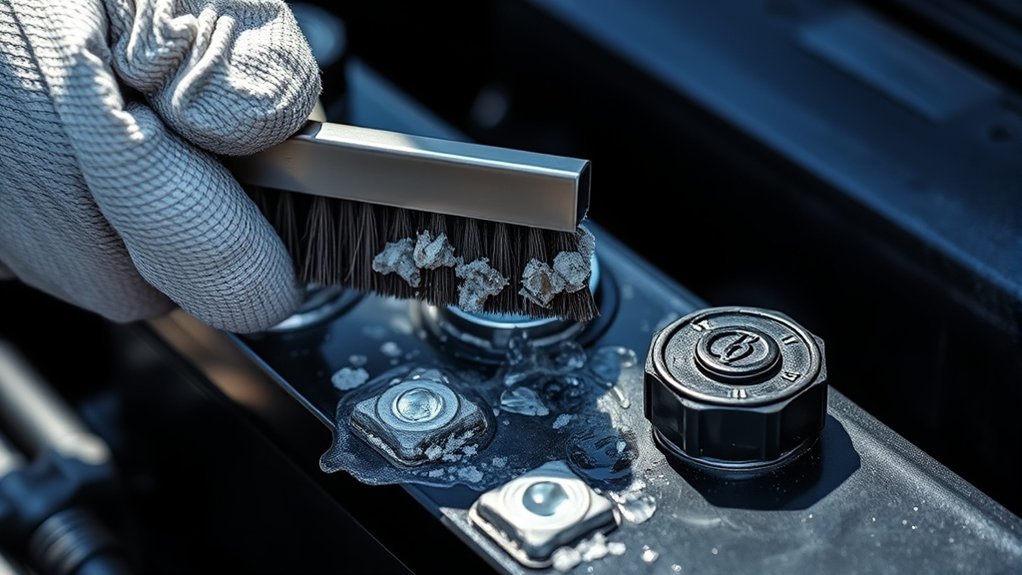
Corrosion on your car battery terminals stops electricity from flowing, which often prevents your engine from starting. You can easily remove this buildup at home with simple household items. This guide shows you how to safely clean your terminals and keep them free of corrosion for better vehicle performance.
Quick Answer
Clean your battery terminals by disconnecting the negative cable first, then scrubbing the posts with a baking soda and water solution. Rinse the area thoroughly with plain water, dry the terminals completely, and apply dielectric grease to prevent future corrosion. Always turn off your engine and wear eye protection before starting this process.
Why Cleaning Car Battery Terminals Matters
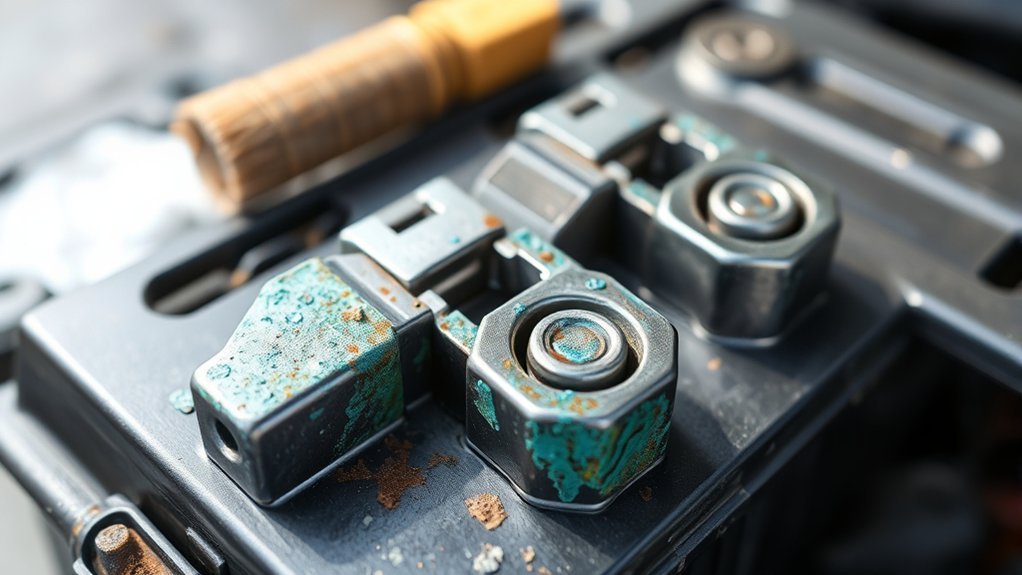
Your car battery relies on clean connections to transfer power effectively. Corrosion creates a barrier that resists electricity, which forces your electrical system to work much harder than it should.
Regular maintenance ensures that your car starts reliably every time. If you ignore white or blue powdery buildup, the acid can eventually eat through cables and damage surrounding engine parts. Removing this corrosion extends your battery life and helps you avoid unexpected roadside repairs.
Essential Safety Precautions Before You Start
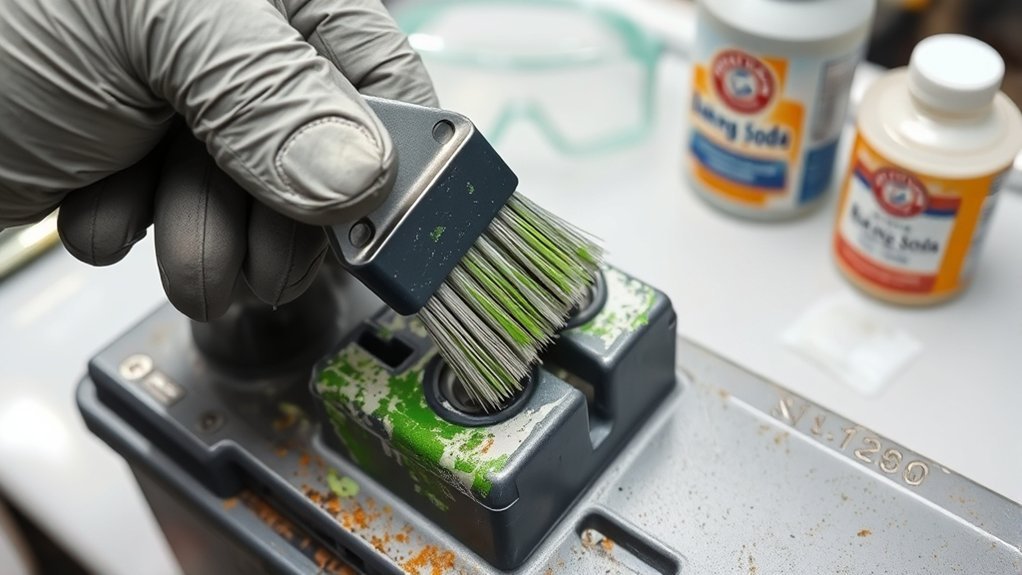
Car batteries contain sulfuric acid and can release flammable gases. Always work in a well-ventilated area away from open flames or sparks.
- Switch off the engine to prevent electrical surges.
- Wear safety glasses to shield your eyes from debris.
- Use insulated gloves to protect your hands from acidic residue.
- Keep metal tools from touching both battery terminals at once.
How to Safely Disconnect Battery Terminals
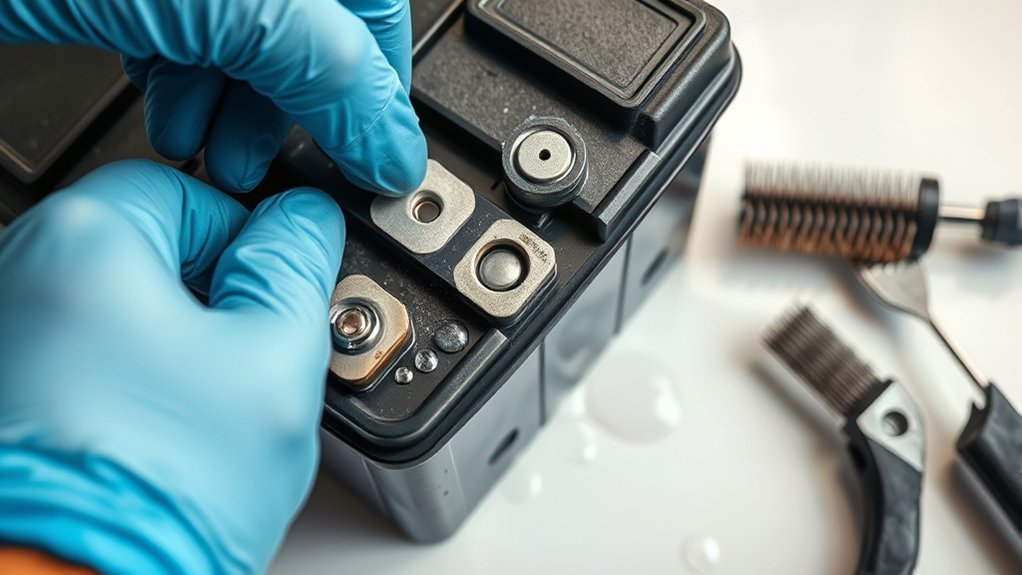
Identify the polarity before you touch any bolts. The positive terminal usually features a red cover or cable, while the negative terminal uses a black one.
Identify Terminal Polarity
Never disconnect the positive terminal before the negative one. Removing the negative cable first breaks the ground circuit, which stops the risk of shorting your wrench against the frame of the car.
- Locate the negative terminal marked with a minus sign or black cable.
- Loosen the nut on the negative clamp using a wrench.
- Wiggle the clamp gently to lift it off the terminal post.
- Repeat the process for the positive terminal if you need to remove the battery entirely.
Use Proper Tools
Using the wrong tools often results in stripped bolts or damaged cables. Select a wrench or socket that fits the terminal nut snugly to avoid slipping.
If the nut sticks, use a penetrating oil to loosen it before you apply force. Avoid using pliers, as they often slip and damage the hexagonal shape of the nut.
How to Effectively Remove Corrosion
Once you disconnect the cables, you can focus on the terminals. A simple mixture of baking soda and water works wonders to neutralize the acidic corrosion found on most car batteries.
Mix two tablespoons of baking soda with a cup of water. Use an old toothbrush to apply this mixture to the terminals. The solution will bubble as it neutralizes the acid. Scrub the posts until the metal looks clean and shiny.
How to Clean and Rinse Battery Terminals Properly
Rinsing is just as important as scrubbing. Leaving baking soda residue behind can actually accelerate new corrosion if it remains on the plastic housing.
Effective Cleaning Methods
Beyond baking soda, you can use a dedicated battery terminal cleaning spray found at most auto parts stores. These sprays often contain acid indicators that change color when they neutralize the corrosion. If you use a wire brush, be careful not to scrub too hard, as you may remove the protective coating of the terminal lead.
Rinsing Techniques
Use a damp cloth or a small spray bottle of clean water to rinse the terminals. Do not dump large amounts of water over the battery, as you want to avoid getting electrical components underneath the battery wet. Pat the terminals completely dry with a clean shop rag before reconnecting anything.
Prevent Future Corrosion
Moisture and heat cause corrosion to return quickly. You can seal the terminals to keep air and moisture out after you finish cleaning them.
- Apply a thin layer of dielectric grease to the terminal posts.
- Use commercial battery terminal felt washers to add another layer of protection.
- Ensure the cable clamps fit tightly so air cannot enter the connection gap.
How to Reconnect Battery Terminals Safely
Reconnection happens in the reverse order of removal. Always attach the positive terminal first, then the negative terminal.
Tighten the clamps until they do not move when you pull on them by hand. If the clamps remain loose, you may experience intermittent power failures or issues starting the vehicle.
Frequently Asked Questions
How often should I clean my car battery terminals?
Check your battery during every oil change. You only need to clean them if you see blue or white crusty buildup, which usually happens every six to twelve months.
Can I use vinegar instead of baking soda?
Yes, vinegar is acidic and helps dissolve corrosion. However, you must rinse it off very thoroughly, as any leftover vinegar can encourage metal oxidation.
Is it safe to clean battery terminals while the engine is running?
Never clean the terminals while the engine runs. Sparks can ignite hydrogen gas escaping from the battery, which can lead to an explosion.
What are the signs of a failing car battery?
Look for slow engine cranking, dim interior lights, or a clicking sound when you turn the key. These symptoms often indicate that the battery can no longer hold a charge properly.
Conclusion
Cleaning your battery terminals takes less than twenty minutes and saves you from preventable starting failures. Regular inspections help you catch corrosion before it causes long-term damage to your cables or battery tray. Follow these simple steps every few months to keep your vehicle starting reliably for years to come.







Leave a Reply