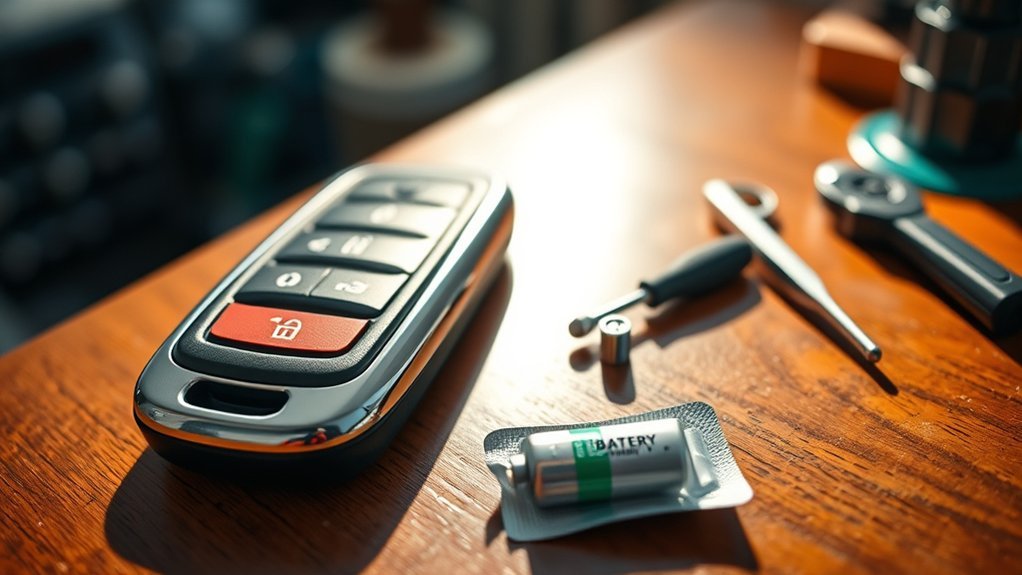
To replace the battery in your car key fob, start by identifying your fob model for the correct opening method. Use a flat screwdriver to carefully pry it open and remove the old battery, noting its model number. Choose a replacement battery—commonly CR2032, CR2016, or CR2025—matching it precisely. Reassemble the fob, ensuring a snug fit. If it still doesn’t work, you may need to reprogram it or seek professional help for further issues. More detailed steps follow.
Key Takeaways
- Identify your key fob model and gather tools like a flat screwdriver to safely open the casing.
- Remove the old battery by noting its model number for accurate replacement; common types include CR2032, CR2016, and CR2025.
- Insert the new battery in the correct orientation and ensure it fits securely in the key fob.
- Reassemble the fob by aligning components properly, then test all buttons to confirm functionality.
- If needed, consult your vehicle’s manual for reprogramming instructions or seek professional assistance for complex issues.
Why You Should Replace Your Key Fob Battery
When your key fob battery dies, you can find yourself in a frustrating situation, unable to gain access to or start your vehicle. Replacing your key fob battery is crucial for avoiding this inconvenience.
Most key fobs use lithium batteries that last around 2-4 years, so regular replacement is key for peak performance. Knowing how to replace your key fob battery not only liberates you from dependence on traditional keys but also guarantees seamless access to your vehicle when you need it most.
Employing simple battery replacement techniques applies to a variety of car brands, making it an accessible skill for most car owners. By regularly checking and replacing the battery in your key fob, you can prevent unexpected failures.
This proactive approach ensures your key fob functions correctly, allowing you to focus on what truly matters. For tips and support, connect with us on social to stay informed and empowered.
How to Open Your Key Fob Safely
To open your key fob safely, first identify the specific model you have, as different types can have unique mechanisms.
Next, gather the appropriate tools, such as a flat screwdriver or a butter knife, to avoid damaging the casing.
Carefully inspect your fob for seams or slots where you can gently pry it open without using excessive force.
Identify Key Fob Type
How can you identify the type of key fob you have? Start by examining the key fob design. Look for an insert or a button mechanism, as this will determine your opening technique. If there’s an insert, remove the metal key first. Check for a designated slot or seam where you can gently pry it open using a flat object. Here’s a breakdown of common key fob types:
| Key Fob Type | Opening Method |
|---|---|
| Insert | Remove key; pry with flat object |
| Button | Press and slide to separate |
| Direct Access | Open without insert |
| Complex Design | Follow manufacturer instructions |
Understanding these troubleshooting steps can enhance your battery lifespan and minimize damage during replacement.
Use Appropriate Tools
Opening your key fob safely requires the right tools and techniques to prevent damage. Start by removing any metal key inserts using the release mechanism, as designs can vary.
Look for a small slot to insert a flat tool, like a butter knife or screwdriver. Apply gentle pressure along the edges to pry the casing apart without cracking the plastic. Avoid excessive force to prevent breaking the fob or misaligning internal components.
Keep the keyring attached while opening; it helps hold the covers in place during battery replacement. By utilizing these methods, you enhance your key fob maintenance, ensuring battery longevity and achieving cost-effective solutions for your vehicle’s security system.
Accessing and Removing the Old Battery
To access and remove the old battery, start by identifying the type of battery your key fob uses.
Carefully open the fob and use a flat object to pry out the battery without damaging the casing.
Knowing the battery’s model number will help you find the correct replacement, ensuring a smooth changeover.
Identifying Battery Type
When you’re ready to replace the battery in your key fob, identifying the correct battery type is vital for a successful swap. Most key fobs use lithium coin cell batteries, typically CR2032 or CR2025.
Check the model number on the old battery once you’ve accessed it, ensuring battery compatibility for ideal performance. This step is important for maintaining your key fob’s functionality and extending its battery lifespan.
Some fob designs allow for easier access, simplifying the replacement process. Keep your keyring attached during this process to prevent the fob covers from detaching unexpectedly.
Safe Removal Techniques
Once you’ve identified the correct battery type for your key fob, the next step is safely removing the old battery.
Start by locating an opening or slot where you can gently insert a flat object, like a butter knife or screwdriver, to pry the fob open. Apply light pressure along the seams; forcing it may cause damage.
Once open, carefully lift out the old battery, noting its model number for replacement. Some fob designs allow direct access, so inspect your specific model beforehand.
Always keep the keyring attached to stabilize components and prevent shifting during the process.
Following these battery safety tips and fob maintenance practices will help guarantee effective troubleshooting techniques for future replacements.
Common Battery Locations
Identifying common battery locations in key fobs is crucial for efficient battery replacement. Most key fobs feature a designated compartment that you can access by prying open the casing.
Before opening, remove the metal key insert if your model requires it. Look for a small slot or opening where you can insert a flat object, allowing you to open the casing without damage.
Once you access the compartment, the battery—often a specific battery type—will be snugly fitted. Use a flat tool to gently pry it out.
Always check the battery model number on the old battery to verify you purchase the correct replacement. These DIY tips can enhance fob longevity and reduce future hassles.
How to Select the Correct Battery Model for Your Key Fob
How can you assure you select the correct battery model for your key fob? Start by opening the fob and carefully removing the existing battery. Check for the model number, typically printed on the battery itself. Common options include CR2032, CR2016, and CR2025—verify your specific model before making a purchase.
Consider battery compatibility considerations, as using the wrong type can lead to malfunction or reduced performance.
When exploring purchasing battery options, you’ll find many available at local electronics stores, automotive retailers, or online marketplaces. If you’re uncertain about the required battery, consult your vehicle’s owner’s manual or search online using your car’s make and model for accurate information.
Always prioritize reputable brands to meet your battery life expectations; cheaper alternatives could compromise functionality and lifespan. Making informed choices assures your key fob operates reliably and efficiently.
Reassembling Your Key Fob After Battery Replacement
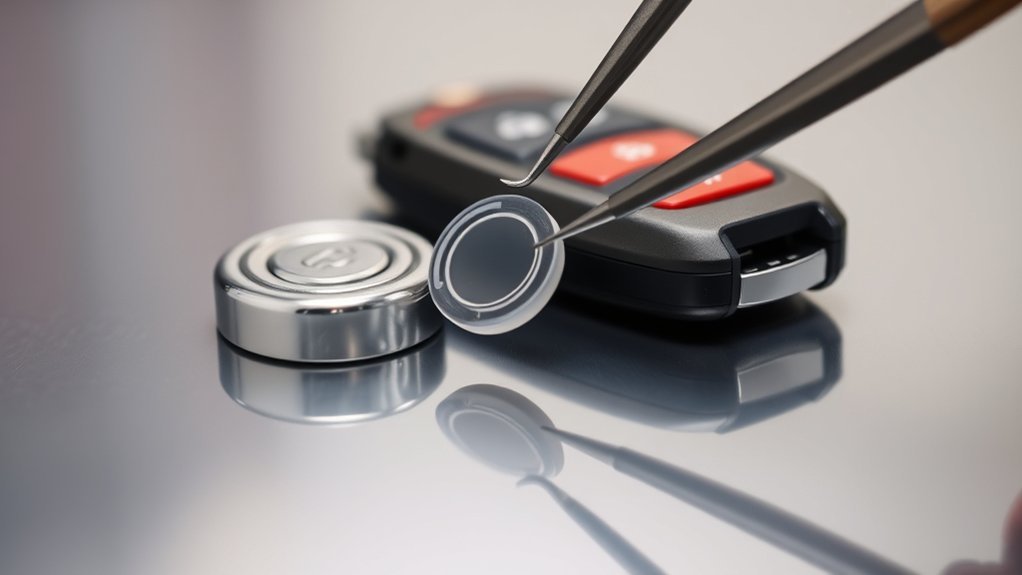
Reassembling your key fob after replacing the battery is a straightforward process that requires careful attention to detail. Start by aligning all components properly to guarantee a snug fit. Apply gentle but firm pressure on the corners of the key fob to snap the covers back together securely.
| Step | Action | Tips |
|---|---|---|
| 1 | Align all components | Guarantee proper positioning |
| 2 | Secure the battery | Check for snug fit |
| 3 | Snap covers together | Use keyring for stability |
If your key fob has additional housing or rubber covers, follow the same technique used during disassembly to avoid damage. Double-check that all parts are correctly aligned before closing the fob. By following these troubleshooting tips, you can achieve a successful key fob assembly that functions efficiently.
What to Do If Your Key Fob Still Doesn’t Work?
Even after replacing the battery, your key fob mightn’t work due to several factors.
First, check that the new battery is installed correctly, confirming the positive and negative sides align as marked. Battery alignment issues can lead to malfunction.
Inspect your key fob for any physical damage or corrosion on the contacts, as these can disrupt the electrical connection.
In some cases, reprogramming the key fob may be necessary, as certain models require a specific reset sequence after a battery change.
Verify the replacement battery matches the exact model number; using the wrong type can cause issues.
If you’ve tried these key fob troubleshooting steps and it still doesn’t work, consult your vehicle’s manual for guidance.
Alternatively, consider professional assistance options like a locksmith, as there may be deeper problems with the fob or your vehicle’s receiver system.
Frequently Asked Questions
Can I Change the Battery in My Car Key Fob Myself?
Yes, you can change the battery in your car key fob yourself. Different key fob types require specific batteries, so check battery life and follow troubleshooting tips for a successful replacement and restored functionality.
How to Open a Key Fob to Replace Battery?
Opening a key fob’s like unwrapping a gift; first, locate any openings based on key fob types. Use a flat tool to pry gently, ensuring fob compatibility with the correct battery size for replacement.
Do Halfords Replace Car Key Batteries for Free Near Me?
Halfords doesn’t replace car key batteries for free, but they do offer battery services at a nominal fee. Check local battery replacement options for key fob compatibility and assistance from knowledgeable staff.
Can Autozone Change My Key Fob Battery?
AutoZone services can change your key fob battery, regardless of key fob types. They’ll help you with battery lifespan concerns, ensuring your remote’s ready to roll without a hitch. Just stop by!
Conclusion
Replacing the battery in your key fob is a straightforward task that can save you time and hassle. By following the steps outlined, you’ll guarantee your key fob works smoothly again. If, after replacing the battery, your fob still doesn’t function, it might be time to dig a little deeper into potential issues. Don’t let a small setback keep you from driving; sometimes, you have to go the extra mile to keep things running smoothly.







Leave a Reply