
The Toyota App is your gateway to a smarter driving experience. You can remotely start your engine, lock and open doors, and even find your parked car. Setting it up is simple: download the app, register your vehicle, and connect your phone via Bluetooth. Keep track of your vehicle’s health with real-time updates and receive alerts for maintenance. Plus, enjoy peace of mind with safety features like emergency assistance. Discover more about how to maximize these capabilities!
What Can You Do With the Toyota App?
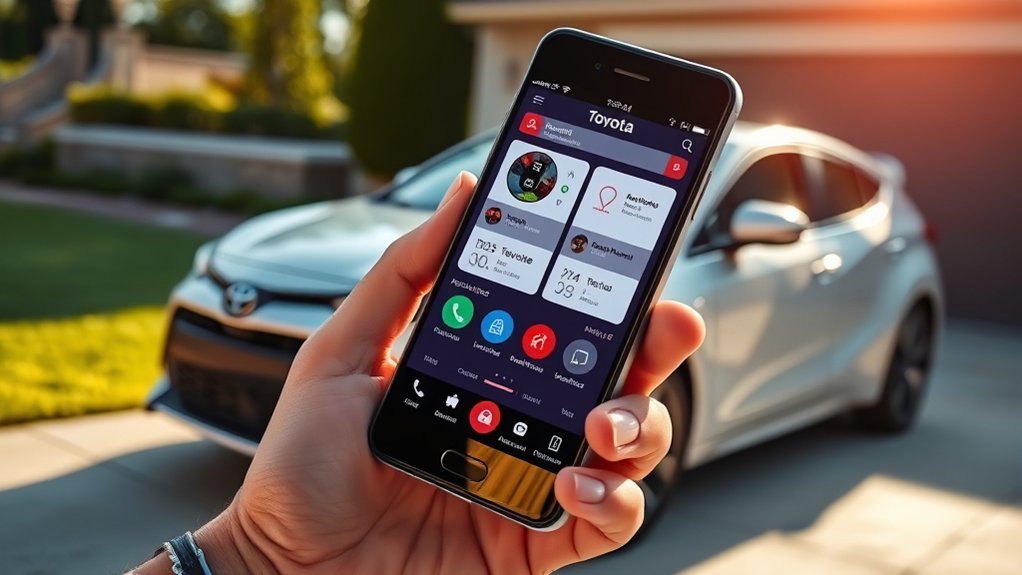
The Toyota App transforms your driving experience by putting a range of powerful features right at your fingertips. With the remote start function, you can start your engine from a distance, ensuring your vehicle’s ready when you are.
You’ll appreciate monitoring your vehicle health in real-time, checking fuel levels, oil life, and tire pressure to keep everything running smoothly. Lost in a crowded parking lot? The Vehicle Finder feature helps you locate your car quickly, enhancing your convenience.
Plus, Safety Connect offers peace of mind with emergency assistance, automatic collision notifications, and a stolen vehicle locator. Manage your vehicle effortlessly by scheduling service appointments directly through the app, and stay informed with maintenance updates and alerts for recalls.
The Toyota App not only enhances your driving experience but also liberates you from the hassles of vehicle management, making every journey more enjoyable.
How to Set Up Your Toyota App
Setting up your Toyota App is a straightforward process that takes just a few minutes. Begin by downloading the official app from the App Store or Google Play Store, free of charge. Next, you’ll need to register by entering your vehicle’s VIN (Vehicle Identification Number) along with your personal details.
Once registered, link your app to your Toyota account to access its remote features and vehicle status updates. Don’t forget to connect your smartphone to your vehicle’s Bluetooth for seamless integration. Finally, activate Connected Services through the app to enjoy enhanced vehicle management.
Here’s a quick overview of the setup process:
| Step | Action |
|---|---|
| 1. Download | Get the app from App Store or Play Store |
| 2. Register | Enter your VIN and personal details |
| 3. Link Account | Connect the app to your Toyota account |
| 4. Connect Bluetooth | Pair your smartphone with your vehicle |
| 5. Activate Services | Enable Connected Services for advanced features |
Remote Functions Offered by the Toyota App
Releasing a world of convenience, the Toyota App offers a variety of remote functions that enhance your driving experience.
With just a few taps, you can lock and access your vehicle’s doors, ensuring both security and ease. Imagine starting your engine remotely, allowing you to precondition the cabin temperature before you even step inside. Whether it’s a chilly morning or a hot day, you can adjust climate control settings to create a comfortable atmosphere.
The app also features a handy Vehicle Finder tool, helping you locate your parked car in crowded areas by showing its last known location.
Plus, with 24/7 roadside assistance at your fingertips, support is always close by during emergencies.
These remote functions of the Toyota App not only elevate your convenience but also empower you with greater control over your vehicle, making every journey more enjoyable and stress-free.
Monitoring Your Vehicle’s Health
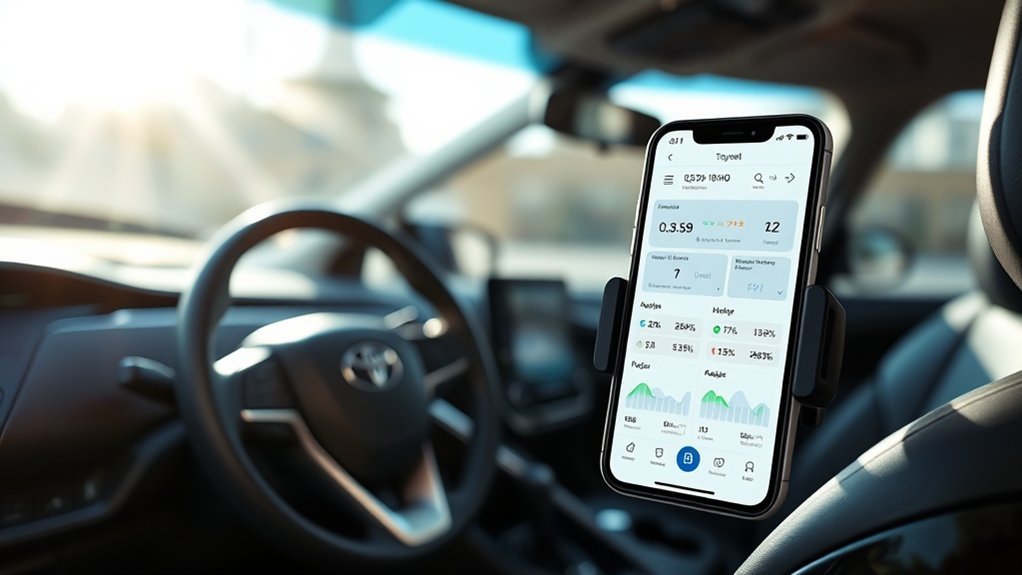
When it comes to keeping your vehicle in peak condition, using the Toyota App to monitor your car’s health makes a significant difference.
This app empowers you by providing real-time updates on essential vehicle health metrics, such as fuel levels, oil life, and tire pressure. You’ll receive timely maintenance alerts, ensuring you never miss vital service tasks.
The Vehicle Health Report feature keeps you informed about recalls and service campaigns, allowing you to address potential issues proactively. By accessing your service history through the app, you can make informed decisions about future maintenance, enhancing your vehicle’s performance and longevity.
Stay proactive with the Vehicle Health Report, keeping you updated on recalls and service history for optimal car performance.
With all this information at your fingertips, you gain a sense of liberation, knowing your car is always in prime condition.
Toyota App Safety Features for Peace of Mind
The Toyota App offers a suite of safety features designed to give you peace of mind while driving. With these tools at your fingertips, you can navigate the unexpected with confidence.
- Safety Connect®: Enjoy 24/7 access to a response center for emergencies, ensuring immediate assistance when needed.
- Emergency Assistance Button: Connect directly with agents for urgent situations, promoting quick response times.
- Stolen Vehicle Locator: This feature utilizes GPS technology to help recover stolen vehicles, offering peace of mind to owners.
- Automatic Collision Notification: If an airbag deploys, help is on the way automatically, ensuring you’re never alone in a crisis.
Additionally, Enhanced Roadside Assistance is just a button press away, providing support for towing and tire changes.
With these features, the Toyota App truly empowers you to drive without fear, knowing help is always close by.
Frequently Asked Questions
What All Can You Do With the Toyota App?
With the Toyota app, you can remotely control your vehicle, monitor its health, access safety features, receive maintenance reminders, and enjoy navigation assistance—all while benefiting from an intuitive user interface and customization options based on user reviews.
What Information Does the Toyota App Collect?
The Toyota app collects personal data, vehicle performance tracking details, and location services information. It prioritizes user account security while adhering to data sharing policies, addressing app usability challenges, and incorporating user feedback for improved functionality.
What Features Does Toyota Remote Connect Have?
With Toyota Remote Connect, you enjoy remote start, climate control, and real-time vehicle status updates. You’ll receive smart notifications, maintenance alerts, and driving scores, plus location tracking and service scheduling tailored to your user preferences.
What Is the Monthly Fee for the Toyota App?
The monthly fee for the Toyota app starts at $15 for basic plans, with app service charges reaching $25 for premium features. Consider the Toyota app’s value against app usage expenses for ideal benefits.
Conclusion
With the Toyota app, you’re not just staying connected to your vehicle; you’re enhancing your driving experience. Did you know that over 70% of users report feeling more secure knowing they can monitor their car’s health remotely? This peace of mind allows you to focus on what truly matters—your journey. By utilizing the app’s features, you can drive with confidence, knowing you have the power to manage your vehicle right at your fingertips. Embrace the future of driving!







Leave a Reply