
The Toyota App makes it easier to manage your vehicle from your smartphone. Depending on your Toyota’s model, equipment, and Connected Services subscription, you can remotely start the vehicle, lock or unlock doors, find its last parked location, review vehicle information, and schedule maintenance. You can also manage available Connected Services, including Remote Connect, Service Connect, and Safety Connect. Here’s how to set up the app, understand its features, and decide which services you need.
Quick Answer
The Toyota App is a free mobile app that lets you manage your Toyota, check available vehicle information, receive maintenance reminders, and access Connected Services. Compatible vehicles can also use Remote Connect for remote start, door controls, and last parked location. Available features depend on your vehicle, equipment, region, and active trial or subscription.
Key Takeaways
- The Toyota App is free to download, but some Connected Services require a trial or paid subscription.
- Remote Connect can provide remote start, door controls, vehicle status, and last parked location on compatible vehicles.
- Service Connect provides available vehicle health information, maintenance alerts, and service reminders.
- Safety Connect uses the vehicle’s emergency communication system, including its in-vehicle SOS button.
- Bluetooth pairing is not a universal requirement for Toyota App remote functions.
- Features, trials, and subscription options vary by vehicle and model year.
What Can You Do With the Toyota App?
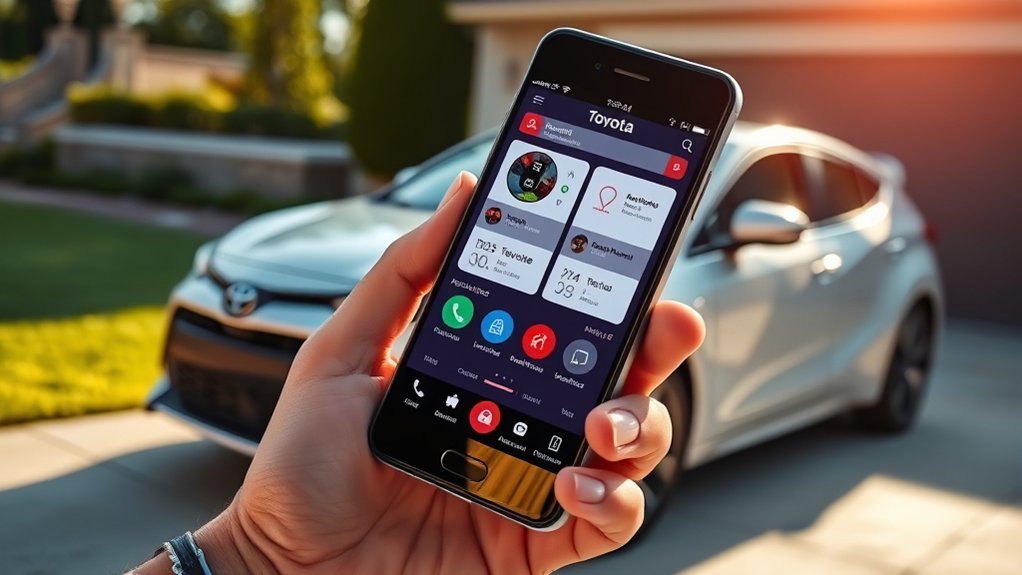
The Toyota App puts useful ownership tools in one place. You can use it to manage your vehicle, review available maintenance information, and access supported Connected Services.
With Remote Connect, compatible vehicles can start remotely, lock or unlock their doors, display vehicle status notifications, and show the last parked location.
You may also be able to access guest driver alerts, remote climate controls, and other features, depending on your vehicle’s equipment.
Service Connect provides available vehicle health reports, maintenance reminders, and vehicle alerts. You can also access service information and schedule appointments with a Toyota dealer.
The app can display recall information, helping you identify issues that may require attention.
For supported vehicles, additional functions may include smartwatch integration, charging information, and access to Toyota Financial Services.
These capabilities are described in Toyota’s official Toyota App documentation.
Understanding Toyota Connected Services
The Toyota App and Toyota Connected Services are related, but they are not the same thing.
The app provides the mobile interface, while Connected Services are the vehicle-based services that enable specific functions.
| Service | Main Functions |
|---|---|
| Remote Connect | Remote vehicle controls, available vehicle status information, and last parked location. |
| Service Connect | Vehicle health reports, maintenance alerts, and service reminders. |
| Safety Connect | Emergency Assistance, Automatic Collision Notification, Enhanced Roadside Assistance, and Stolen Vehicle Locator. |
| Drive Connect | Available cloud navigation, Intelligent Assistant, and Destination Assist. |
| Wi-Fi Connect | An available in-vehicle wireless hotspot. |
Not every Toyota supports every service. Check your vehicle’s available features and active subscriptions in the app.
How to Set Up Your Toyota App
Setting up your Toyota App starts with downloading the official application and adding your vehicle to your account.
The process varies slightly by model year and multimedia system, but the following steps cover the standard enrollment process for compatible U.S. vehicles.
At a Glance
| Time Required | Usually a few minutes; activation may take longer. |
| Difficulty | Beginner |
| Tools Needed | Compatible smartphone, Toyota account, vehicle VIN, internet access, and access to the vehicle. |
| Cost | Free app download; eligible Connected Services may require a paid subscription after a trial. |
Before You Begin
Have your smartphone and vehicle information ready. You will need your vehicle’s VIN, which you can usually find near the lower driver’s-side windshield or on the driver’s door-jamb label.
Make sure you have a reliable internet connection and access to the vehicle if confirmation is required during enrollment.
Step 1: Download the Official Toyota App
Download the Toyota App from the Apple App Store or Google Play Store.
Check the developer information to make sure you are installing Toyota’s official application.
Step 2: Create or Sign In to Your Toyota Account
Open the app and sign in using your existing Toyota account credentials.
If you do not have an account, follow the registration prompts and complete any required email or identity verification.
Step 3: Add Your Vehicle
Use the app’s vehicle registration or garage function to add your Toyota.
Enter or scan the VIN when prompted. Confirm the vehicle information and complete any ownership or vehicle-access verification required by the app.
Step 4: Review Connected Services
Once your vehicle is registered, review its available Connected Services.
Read the applicable agreements and privacy notices before accepting them. Some services require vehicle connectivity and data-sharing consent.
Step 5: Activate Remote Connect
If your vehicle supports Remote Connect, follow the activation instructions displayed in the app.
Depending on the vehicle, you may need to complete an authorization step using the vehicle’s multimedia screen or another verification method.
After activation, return to the app and check whether the supported remote controls appear.
Here is a quick overview of the setup process:
| Step | Action |
|---|---|
| 1. Download | Get the official app from the App Store or Google Play. |
| 2. Register | Sign in or create a Toyota account. |
| 3. Link Account | Add your VIN and complete vehicle verification. |
| 4. Connect Bluetooth | Pair your phone if needed for multimedia or a supported feature; it is not required for every app function. |
| 5. Activate Services | Review eligibility, accept required agreements, and complete activation. |
Pro Tip: After registration, open your vehicle’s subscription information in the Toyota App. This is the easiest way to check which services are available and whether your vehicle has an active trial or paid subscription.
Remote Functions Offered by the Toyota App
The Toyota App offers several convenient remote functions through Remote Connect.
On compatible vehicles, you can remotely lock or unlock doors, start or stop the engine, and check available vehicle status information.
You may also be able to precondition the cabin before entering your vehicle. Available climate functions vary by model and equipment.
How to Use Toyota Remote Start
To use remote start, open the Toyota App, select your registered vehicle, and navigate to its Remote Connect controls.
If remote start is supported and your subscription is active, select the start function and follow the app’s instructions.
The vehicle must also meet its required operating conditions. If a command fails, check for an open door or hood, an inactive subscription, a vehicle warning, or a connectivity problem.
Remote start is not available on every Toyota, and manual-transmission vehicles may not support the feature.
Warning: Never remotely start a combustion-engine vehicle inside an enclosed garage or another poorly ventilated space. Exhaust contains carbon monoxide, which can cause serious injury or death. Do not use remote start when a child or pet is unattended inside the vehicle.
Remote Lock and Unlock
Supported vehicles allow you to lock or unlock their doors through the app.
This can be useful when you leave your vehicle and cannot remember whether you locked it.
Wait for the command confirmation rather than assuming the action succeeded. A weak connection or vehicle-related restriction may prevent the command from completing.
Vehicle Finder
The Vehicle Finder feature helps you locate your parked car in a crowded parking lot.
It can display your vehicle’s last known parked location, making it easier to return to your car.
Remember that a last-parked-location feature is not the same as continuous live vehicle tracking.
Additional Remote Connect Functions
Depending on your vehicle, Remote Connect may also provide:
- Guest driver monitoring and alerts.
- Vehicle status notifications.
- Remote climate controls.
- Remote horn, headlights, or hazard-light functions.
- Compatible smartwatch controls.
- Digital Key functionality on equipped vehicles.
For supported electric and plug-in vehicles, available connected functions may also include charging information, charging schedules, and climate preconditioning.
Check your vehicle’s available controls rather than assuming every feature is included.
Monitoring Your Vehicle’s Health
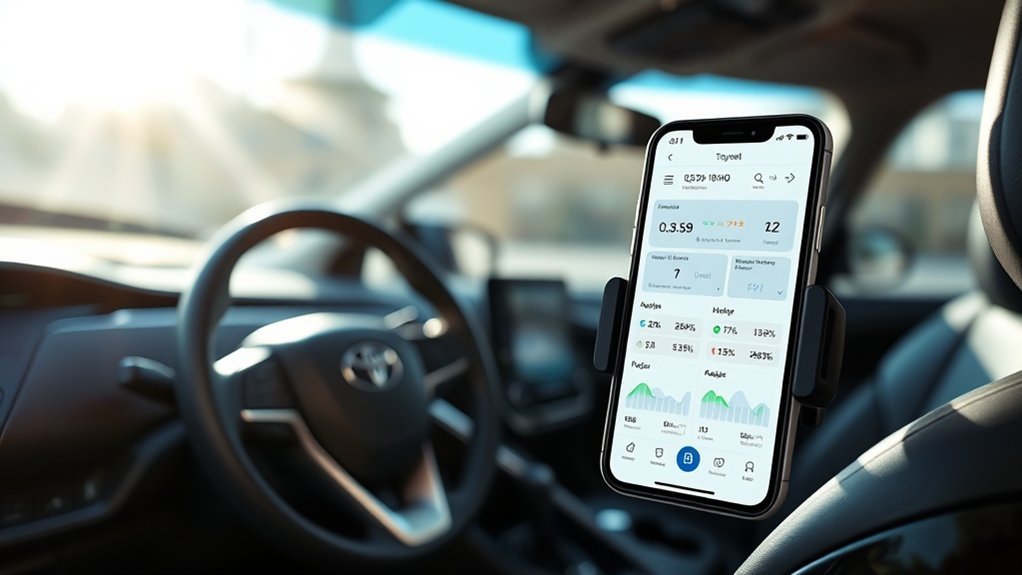
Keeping track of your Toyota’s condition is easier when important ownership information is available in one place.
The Toyota App can display supported vehicle status information, including fuel level, remaining range, mileage, and other available data.
The exact information depends on your model, equipment, and active services. Not every Toyota displays oil-life information or tire-pressure readings through the app.
Vehicle Health Reports
Service Connect provides available Vehicle Health Reports containing vehicle information, warnings, maintenance information, and applicable recall or service-campaign information.
These reports help you identify issues that may need attention.
Toyota also makes Vehicle Health Reports available through the Toyota App or My Toyota dashboard for eligible vehicles.
Maintenance Reminders and Service History
The app can help you stay informed about maintenance and access available service information.
You can also schedule a service appointment with a Toyota dealer.
Review your maintenance schedule and service history when planning future work. This can help you avoid overlooking routine maintenance.
Use your Vehicle Health Report and maintenance reminders as helpful ownership tools, not as replacements for scheduled inspections or attention to dashboard warning lights.
Checking Toyota Recalls
The app can display available recall information, but you should also use Toyota’s official recall lookup when checking your vehicle.
Visit the Toyota Safety Recalls and Service Campaigns lookup and enter your VIN.
If your vehicle has an open safety recall, contact an authorized Toyota dealer for the next steps.
Toyota App Safety Features for Peace of Mind
The Toyota App helps you manage supported Connected Services, including Safety Connect.
Safety Connect itself operates through the vehicle’s connected communication system. Its emergency functions are not simply smartphone buttons inside the Toyota App.
The main Safety Connect features include:
- Emergency Assistance Button: The in-vehicle SOS button connects you with a Toyota response-center agent when the service is available.
- Automatic Collision Notification: The system is designed to notify the response center after certain qualifying collisions, including airbag deployment or severe rear-end impact.
- Stolen Vehicle Locator: Toyota can assist law enforcement with vehicle location after the required police-report process.
- Enhanced Roadside Assistance: The vehicle’s communication system can connect you with roadside support.
These features require compatible vehicle equipment and an active Safety Connect trial or subscription.
How Emergency Assistance Works
If you need emergency assistance, press the SOS button inside your vehicle and follow the voice prompts.
A response-center agent can assess the situation and request appropriate assistance.
For roadside assistance, follow the prompts and explain your situation to the agent.
Automatic Collision Notification is designed to contact the response center after a qualifying collision. An agent may attempt to communicate with the vehicle’s occupants and request emergency assistance.
Service availability depends on factors including the vehicle’s communication system and network connectivity.
Note: Safety Connect should not replace calling 911 directly when you can safely do so in an emergency. Never assume emergency services have been contacted unless communication or confirmation has occurred.
How the Stolen Vehicle Locator Works
If your Toyota is stolen, report the theft to the police first.
Obtain the police report or case number, then contact Toyota’s response center.
Toyota states that its agents can assist authorities in locating an eligible vehicle using GPS technology.
For U.S. assistance, Toyota lists 1-800-331-4331 as its customer assistance number.
Learn more through Toyota’s official Connected Services information.
Toyota App Subscription Plans and Costs
The Toyota App is free to download. You do not automatically need a paid subscription simply to install it or register your vehicle.
However, features such as Remote Connect and Drive Connect may require an active trial or paid Connected Services plan.
For eligible U.S. vehicles, Toyota currently lists the following plans:
| Plan | Monthly Price | Included Services |
|---|---|---|
| Music Lover | $15 | Remote Connect and Integrated Streaming. |
| Go Anywhere | $15 | Remote Connect and Drive Connect. |
| Premium | $25 | Remote Connect, Drive Connect, and Integrated Streaming. |
| Wi-Fi Connect | $25 optional add-on | Available in-vehicle Wi-Fi hotspot through AT&T. |
These are Toyota’s published U.S. plan prices for applicable vehicles, including select 2022 and later models. Older vehicles and different markets may have different subscription arrangements.
Integrated Streaming also requires an appropriate existing music-service account.
See the official Toyota Connected Services Plans for current plan details.
Are Toyota Connected Services Free?
Some eligible Toyota vehicles include introductory Connected Services trials.
The trial period varies by service, model year, and vehicle.
After a trial ends, continued access to certain functions may require payment.
You can review your vehicle’s available services, trial status, and subscription options through the Toyota App.
Toyota App Privacy and Data Collection
The Toyota App and Connected Services use information from your account, smartphone, and connected vehicle to provide their functions.
Depending on your vehicle and enabled services, Toyota may collect:
- Account information and vehicle identification details.
- Vehicle location information.
- Vehicle health information, including available diagnostic and maintenance data.
- Driving information, such as speed, acceleration, braking, and vehicle operation data.
- Available vehicle status information used by remote functions.
- Device information associated with app use.
Toyota explains how it collects, uses, stores, and shares this information in its Connected Services Privacy Notice, updated July 1, 2026.
How to Manage Your Privacy Settings
Toyota provides a Data Privacy Portal through the app.
To review your vehicle’s settings:
- Open the Toyota App.
- Select the person icon in the upper-right area.
- Select Account.
- Open Data Privacy Portal.
- Select the applicable vehicle.
- Review the available consent and data-sharing settings.
Changing or declining vehicle connectivity consent may disable Connected Services, including functions you previously activated.
Review the effect of each privacy choice before changing your settings.
Toyota App Troubleshooting
If your Toyota App is not working correctly, begin by checking your account, vehicle eligibility, subscription status, and connectivity.
Remote Start Is Not Working
If remote start fails:
- Confirm that your vehicle supports Remote Connect and remote start.
- Check whether your Remote Connect trial or subscription is active.
- Make sure vehicle enrollment and activation are complete.
- Confirm that the vehicle meets its required operating conditions.
- Check whether the vehicle has a warning or another condition preventing remote start.
- Verify that your smartphone has internet access.
- Try the command again when the vehicle has reliable cellular connectivity.
If the issue continues, review your vehicle’s owner’s manual or contact Toyota support.
Remote Connect Controls Are Missing
If the remote controls do not appear, check whether Remote Connect is available for your particular Toyota.
Also confirm that the correct vehicle is selected in the app and that activation has been completed.
Installing the app does not add Remote Connect hardware or features to a vehicle that was not equipped with them.
Vehicle Status Is Not Updating
Check your phone’s internet connection and refresh the app.
Vehicle status information may depend on the vehicle’s last successful communication with Toyota’s system.
If the vehicle is parked in an area with poor cellular coverage, updated information may not be available immediately.
Login or Registration Problems
Make sure you are using the correct Toyota account.
Check your VIN for typing errors and complete any required verification steps.
If you recently purchased a used Toyota, the vehicle may still be associated with a previous account.
Contact Toyota support if ownership verification or account transfer prevents you from registering the vehicle.
You can access official assistance through Toyota Customer Support.
Frequently Asked Questions
What All Can You Do With the Toyota App?
The Toyota App lets you register and manage your vehicle, review available maintenance information, receive service alerts, and schedule dealer appointments. Compatible vehicles can also access Remote Connect functions such as remote start, door controls, vehicle status, and last parked location. Other features depend on your vehicle and subscriptions.
What Information Does the Toyota App Collect?
Depending on the enabled services, Toyota may collect account details, vehicle information, location data, driving data, vehicle health information, and device information. You can review applicable privacy choices through the Toyota App’s Data Privacy Portal.
What Features Does Toyota Remote Connect Have?
Remote Connect can provide remote start, door locking and unlocking, vehicle status notifications, last parked location, and guest driver alerts. Additional functions, including remote climate controls, smartwatch access, and Digital Key, depend on the vehicle’s equipment and compatibility.
What Is the Monthly Fee for the Toyota App?
The Toyota App is free to download. For applicable U.S. vehicles, Toyota lists Music Lover and Go Anywhere at $15 per month and Premium at $25 per month. Available plans and subscription requirements depend on your vehicle and may change.
Do You Need Bluetooth to Use the Toyota App?
Bluetooth pairing is not a universal requirement for Toyota App remote functions. Remote Connect communicates through supported connected vehicle services. Bluetooth may be required for certain multimedia or Digital Key functions.
Can You Use the Toyota App Without Paying?
Yes. The app itself is free, and available basic ownership functions may be accessible without a paid subscription. Remote Connect and other Connected Services may require an active trial or paid plan.
Why Is My Toyota Remote Start Not Working?
Possible causes include an inactive subscription, incomplete enrollment, poor connectivity, unsupported vehicle equipment, or a vehicle condition that prevents remote starting. Check your subscription, vehicle status, and owner’s manual before contacting Toyota support.
Can You Use the Toyota App With an Older Toyota?
You may be able to register an older Toyota and access available ownership information, but remote features require compatible vehicle equipment. Installing the app does not make an unsupported vehicle compatible with Remote Connect.
Conclusion
The Toyota App is a useful tool for managing your vehicle, checking available maintenance information, and accessing supported Connected Services.
Its greatest convenience comes from understanding which functions your particular Toyota supports. Remote Connect can provide vehicle controls, Service Connect can help you monitor maintenance, and Safety Connect provides vehicle-based emergency assistance when available.
Start by registering your vehicle, reviewing its available services, and checking your subscription status. Once you understand the features and their limitations, you can use the app to make everyday vehicle management easier.
Sources
- Toyota — Official Toyota App and Connected Services Information — app functions, enrollment, Remote Connect, Service Connect, and Safety Connect.
- Toyota — Connected Services Plans — plan names, included features, subscription pricing, and availability.
- Toyota — Connected Services Privacy Notice — vehicle data, privacy choices, consent, and data handling.
- Toyota — Safety Recalls and Service Campaigns — official vehicle recall lookup.
- CDC — Carbon Monoxide Poisoning Basics — vehicle exhaust and garage safety precautions.





Leave a Reply