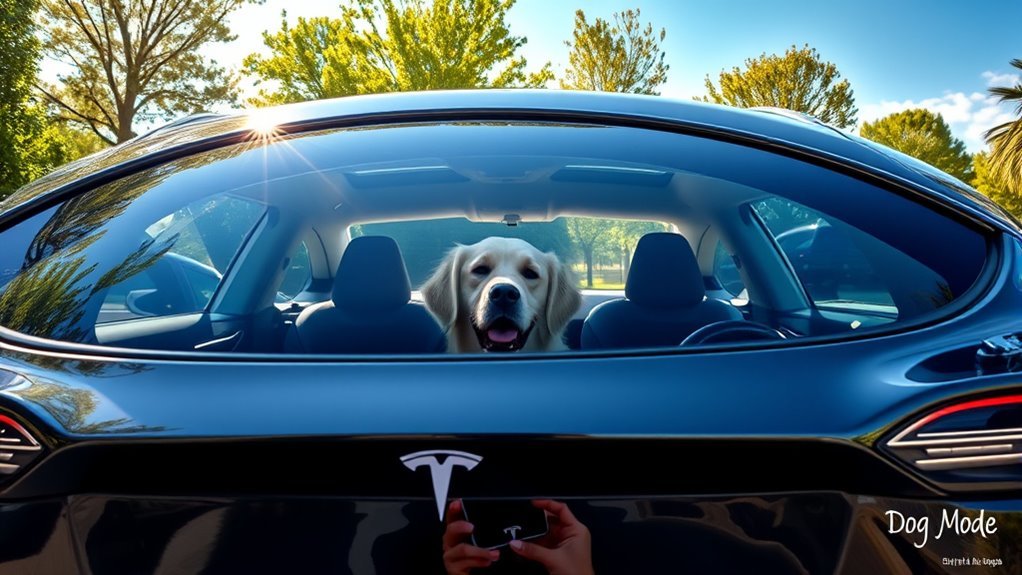
Tesla Dog Mode keeps your pets safe and comfortable by maintaining a set cabin temperature while you are away from the vehicle. It displays a message on the center screen for passersby and alerts you via the mobile app if the battery charge drops below 20%. To use it, simply select the fan icon on your climate control screen or use a voice command.
Quick Answer
Tesla Dog Mode maintains a set cabin temperature for pets, shows a status message on the center touchscreen, and notifies you through your phone if the battery drops below 20%. You can activate it easily via the climate control menu or a voice command to ensure your pet stays safe while you are away.
Key Takeaways
- Dog Mode maintains a safe cabin temperature for pets without keeping the car in drive mode.
- The center touchscreen displays a message to passersby to prevent unnecessary concern.
- You can enable the feature through the climate settings or by using a voice command.
- The system functions only when your battery charge remains above 20%.
- You will receive notifications on the Tesla mobile app if your battery level becomes critically low.
What Is Tesla Dog Mode?
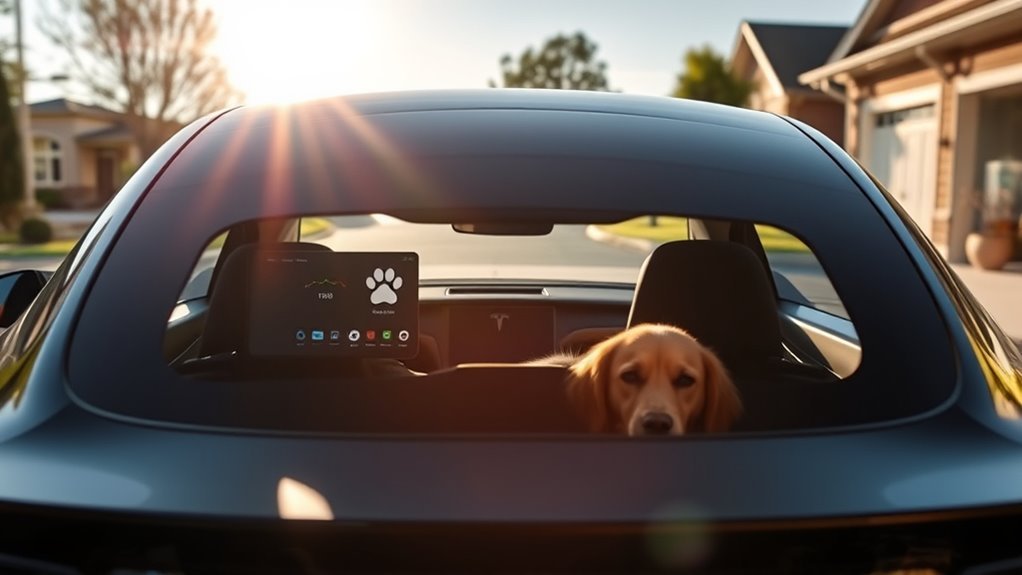
Tesla Dog Mode is a climate control feature designed for the safety of pets left in a parked vehicle. It allows you to set a specific temperature, keeping the cabin cool during summer or warm during winter. The system operates without needing the engine to run, as it relies on the vehicle’s electric powertrain.
This feature offers peace of mind while you run quick errands. It also communicates your pet’s safety to anyone walking by your car.
You can monitor your pet’s environment and receive real-time updates through your Tesla mobile app while you are away.
The center display shows a message stating, “My driver will be back soon,” along with the current cabin temperature. This transparency helps onlookers understand that the pet remains in a climate-controlled, safe environment. Ensure your battery stays above 20% to keep the system running effectively.
How to Activate Dog Mode
You can turn on Dog Mode using two simple methods. Both require your vehicle to be in Park and your battery level to be above 20%.
- Touchscreen: Tap the fan icon on the bottom of your screen to open climate controls. Select the Dog Mode icon to activate the feature.
- Voice Command: Press the voice command button on your steering wheel and say, “Turn on Dog Mode.”
Once active, verify that the screen displays the status message before you leave the vehicle.
How Dog Mode Ensures Pet Safety
Dog Mode uses the vehicle’s HVAC system to regulate the interior temperature. By setting a specific degree range, you prevent your pet from overheating or becoming too cold. This precise control makes the interior much safer than a standard parked car.
The screen display acts as a critical safety feature. It provides clear evidence to bystanders that the pet is secure, which prevents people from taking emergency actions like breaking a window. Always ensure the screen remains visible after you exit the car.
Managing Battery Levels During Dog Mode
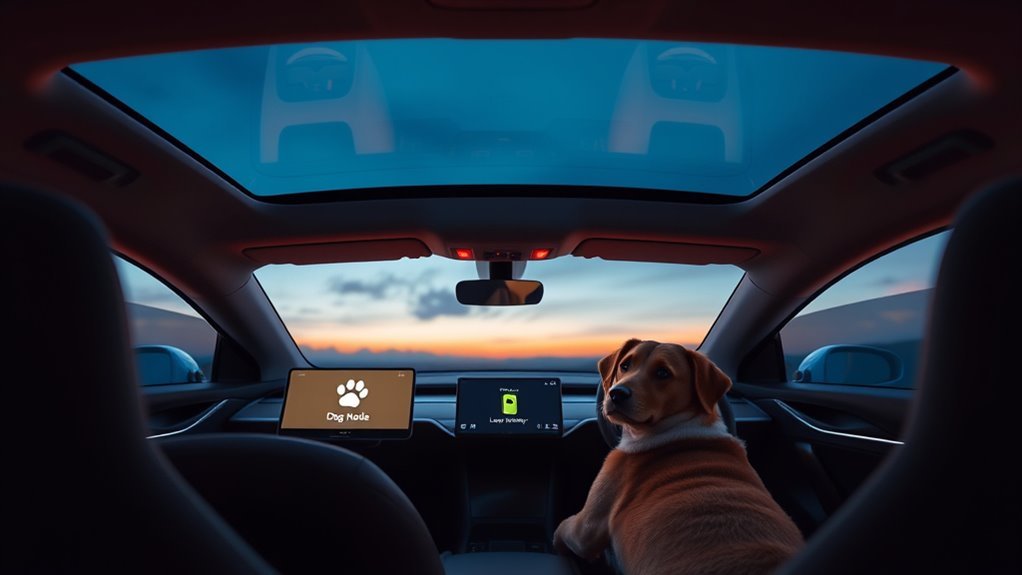
The system monitors your battery continuously while Dog Mode is active. If your charge drops to 20%, the Tesla app sends an immediate notification to your smartphone. This warning gives you enough time to return to your vehicle before the climate control turns off.
Dog Mode typically consumes about 4 miles of range per hour. Factors like extreme outdoor heat or cold can increase this consumption rate. Always check your projected range before you decide to leave your pet unattended for an extended period.
Legal and Safety Considerations
Laws regarding pets in vehicles vary by state and municipality. While Dog Mode provides a safe environment, some local ordinances still strictly prohibit leaving animals unattended in cars. You should research your local laws before relying on this feature.
Public perception can also be an issue. Even with the status message, some people might not understand the technology. Consider placing a small, removable sign in the window that explains your vehicle is climate-controlled. Always consult with a legal professional if you have concerns about specific regional pet welfare regulations.
Frequently Asked Questions
How long can a Tesla stay in Dog Mode?
The duration depends on your battery level and the difference between the set temperature and the outside air. The system will alert you well before the battery depletes.
How does Dog Mode alert owners?
The Tesla mobile app sends push notifications to your phone if the battery level reaches 20%. This ensures you remain informed about the status of your vehicle.
Can I leave my pet in the car during extreme heat?
Yes, but you must monitor the battery carefully. Extreme temperatures cause the HVAC system to work harder, which drains your range faster than normal weather conditions.
Conclusion
Tesla Dog Mode provides a reliable way to keep your pets comfortable during brief absences. By monitoring your battery and staying aware of local regulations, you can use this feature with confidence. Prioritize your pet’s safety by checking your app regularly and returning to your vehicle promptly when notified.







Leave a Reply