Tesla’s Autopilot is a Level 2 driver assistance system focused on highway driving, providing features like lane-keeping and traffic-aware cruise control. Full Self-Driving (FSD) is an optional package that targets more complex urban navigation. Both require constant driver supervision, as neither system provides true autonomous driving. Understanding these distinctions helps you use Tesla’s technology safely and effectively.
Quick Answer
Autopilot comes standard on all Teslas to assist with highway lane keeping and speed control. FSD is an optional upgrade that adds features like stop sign recognition and city street navigation, though it remains a supervised system that requires your full attention.
Key Takeaways
- Autopilot is a standard Level 2 driver assistance system available in all Tesla vehicles, while Full Self-Driving (FSD) is an optional paid upgrade.
- Autopilot primarily functions on highways with features like lane-keeping and traffic-aware cruise control.
- FSD includes advanced features such as traffic light recognition and navigation through city streets.
- Both systems require constant driver supervision, as the driver remains responsible for vehicle safety.
- FSD costs $8,000 as a one-time purchase or $199 per month, while Basic Autopilot is included at no extra cost.
What Is Tesla Autopilot and How Does It Work?
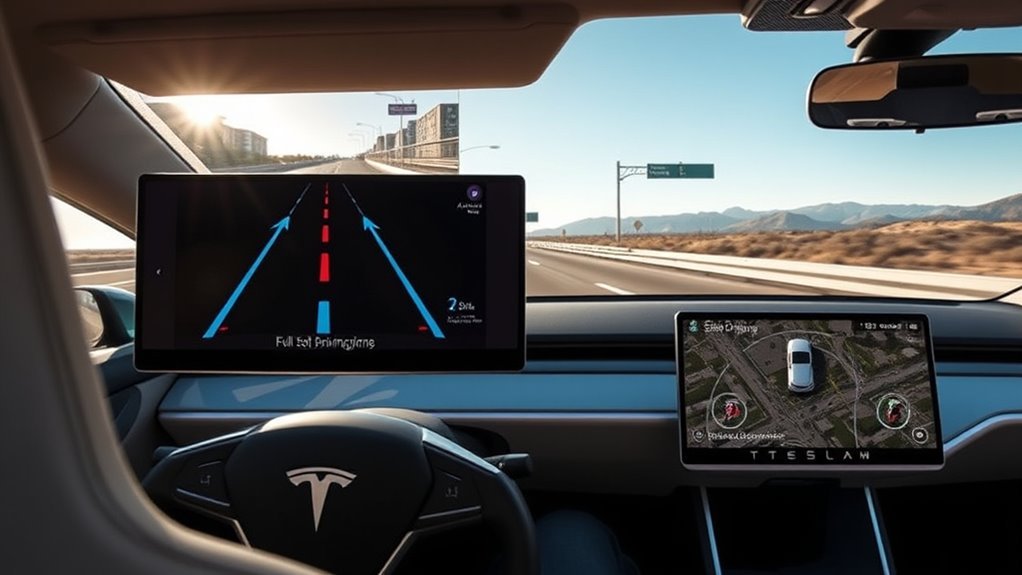
Tesla Autopilot functions as a Level 2 advanced driver assistance system. It automatically steers, accelerates, and brakes within a single lane on highways.
The system relies on Traffic-Aware Cruise Control and Autosteer. These features adjust your speed based on surrounding traffic and keep the vehicle centered in its lane.
Autopilot performs best on highways and works effectively at speeds of 90 miles per hour or less. It also assists in stop-and-go traffic.
Key Features of Tesla’s Full Self-Driving (FSD)
Full Self-Driving (FSD) expands upon the foundation of basic Autopilot. It offers capabilities designed for more complex driving environments.
FSD features include:
- Traffic Control: The vehicle identifies and responds to stop signs and traffic lights with active driver supervision.
- Urban Navigation: The system includes Autosteer on city streets to help navigate through urban environments.
- Continuous Updates: Tesla releases regular software updates that evolve system functionality and safety.
- Flexible Pricing: You can purchase FSD for $8,000 or subscribe monthly at $199.
What Is the Difference Between Autopilot and FSD?
Autopilot and Full Self-Driving serve different functions. Autopilot provides basic lane-keeping and cruise control for highways, which comes standard on all Tesla models.
FSD acts as an advanced package. It adds traffic light recognition and city street capabilities. Unlike Basic Autopilot, FSD manages more complex turns and intersections.
Always remember that both systems require your full attention. You remain the legal operator of the vehicle and must intervene if the system acts unexpectedly.
Limitations of Tesla’s Autopilot and FSD
Users must understand the constraints of these technologies to maintain safety. Key limitations include:
- Supervision Required: These are Level 2 systems, meaning you must watch the road at all times.
- Highway Focus: Basic Autopilot does not recognize stop signs or traffic lights, making it unsuitable for city streets.
- Beta Status: Tesla labels FSD as a beta feature. It does not provide full autonomy and may make mistakes in complex traffic.
- Legal Responsibility: The driver retains liability for accidents. Always consult a qualified professional before making decisions based on this information.
How to Activate and Deactivate Autopilot and FSD Features
You can manage your Autopilot settings through the vehicle controls screen. Before using these features, you must accept the safety waiver provided by Tesla.
Engage the system by pressing the gear selector stalk down twice while the vehicle is in motion. You can regain full control by pressing the brake pedal or raising the stalk.
Activating Autopilot Features
To use these tools, follow these steps:
- Open the Autopilot menu in your vehicle’s control screen.
- Accept the mandatory waiver message.
- Press the gear selector stalk down two times while driving.
- Wiggle the steering wheel if you need to take over steering while keeping cruise control active.
Safety is your primary responsibility. Ensure your hands stay near the wheel and your eyes remain on the road.
Deactivating FSD Capabilities
You can deactivate the system at any time to regain manual control. Press the brake pedal or move the gear selector stalk up once to turn the system off.
If you prefer to keep cruise control active while taking over steering, simply move the steering wheel slightly. Always remain vigilant, as these features are tools to assist you, not replace your judgment.
Pricing Options for Autopilot and Full Self-Driving
Tesla offers several ways to access their driving technology:
- Basic Autopilot: Included with every new Tesla at no extra cost.
- Full Self-Driving (FSD): Available for a one-time payment of $8,000 or a monthly subscription of $199.
- FSD Subscription for Basic Users: You can upgrade to FSD from Basic Autopilot for $99 per month in many markets.
Real-World Applications of Autopilot and FSD
Autopilot and FSD provide different benefits depending on your route. Autopilot reduces fatigue during long highway drives by managing speed and centering.
FSD assists in urban environments by identifying traffic lights and stop signs. Despite these benefits, human oversight is mandatory for safe operation.
Everyday Commute Efficiency
Driving through heavy traffic causes stress and fatigue. Basic Autopilot manages your speed and following distance, while Navigate on Autopilot helps with lane changes on highways.
For city driving, FSD features identify stop signs and lights. These tools help create a more consistent and predictable commute.
Highway Navigation Simplification
Highways are where these systems provide the most benefit. Basic Autopilot handles the tedious tasks of steering and spacing.
Navigate on Autopilot helps with lane choices and ramp exits. FSD adds the ability to react to traffic signals, which is helpful if your commute involves busy intersections or complex off-ramps.
Urban Driving Challenges
City driving is far more unpredictable than highway travel. FSD uses complex neural networks to understand urban infrastructure.
Because city environments change quickly, the system requires your constant attention. Never rely on FSD to handle intersections without your direct observation.
Frequently Asked Questions
Can Autopilot and FSD Be Used in All Weather Conditions?
Extreme weather like heavy rain, snow, or thick fog impacts sensor performance. These systems may struggle to see lane markings or traffic signals in these conditions. Drive manually when weather reduces visibility.
How Often Are Updates Provided for Autopilot and FSD?
Tesla pushes software updates to vehicles every few weeks. These updates often include performance tweaks and improved recognition for the Autopilot and FSD systems.
Are There Any Legal Restrictions on Using FSD?
FSD is subject to local traffic laws and regional regulations. Because laws regarding automated driving continue to evolve, stay informed about the rules in your specific area.
Can FSD Operate Without Internet Connectivity?
FSD requires a data connection for the best performance. While the car can operate basic functions offline, real-time data and map updates are critical for the full experience.
What Happens if the Driver Doesn’t Pay Attention While Using FSD?
The vehicle monitors driver engagement. If the system detects that you are not paying attention, it will issue warnings. Continued lack of attention can lead to a lockout or a forced disengagement of the system for safety reasons.
Conclusion
Understanding the differences between Autopilot and FSD helps you choose the right tool for your driving needs. While Autopilot offers essential highway assistance, FSD provides more advanced capabilities for complex urban roads. Always prioritize safety by maintaining full supervision regardless of which system you use. Start by mastering Basic Autopilot on the highway before considering any upgrades to your vehicle software.







Leave a Reply