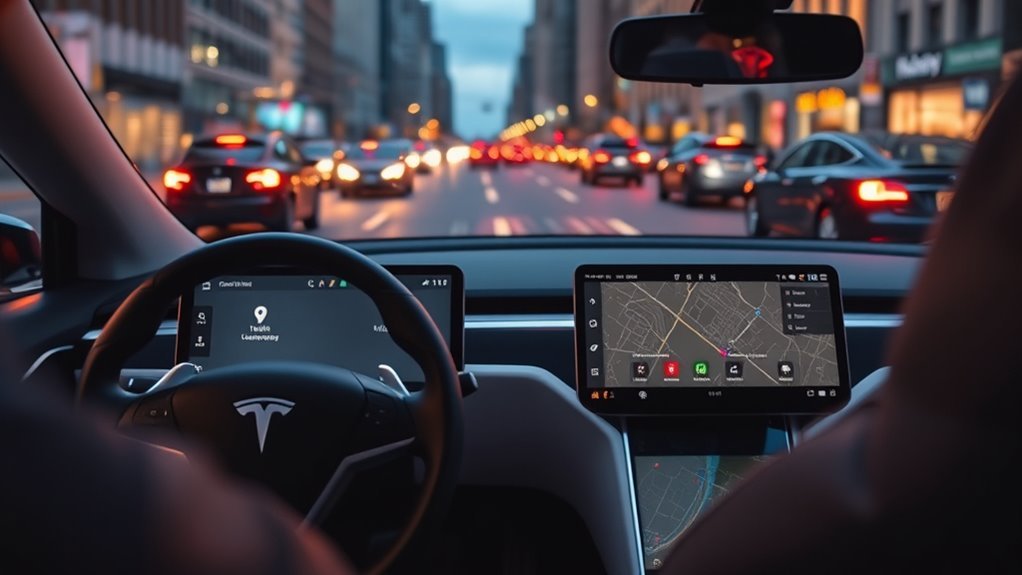
Tesla Premium Connectivity is a subscription service that provides unlimited cellular data for your vehicle. It enables features like live traffic visualization, satellite maps, and video streaming over the car’s cellular connection.
Quick Answer
Tesla Premium Connectivity costs $9.99 per month or $99 per year. It provides real-time traffic data, satellite map views, and in-car video streaming. You can subscribe or manage your plan directly through the Tesla mobile app.
Do you find yourself wishing your car had the same entertainment and navigation power as your smartphone? Tesla offers a dedicated subscription service to bridge that gap. This guide explains exactly what you get, how much it costs, and how to manage your plan.
Key Takeaways
- Premium Connectivity costs $9.99 monthly or $99 annually.
- The subscription adds live traffic, satellite maps, and video streaming.
- Standard, free features include basic navigation and Wi-Fi-based updates.
- You manage your subscription entirely through the Tesla mobile app.
- New Tesla vehicles come with a complimentary trial period.
What Is Tesla Premium Connectivity?

Tesla Premium Connectivity is a service that uses the car’s built-in cellular connection to provide data-heavy features. While every Tesla comes with basic internet access, the premium tier unlocks features that require constant, high-speed data while you drive.
The service removes the need to use your phone as a mobile hotspot. Instead, your vehicle accesses the internet directly, ensuring you stay connected without draining your phone’s battery or data plan.
Features Included With Premium Connectivity
Premium Connectivity upgrades the software experience of your Tesla. These tools focus on navigation precision and in-car entertainment.
- Live Traffic Visualization: See current road congestion levels on your map in real-time.
- Satellite-View Maps: View high-resolution aerial imagery instead of standard vector maps.
- Video Streaming: Watch services like Netflix, YouTube, or Twitch while the vehicle is parked.
- Caraoke: Access a library of songs with synchronized lyrics for in-car singing.
- Live Sentry Mode: View your car’s exterior cameras remotely through the Tesla app.
- Internet Browser: Access the web while the vehicle is parked or in drive, depending on local laws.
Navigating is effortless with real-time traffic updates and satellite views, offering an aerial perspective for your routes.
Free Services Available Without a Subscription
Many drivers do not need the premium tier for daily commuting. Several essential features remain available to all owners regardless of their subscription status.
| Standard Feature | Requirement |
|---|---|
| Navigation | Always available |
| Software Updates | Wi-Fi or Cellular |
| Music/Video Streaming | Wi-Fi connection |
| Supercharging Info | Always available |
You can still use your navigation system to reach destinations without a subscription. The car will route you based on traffic data, though you won’t see the live visualization on the map.
Subscription Pricing and Trials

The service costs $9.99 per month. Tesla also offers an annual plan for $99, which provides a slight discount for those who plan to use the service year-round.
New vehicles include a complimentary trial. The duration of this trial depends on the specific model and whether the vehicle was purchased new or used. Check the “Upgrades” menu in your Tesla app to see if your trial is active.
Note that this subscription is tied to the vehicle, not your personal Tesla account. If you sell the car, the subscription stays with the car, and you cannot transfer it to a new vehicle.
Managing Your Subscription
Tesla makes it simple to start or cancel your service through the app. Follow these steps to adjust your settings:
- Open the Tesla app and select your vehicle.
- Tap on the “Upgrades” button.
- Select “Manage Upgrades.”
- View your current subscription status or add Premium Connectivity.
You can cancel your subscription at any time. If you cancel, your premium features remain active until the end of the current billing cycle.
Frequently Asked Questions
What does Premium Connectivity get you?
It provides cellular data for live traffic maps, satellite views, and video streaming while parked. Without it, you must use Wi-Fi for these specific features.
Why did Tesla charge me $99?
This is the standard annual rate for the service. Check your payment history in the Tesla app or on your Tesla account dashboard if you do not recognize the charge.
What is the difference between standard and premium?
Standard connectivity includes basic navigation and safety features. Premium connectivity adds data-intensive entertainment and visual mapping enhancements that require a constant cellular connection.
Is Netflix free with the subscription?
No. You must have your own existing Netflix account to log in and watch content. Premium Connectivity only provides the data required to stream the video.
Conclusion
Tesla Premium Connectivity offers a convenient way to keep your vehicle updated and entertained while on the road. Assess your daily driving habits to decide if the live traffic and streaming features justify the monthly cost. You can always sign up for a month to test the features and cancel if they do not add enough value to your commute.







Leave a Reply