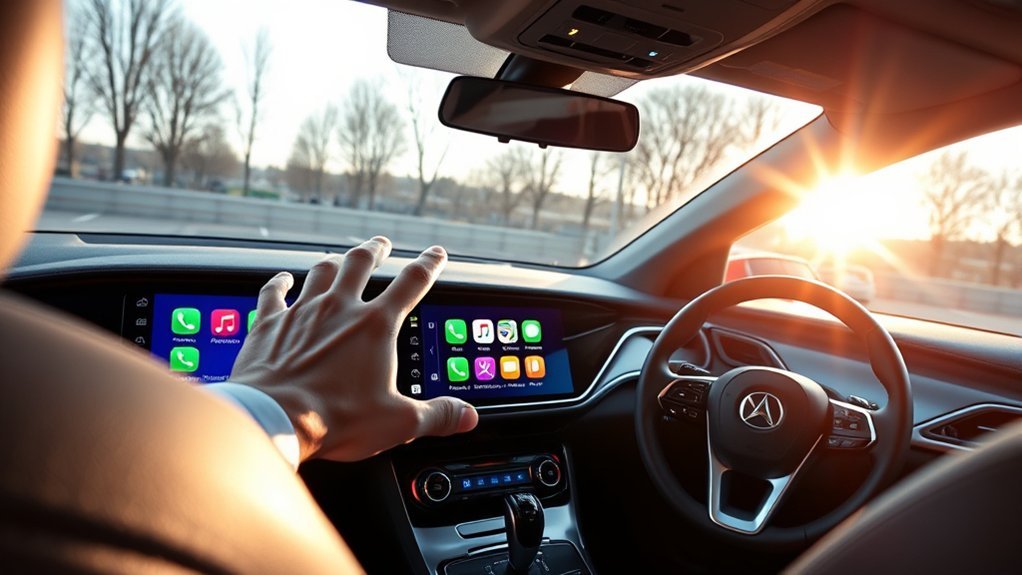
Driving while checking your phone is dangerous, but losing access to your maps and music is frustrating. Apple CarPlay solves this problem by projecting your most important iPhone apps directly onto your car’s built-in screen. This guide explains how to set up the system, use voice controls safely, and check if your vehicle supports it.
Quick Answer
Apple CarPlay connects your iPhone to your car’s display screen. It lets you use navigation apps, play music, and send text messages safely while driving. You can control these features using the touchscreen, car buttons, or Siri voice commands.
Key Takeaways
- System integration: CarPlay links your iPhone to your vehicle dashboard for easy access to apps.
- Voice control: Siri lets you make calls and send texts without taking your hands off the steering wheel.
- Wide support: Apple confirms the software works with more than 800 vehicle models built after 2014.
- Easy setup: You can connect your phone using a standard USB cord or a wireless Bluetooth link.
Why You Should Use Apple CarPlay

Adding Apple CarPlay to your daily commute completely changes how you interact with your vehicle. The system connects your iPhone directly to the dashboard display. You gain immediate access to maps, podcasts, and text messages without ever picking up your device.
Siri voice commands handle most tasks for you. You can ask for driving directions or call a friend while keeping your eyes focused on the highway. This setup creates a much safer driving environment and cuts down on dangerous distractions.
CarPlay also uses smart predictions to make your trips easier. It suggests likely destinations based on recent emails or text messages. You can even rearrange the dashboard icons to match your personal style and needs.
How to Set Up Apple CarPlay in Your Vehicle
Connecting Apple CarPlay takes just a few minutes. You will quickly notice the benefits of operating your phone through your car’s interface.
- Plug your iPhone into the car USB port using an official Apple charging cable.
- Look for the USB port marked with a smartphone icon.
- Tap the prompt on your car screen to allow the connection.
- Unlock your iPhone and grant permission to use CarPlay while the screen is locked.
If your car supports wireless connections, turn on Bluetooth and Wi-Fi on your phone. Pair the phone to the car system and follow the onscreen prompts to finish the setup.
Make sure you turn on Siri in your iPhone settings. Voice commands will not work unless this feature is active. You can customize the app layout by opening your iPhone settings, tapping General, and selecting CarPlay.
Best Apple CarPlay Features You Can Use Today
CarPlay provides many tools designed to make your road trips more enjoyable. The software brings your favorite mobile apps straight to the center console. You can easily switch between GPS maps, audiobooks, and phone calls.
The hands-free voice assistant stands out as the most valuable tool. You can dictate a text message to a family member or ask for the nearest gas station. This software supports hundreds of different car models using both wired and wireless setups.
Here is a quick look at the top features:
| Feature | Description |
|---|---|
| Siri Control | Hands-free voice control for messages and calls. |
| Custom Dashboard | Personalized access to Maps and audio controls. |
| Compatibility | Works with over 800 car models. |
| SharePlay | Collaborative music experiences for passengers. |
| App Integration | Direct access to apps from your iPhone. |
Popular Apps That Work With CarPlay
You do not have to rely only on Apple apps. CarPlay supports many third-party programs you likely already use every day.
- Navigation: Use Google Maps or Waze for real-time traffic updates.
- Audio: Listen to Spotify, Pandora, Audible, or Overcast.
- Messaging: Send messages through WhatsApp or Telegram using voice commands.
How to Control CarPlay Using Siri
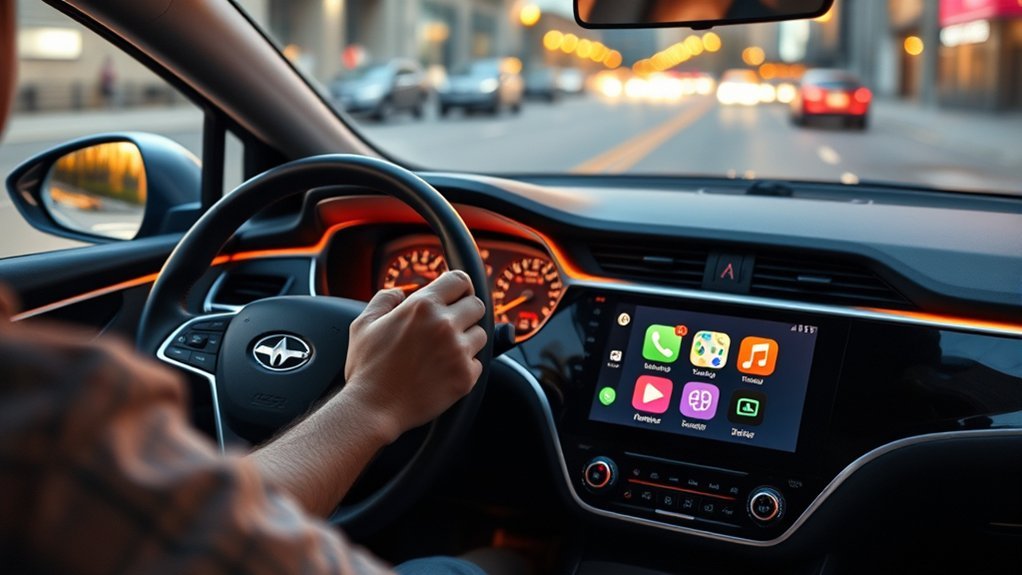
Siri serves as your digital co-pilot while you drive. You can activate the assistant by pressing the voice control button on your steering wheel. You can also tap the dashboard screen or simply say “Hey Siri” out loud.
Once active, you can tell Siri to play a specific music playlist or dial a contact number. The software reads your incoming text messages over the car speakers. You can speak your reply out loud, and Siri will type and send it for you.
Siri can also remind you of upcoming calendar events and suggest the fastest route to your next meeting. Always keep your eyes on the road and only interact with screens when it is safe to do so.
Which Cars Work With Apple CarPlay?
You might wonder if your current car supports this software. According to Apple, the system works with more than 800 vehicle models. Most major car brands have included this feature since 2014.
You can verify your specific model by checking the official Apple website. Keep in mind that a few luxury brands might charge an extra fee to activate the service. Check with your local dealership if you have questions about your specific vehicle trim.
Do not worry if you drive an older vehicle. You can buy and install an aftermarket stereo head unit that includes CarPlay software. Simply swap out your old radio to enjoy modern navigation and music controls.
Frequently Asked Questions
What Does Apple CarPlay Actually Do?
Apple CarPlay links your iPhone to your vehicle dashboard. It lets you use map apps, play music, and send voice text messages safely. You need a compatible iPhone and a supported vehicle to use the system.
Is There a Monthly Fee for Apple CarPlay?
No, Apple does not charge a monthly subscription fee for CarPlay. It is a free software feature included in compatible cars. You only pay for the cellular data your phone uses while streaming music or downloading maps.
What Are the Disadvantages of Apple CarPlay?
Some users experience sudden Bluetooth disconnects or freezing screens. You might also find that certain third-party apps lack full functionality on the car display. The system also drains your phone battery quickly if you do not plug it into a charger.
How Do You Use Apple CarPlay?
You connect your phone to the car using a USB cord or Bluetooth. The car screen will then show your phone apps. You control everything by tapping the screen, turning dashboard knobs, or speaking to Siri.
What to Do Next With Apple CarPlay
Apple CarPlay turns your vehicle into a smart machine by bringing your favorite iPhone tools directly to the dashboard. Check your car manual to confirm support, grab a high-quality charging cord, and test the connection in your driveway. Take control of your next road trip by setting up your customized display today.







Leave a Reply