
Tesla Software Update 2026.2 brings essential refinements to your vehicle’s performance and safety. While it focuses primarily on system stability, it introduces notable features that improve your daily driving experience.
Quick Answer
Tesla software update 2026.2 provides critical bug fixes, enhances system stability, and introduces Child Left Alone Detection. It also expands Supercharger mapping details and adds Active Road Noise Reduction for compatible models.
Overview of Tesla Software Update 2026.2
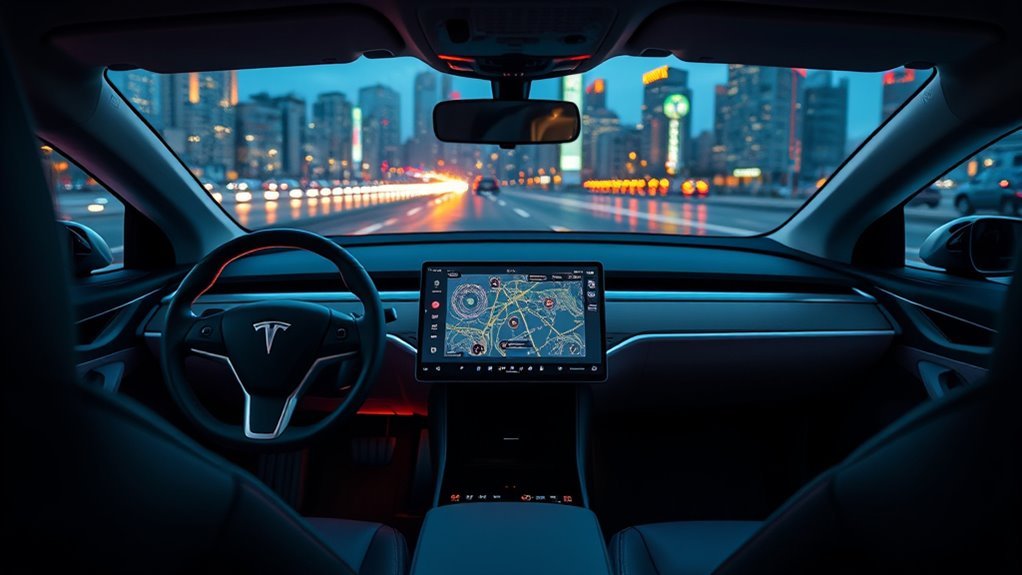
Tesla released version 2026.2 on January 22, 2026, to polish the vehicle user experience. By addressing minor bugs and optimizing system code, Tesla ensures your car operates reliably. This update reflects direct user feedback and maintains a consistent, smooth driving environment. The rollout reached the global fleet gradually to confirm stability across all hardware configurations.
Key Features of Update 2026.2
This update prioritizes internal refinements over major interface changes. It builds upon the foundation of recent 2025 releases to ensure long-term software compatibility.
Enhanced Safety and Comfort
The 2026.2 release includes specific additions to keep you and your passengers safe:
- Child Left Alone Detection: The vehicle monitors the cabin and sends alerts if it detects a child left behind.
- Active Road Noise Reduction: Select models now benefit from software-based noise cancellation to create a quieter cabin.
- Supercharger Mapping: Maps in Europe now feature expanded site details to improve route accuracy.
Navigation and Autopilot Updates
Tesla updated naming conventions within the Autopilot suite for improved clarity. For instance, the system now labels Navigate on Autopilot as Navigate on Autosteer. This change aligns the software with current branding standards. For detailed release notes, check the official Tesla interface on your vehicle display.
Improving Tesla System Stability
Minor patches often yield the most significant gains in reliability. Version 2026.2 targets bugs that previously caused minor interruptions in vehicle functions. By streamlining these processes, Tesla reduces the likelihood of software glitches during your commute. Because Tesla delivers these updates over-the-air, your vehicle constantly adapts to new standards without you needing to visit a service center.
Upcoming Features in Tesla Software Updates
Future software cycles look to push vehicle capabilities even further. While rumors often circulate regarding hardware shifts, Tesla continues to focus on software-led enhancements for existing cars.
Expected Developments
- Live Supercharger Data: Future updates aim to display real-time occupancy counts and vehicle-specific charging info directly on your screen.
- Advanced Route Planning: Expect more intelligent navigation that considers weather, battery health, and charging speeds.
- FSD Hardware Integration: While FSD Hardware 4.5 remains a topic of speculation, Tesla continues to refine processing logic for existing computer modules.
Comparison of Upcoming Improvements
- FSD Hardware 4.5: Targets enhanced processing power.
- Live Supercharger Data: Provides real-time occupancy updates.
- Advanced Navigation: Enables smarter, more efficient route planning.
- Enhanced Safety: Boosts passenger and driver security.
Latest Developments in Supercharger Site Maps
Tesla recently improved how you find and use charging stations. The 2025 Holiday Update introduced 3D Navigation for vehicles equipped with AMD Ryzen processors, offering a clearer view of charging stall layouts.
Maps now integrate live data, showing you exactly which stalls remain available. This helps you avoid crowded stations during busy travel periods. Tesla also expanded this detailed mapping to new European locations, including sites in Brugge and Heusden-Zolder.
Frequently Asked Questions
How often does Tesla release software updates?
Tesla typically issues updates every few weeks. This cadence ensures your vehicle features stay relevant and secure as the company develops new technologies.
Can I manually install the software update?
You cannot force an update installation. Tesla manages the rollout through its automated system, which pushes software to vehicles in batches. Ensure your car maintains a stable Wi-Fi connection to receive updates promptly.
What should I do if the update fails?
If an installation stalls, try performing a vehicle restart. If the issue persists, contact Tesla support through your mobile app for troubleshooting guidance.
Will the update affect my vehicle warranty?
Standard over-the-air updates do not void or negatively affect your vehicle warranty. They serve to improve system health and functionality.
Are there known issues with this update?
While 2026.2 is a stable release, minor software bugs occasionally appear across different hardware versions. Consult community forums or the official release notes for specific guidance related to your trim level.
Final Thoughts
Tesla update 2026.2 strengthens your driving experience by focusing on stability and safety. These incremental improvements ensure your car remains efficient and ready for future feature additions. Check your vehicle’s software tab regularly to ensure you run the most current version available. Keep your connection active, and enjoy a safer, more refined ride.







Leave a Reply