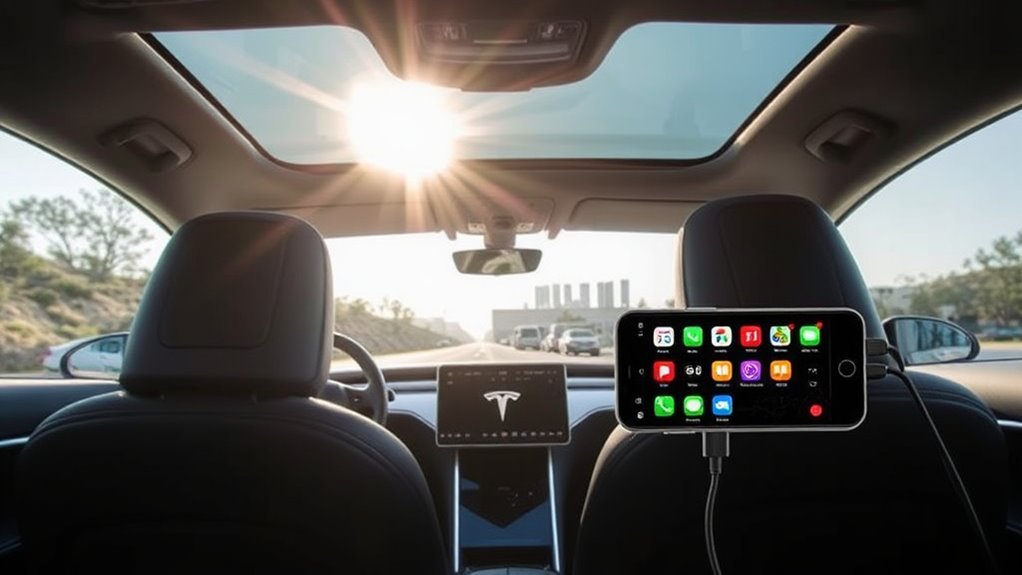
Tesla vehicles do not support Apple CarPlay natively. The company prioritizes its own proprietary infotainment software to control data collection and the user experience. You can add CarPlay functionality through aftermarket hardware, such as the Carlinkit T2C adapter or third-party dashboard displays.
Quick Answer
Tesla does not support Apple CarPlay because it prefers to maintain its own software ecosystem. If you want CarPlay in your Tesla, you must install third-party hardware like the Carlinkit T2C adapter or a dedicated secondary display. These aftermarket tools bridge the gap by connecting your phone to a separate interface while keeping the native Tesla software intact.
Why Tesla Does Not Support Apple CarPlay
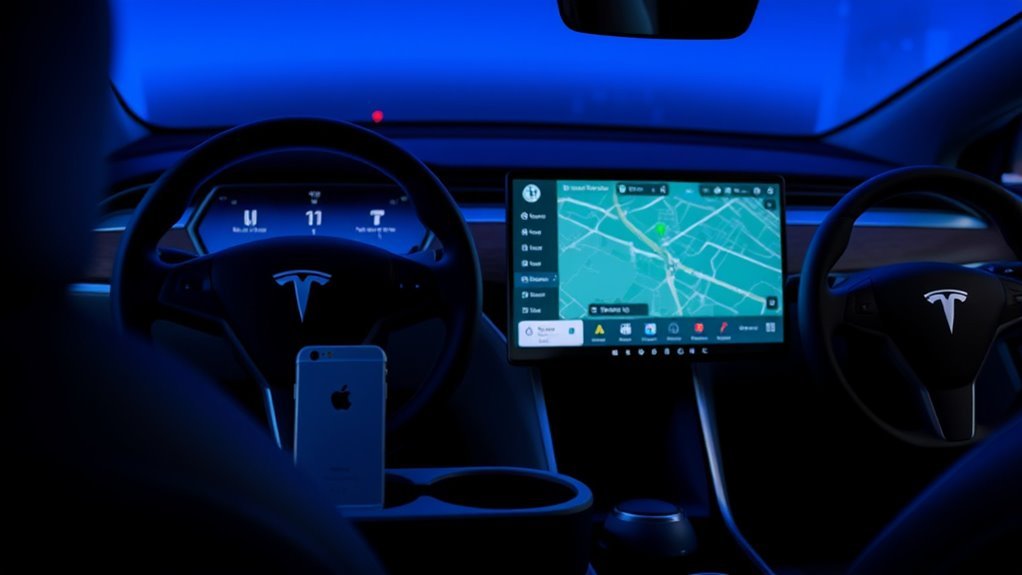
Tesla avoids Apple CarPlay to keep full control over its software ecosystem. This strategy allows the company to push updates and tailor the user interface specifically for its vehicle hardware. By managing the software in-house, Tesla ensures the system aligns with its specific vision for vehicle operation.
Data collection also plays a major role in this decision. Tesla prefers to gather and analyze vehicle usage data directly rather than sharing it with third-party platforms like Apple. This focus on internal data helps the company refine its Autopilot features and personalize the driving experience.
Despite strong customer requests for CarPlay, Tesla remains committed to its own platform. It continues to add features like integrated music streaming and native navigation to minimize the need for phone mirroring.
User Feedback: Tesla Infotainment vs. CarPlay
Many Tesla owners want Apple CarPlay because it offers a familiar, standardized interface. While Tesla’s system performs well for basic tasks, users often point out specific gaps in the current software experience.
Common comparisons include:
- Text Messaging: CarPlay allows for faster, more reliable access to messaging apps compared to Tesla’s limited native support.
- Navigation Alerts: Users often prefer the real-time routing notifications and traffic updates provided by Apple Maps or Google Maps.
- App Integration: CarPlay aggregates various music, podcast, and communication apps into one interface.
- Voice Control: Many drivers find Siri more responsive for complex voice commands than the native Tesla voice assistant.
Community forums frequently discuss these differences. Some owners find the native system sufficient, while others turn to hardware modifications to access the CarPlay features they miss.
Top Aftermarket CarPlay Alternatives
Since Tesla does not offer native support, owners often look to external hardware to gain CarPlay functionality. These products allow you to use your preferred apps without modifying the car’s primary software.
- Carlinkit T2C Adapter: This device plugs into your vehicle and enables wireless CarPlay functionality through a browser-based interface on the Tesla screen.
- ElecMod F99 CarPlay Instrument Cluster: This hardware provides a dedicated 9.6-inch screen that mounts to the steering column. It offers a standalone CarPlay experience without affecting your vehicle warranty.
- Android-based Tablet Displays: Some owners install secondary screens to run full Android or CarPlay interfaces, creating a multi-functional dashboard hub.
Why Use Third-Party CarPlay Solutions?
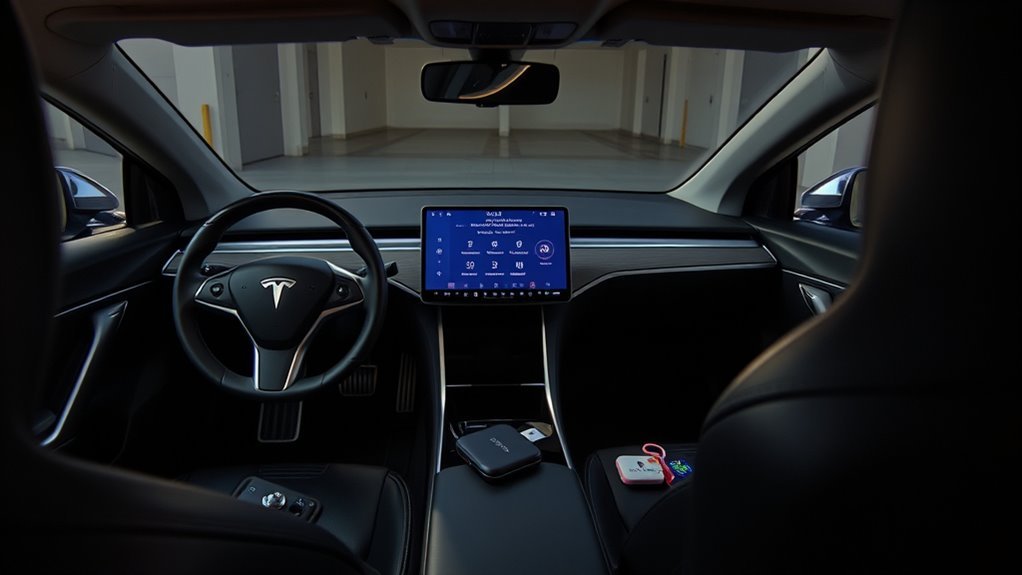
Third-party solutions fill the gap between Tesla’s rigid software and your specific app needs. Installing these tools can improve your daily commute by providing better navigation and media management.
These solutions work alongside the existing Tesla system. Because they run on separate hardware or via a browser connection, you retain access to all native Tesla features, including climate control and vehicle settings. This provides the best of both worlds: Tesla’s vehicle performance and Apple’s interface utility.
Always consult a professional installer if you are uncomfortable routing cables or modifying your vehicle dashboard. Improper installation may lead to electrical issues or damage to your interior trim.
How to Add CarPlay to Your Tesla
If you choose to use an adapter like the Carlinkit T2C, the process is relatively straightforward. You plug the device into your Tesla’s USB data port, and the system prompts you to open the car’s web browser to connect.
For more permanent hardware, such as an instrument cluster screen, the installation process takes about 3 to 4 hours. You must route cables carefully through the dashboard to keep the interior looking clean. Many users prefer to watch dedicated installation videos for their specific Tesla model year to understand how to remove panels safely.
Future Outlook for CarPlay in Tesla
Speculation about official CarPlay support persists, but Tesla has given no official signal that it will open its system to Apple. The company continues to focus on its own App Store potential and Over-the-Air updates.
Some industry observers suggest that Tesla might eventually allow a small, windowed version of CarPlay to run within their interface. However, Tesla’s primary goal remains vehicle-wide integration rather than phone-mirroring. If you rely heavily on CarPlay, aftermarket hardware remains the only reliable solution for the foreseeable future.
Frequently Asked Questions
Does Tesla support Apple CarPlay?
No, Tesla vehicles do not support Apple CarPlay. The company maintains a closed ecosystem to prioritize its own software development and data collection.
Can you run CarPlay on a 2025 Tesla Model Y?
The 2025 Model Y does not include native Apple CarPlay. You must use third-party adapters or secondary display screens to achieve this functionality.
What is the alternative to CarPlay in a Tesla?
Tesla provides a robust native system that includes its own navigation, music streaming, and voice commands. For apps not supported by Tesla, many owners use their smartphones as a standalone device or install aftermarket CarPlay hardware.
Can you use AirPlay with a Tesla?
Tesla does not support AirPlay. You should use Bluetooth to stream audio from your phone to the vehicle’s speakers.
While Tesla’s decision to avoid CarPlay limits native integration, you have several reliable ways to bring your favorite apps to your dashboard. Whether you choose a simple wireless adapter or a full secondary screen, you can customize your vehicle to suit your tech preferences. Evaluate your needs to determine which solution fits your driving style best.







Leave a Reply