Quick Answer
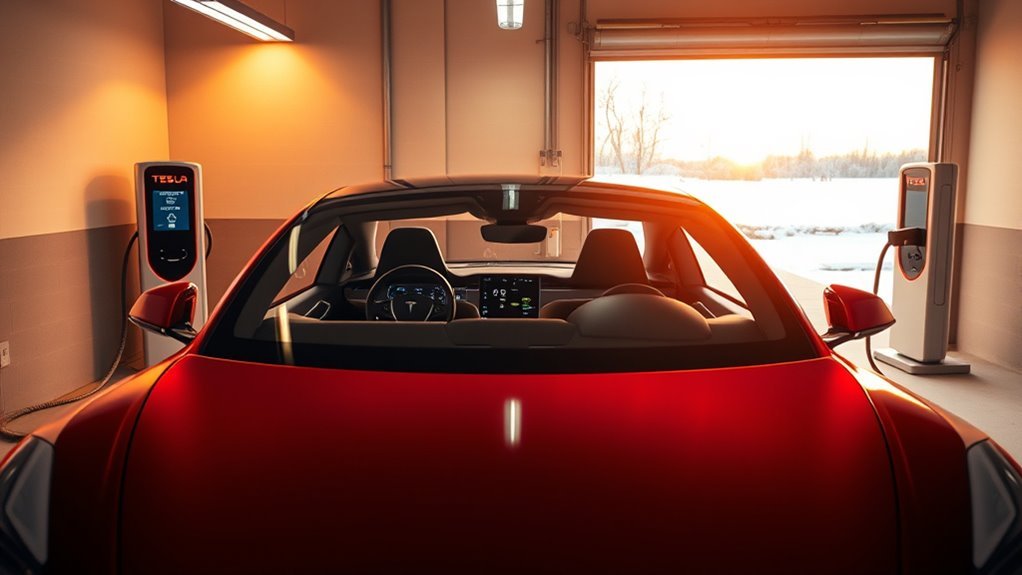
Preheat your Tesla battery by using the Tesla app to turn on Climate Control or by setting a departure time in the vehicle. If you are heading to a fast charger, input the station into your GPS to trigger automatic battery warming. Keep your car plugged in during this process to ensure the vehicle draws power from the grid rather than your battery.
Winter driving poses a unique challenge for electric vehicles. Cold temperatures naturally shrink your range and slow down charging speeds, but you can fight these effects with simple preparation.
Preconditioning warms your battery to an ideal operating temperature before you drive. This article explains how to use your Tesla’s built-in features to maintain your range when the mercury drops.
Why Battery Preconditioning Matters
When outdoor temperatures drop below 15°C (59°F), your Tesla’s battery chemistry becomes less efficient. This leads to increased energy draw and a noticeable reduction in your driving range.
Preconditioning ensures the battery reaches its optimal temperature before you start your drive. This simple step makes your energy use more efficient and improves your regenerative braking capabilities right from the start of your journey.
When you charge at a Supercharger, preconditioning is especially important. A warm battery accepts a charge much faster, which reduces your total wait time at the station.
How Cold Weather Impacts Tesla Performance
Cold weather forces your vehicle to work harder. You will see a range drop as the system directs energy toward both cabin heating and battery thermal management.
You may also experience limited regenerative braking. If your car displays a message about restricted regeneration, it means your battery is too cold to accept the energy generated while slowing down.
Charging speed also suffers in the cold. Without preconditioning, your Tesla may take significantly longer to reach a full charge at a public station. These issues arise because the battery management system must protect the cells from the stress of cold-start charging.
Using the Tesla App for Preconditioning
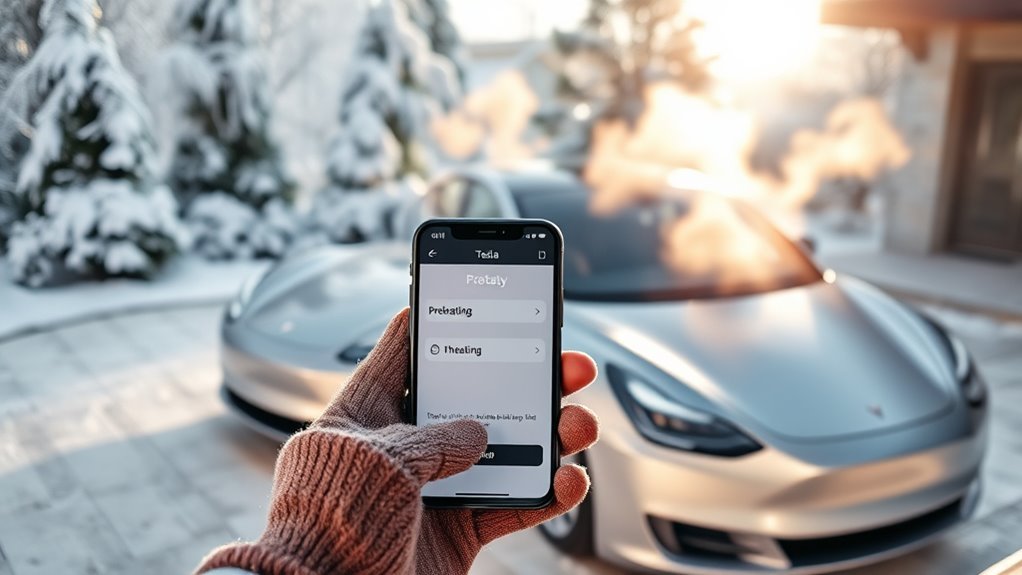
The Tesla app provides direct control over your vehicle’s temperature settings. You can manage cabin heating and battery warmth from anywhere, provided your vehicle has a network connection.
Simple Preheat Activation
Open the “Climate” section in your Tesla app to start warming your vehicle. Activating this feature 20 to 30 minutes before departure usually provides enough time to condition the battery effectively.
Watch for the snowflake icon on your display. This symbol alerts you that the battery is currently too cold. Once the system finishes the preheating cycle, the icon disappears, signaling that your car is ready for peak performance.
Real-Time Battery Status
The app keeps you informed about your car’s status. Visual cues like squiggly orange bars on the dash indicate that the thermal management system is actively heating the pack.
Initiating this process while your vehicle stays plugged into a wall charger is ideal. This allows the car to pull electricity from the grid to generate heat, leaving your battery at a high state of charge when you leave.
Remote Climate Control
Using remote climate control ensures you step into a warm cabin while simultaneously prepping the powertrain. This dual-purpose heating helps you avoid the energy spike that happens if you try to heat the cabin quickly after you start driving.
| Feature | Description |
|---|---|
| Remote Access | Start climate control via the mobile app. |
| Battery Indicator | Snowflake icon warns of a cold battery. |
| Scheduled Departure | Automate heating for a specific time. |
| Performance Boost | Warmed batteries offer better range and braking. |
Proven Methods for Battery Preheating
Consistent habits go a long way in winter. Focus on these three strategies to keep your vehicle performing at its best.
- Use Scheduled Departure: Set a routine time in the vehicle charging settings so the car prepares itself automatically before you leave.
- Keep it Plugged In: Always connect your charger when parking at home. This allows the car to maintain its temperature without draining the main battery pack.
- Navigate to Chargers: Always select your Supercharger destination in the car’s GPS to trigger automatic on-the-way preconditioning.
Why GPS Navigation to Superchargers Matters
When you input a Supercharger as your destination, your Tesla starts a specific preconditioning sequence. The car calculates how much heat the battery needs to reach the optimal temperature by the time you arrive.
This automatic feature drastically shortens your charging time. It also protects your battery health over time by ensuring the internal temperature is stable before the high-voltage current begins to flow.
Recognizing Battery Warming Indicators
Your vehicle communicates its status clearly through simple icons on the main screen. If you see the snowflake icon, the battery needs energy to reach a functional temperature.
Squiggly orange bars confirm the battery heater is working. If these bars appear, do not worry; they simply indicate that the car is working to optimize your efficiency and protect your range.
Common Mistakes to Avoid
Some owners assume they don’t need to precondition if the temperature is just slightly below 15°C. However, even mild cold can impact your range. Always check your app status if you feel your performance is lagging.
Another mistake involves forgetting to plug in. If you leave your car unplugged in the cold, it will use its own battery energy to heat up, which negates the range benefits of preconditioning.
Best Practices for Long Trips
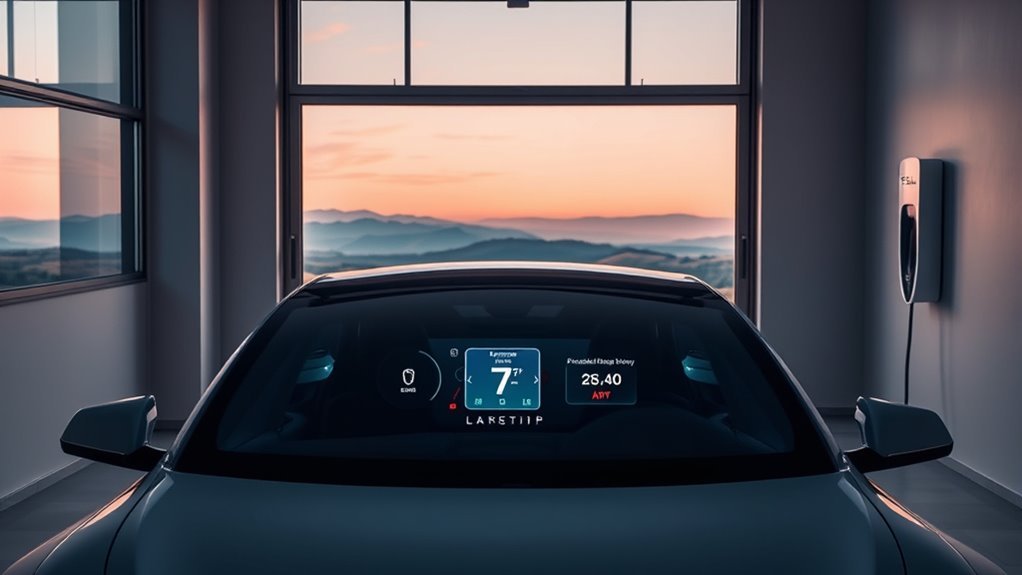
Long trips require more planning. Before a winter road trip, clear your charging schedule and set a departure time in your vehicle. This ensures you start your journey with a fully charged and properly heated battery.
Always trust the built-in navigation for routing. The onboard trip planner accounts for current weather conditions and tells you exactly when to stop and charge for maximum efficiency.
Tips for Efficiency in Winter
Monitor your energy consumption through the Energy app in your Tesla. This tool shows you how much power goes toward climate control versus driving, helping you adjust your settings to extend your range.
If you notice the car is using too much energy, try lowering the cabin heat by a few degrees and using seat heaters instead. Seat heaters are more energy-efficient than warming the entire cabin air volume.
Frequently Asked Questions
How do I preheat my Tesla battery?
Use the Tesla app to turn on Climate Control. This command triggers the battery thermal management system to begin warming the pack.
How long does preconditioning take?
Allow 20 to 30 minutes for the process to complete when temperatures are near or below freezing.
How can I maximize range in winter?
Precondition your car while plugged in, use seat heaters to reduce cabin heating demand, and always use the car’s built-in navigation to find Superchargers.
Is preconditioning necessary for Level 2 charging?
It is not mandatory, but it helps. Warming the battery during a Level 2 charge session makes the charging process more efficient and ensures the car is ready for full-power driving immediately upon departure.
Conclusion
Preconditioning is your best tool for maintaining your Tesla’s range during the winter months. By using the mobile app and proper navigation habits, you keep your battery healthy and your commute efficient. Start your preconditioning routine today to ensure your vehicle is ready for whatever the winter weather brings.







Leave a Reply