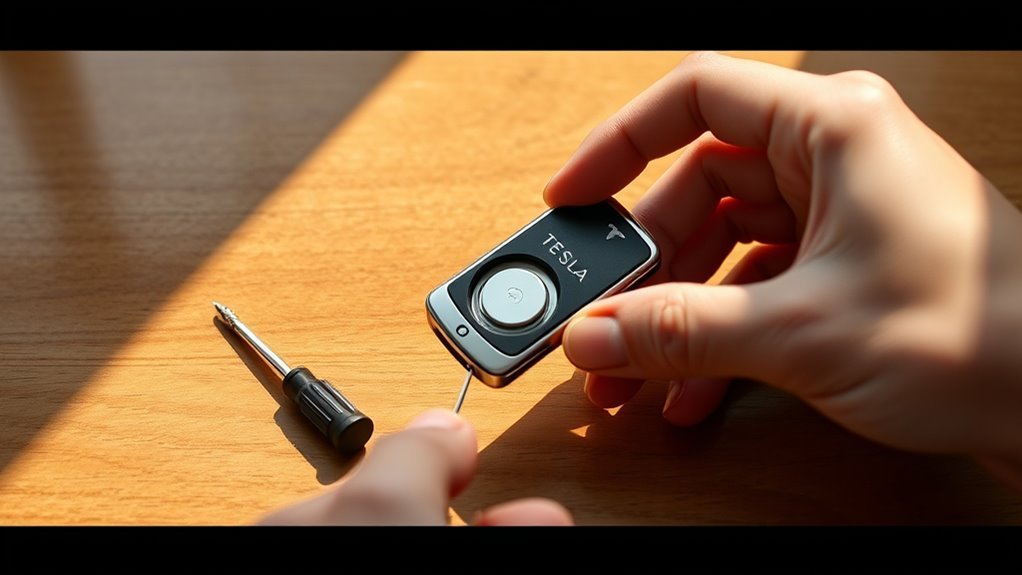
To replace your Tesla key fob battery, gather a new CR2032 battery and a Phillips head screwdriver. First, open the fob by gently prying apart the casing at its seam. Remove the old battery, noting its orientation. Insert the new battery with the positive side up, then reassemble the fob until it clicks securely. Finally, test the functions to verify everything works. If you want to enhance your knowledge on this process, there are additional tips to explore.
Key Takeaways
- Gather necessary tools including a new CR2032 battery, Phillips head screwdriver, and a small lever for prying open the key fob.
- Carefully pry open the key fob along the seam and remove the battery compartment cover, noting the old battery’s orientation.
- Replace the old battery with the new CR2032, ensuring the positive (+) side is facing up and seated properly.
- Reassemble the key fob by securely closing the battery compartment cover and checking for any gaps.
- Test the key fob functions by pressing all buttons and confirming proper operation and range.
Why You Need to Replace Your Tesla Key Fob Battery
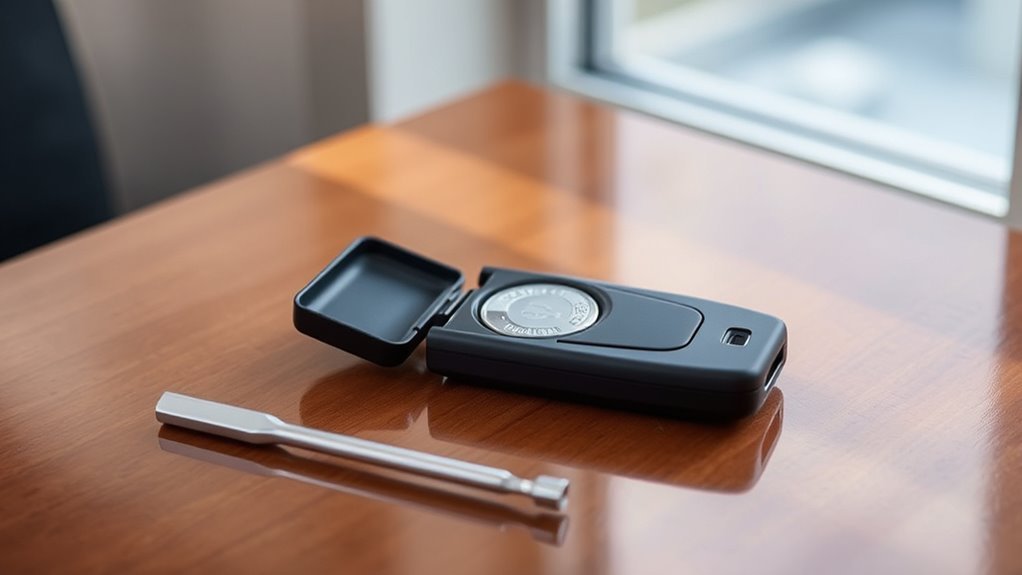
When your Tesla key fob battery starts to deplete, it’s essential to replace it promptly to avoid any inconvenience. The key fob utilizes a CR2032 battery, lasting about 1 to 2 years, subject to usage and environmental factors.
To avoid inconvenience, promptly replace your Tesla key fob’s CR2032 battery every 1 to 2 years.
If the battery fails, you risk losing access to your vehicle, forcing you to seek alternative entry methods. Regular battery maintenance is vital for ensuring your key fob’s features—like locking, opening, and calling your car—function reliably.
By prioritizing this simple task, you enhance key fob longevity and secure a seamless ownership experience. Imagine being in an emergency, needing quick access to your Tesla; a functional key fob is paramount.
Don’t let a depleted battery disrupt your freedom. Stay proactive and replace your key fob battery on time to maintain uninterrupted access and control over your vehicle.
What Tools Do You Need for the Replacement Process?
To replace your Tesla key fob battery, you’ll need a few essential tools.
Grab a CR2032 battery and a Phillips head screwdriver, and make certain you have a clean workspace with good lighting.
Don’t forget to take into account proper disposal methods for the old battery to protect the environment.
Essential Tools Overview
Replacing your Tesla key fob battery requires just a few essential tools to guarantee a smooth process. Ensuring proper key fob maintenance helps prolong battery longevity and prevents future issues.
Here’s what you’ll need:
- New CR2032 battery: Purchase from a hardware store or online.
- Phillips head screwdriver: Required to safely open the battery compartment.
- Small lever device: A screwdriver can help pry open the battery cover without damage.
- Clean workspace: Good lighting and organization prevent losing small parts.
- Battery disposal method: Follow guidelines for environmentally safe disposal of the old battery.
With these tools in hand, you’re ready to tackle the battery replacement efficiently and effectively.
Battery Specifications Required
With the right tools prepared, you need to understand the specific battery requirements for your Tesla key fob.
You’ll need a new CR2032 battery, known for its long battery lifespan and wide key fob compatibility. Purchase it online or at hardware stores.
To access the battery compartment, grab a Phillips head screwdriver and a small screwdriver or similar lever device to carefully remove the battery cover without damaging the key fob.
Make certain you work in a clean space with good lighting to streamline the replacement process.
Once you’ve replaced the battery, you can enjoy the freedom of a fully functional key fob.
Remember to follow proper disposal methods for the old battery, adhering to local recycling regulations.
Proper Disposal Methods
When you finish replacing your Tesla key fob battery, it’s important to dispose of the old battery properly to minimize environmental impact.
Improper disposal can lead to harmful chemicals leaching into the environment, so consider these proper disposal methods:
- Battery recycling centers: Locate an authorized facility near you.
- Retail drop-off: Many electronics and hardware stores accept used batteries.
- Community programs: Check local initiatives for battery collection events.
- Hazardous waste days: Participate in local disposal days for safe disposal.
- Mail-in recycling: Some companies offer prepaid envelopes for battery recycling.
Step 1: Open the Key Fob to Access the Battery
To open the key fob, flip it over and find the battery compartment access point, typically located at the back.
Look for a small slot or depression near the bottom, which is designed to assist in opening the cover.
Use a Phillips head screwdriver to gently twist and pry the cover open, ensuring you don’t apply too much force.
Locate Battery Compartment Slot
1. To locate the battery compartment slot on your Tesla key fob, flip it over. You’ll find a tiny slot or depression near the bottom, specifically designed for easy access.
This part of the fob design guarantees you can replace the battery without hassle.
- Check for the small slot at the bottom.
- Verify the area is clean and free from debris.
- Use a Phillips head screwdriver that fits snugly.
- Insert the screwdriver carefully into the slot.
- Gently twist to pry open the battery cover.
Use Appropriate Tools
Opening your Tesla key fob requires the right tools to guarantee a smooth battery replacement. A Phillips head screwdriver is essential for accessing the battery compartment. Gently insert it into the tiny slot near the bottom and twist to pry open the cover without excessive force. To verify battery safety and tool maintenance, avoid using tools that could scratch or damage the fob casing.
| Tool | Purpose | Maintenance Tip |
|---|---|---|
| Phillips Head Screwdriver | Open battery compartment | Keep clean and rust-free |
| Soft Cloth | Protect fob casing | Use for cleaning |
| Small Container | Hold small components | Label for organization |
Confirm your workspace is clean and well-lit to prevent losing small parts.
Step 2: Remove the Old Battery Safely
Carefully pry out the old CR2032 battery from its compartment using a small screwdriver or your fingernail.
Make sure you don’t damage surrounding components during this process. Before removal, identify the orientation of the battery, noting which side is positive (+). This will guide you in placing the new battery correctly for peak performance.
Keep in mind the following battery safety tips during removal:
- Handle the old battery with care to avoid leakage or damage.
- Maintain a clean battery compartment to prevent contamination.
- Avoid contact issues by not touching the battery terminals.
- Dispose of the old battery according to local regulations.
- Regular fob maintenance helps guarantee long-term functionality.
Step 3: Properly Dispose of the Old Battery
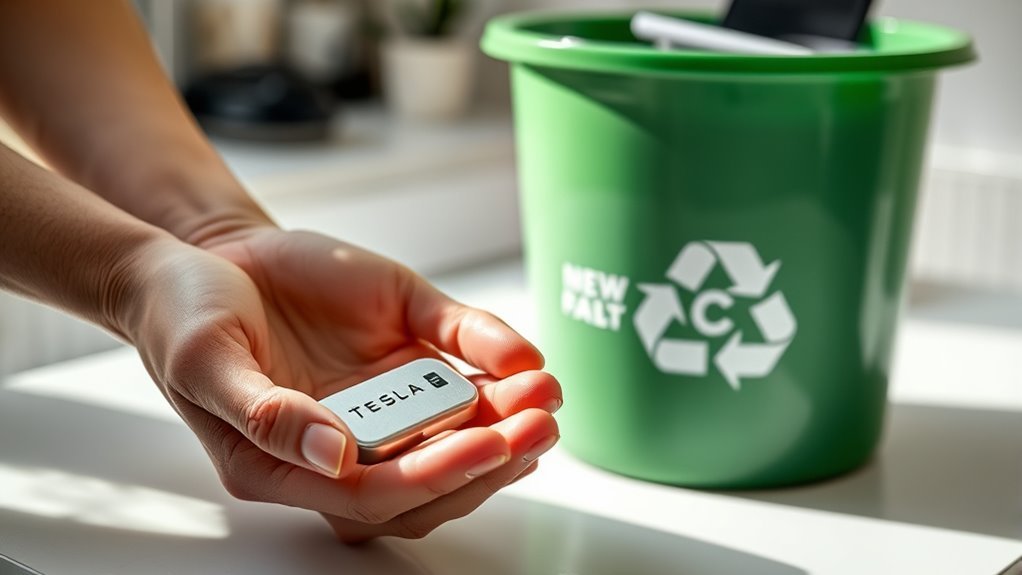
Once you’ve removed the old battery, it’s important to dispose of it properly to protect the environment.
Old batteries, including CR2032 types, pose a risk if thrown in regular trash, as they can leak harmful substances into landfills and groundwater. To minimize this environmental impact, locate a designated battery recycling center in your area.
Many retailers and local waste management facilities offer battery recycling programs that guarantee safe disposal of hazardous materials.
Before you dispose of your old battery, check local regulations, as laws can vary regarding hazardous waste. Some auto parts stores may also accept used batteries for recycling, providing a convenient option for you.
By engaging in battery recycling, you’re not just disposing of waste; you’re contributing to a healthier planet.
Make certain to handle the old battery responsibly to promote sustainability and protect our environment for future generations.
Step 4: Insert the New CR2032 Battery Correctly
To guarantee your Tesla key fob functions correctly, you need to insert the new CR2032 battery with the positive (+) side facing up, as marked in the battery compartment.
Proper battery orientation is essential for a secure fitting. Follow these steps to confirm correct installation:
- Align the battery with the compartment markings.
- Press down firmly to seat the battery securely.
- Avoid touching the metal contacts with your fingers to maintain connectivity.
- Double-check the alignment before reassembling the key fob.
- Verify there’s no wobble or loose fit, as this could affect performance.
Step 5: Reassemble and Test Your New Key Fob Battery
Align the battery compartment cover with the key fob body, ensuring it fits snugly.
Press down firmly until you hear a click, signaling it’s securely closed.
Test the key fob by pressing all buttons to confirm they function correctly; if not, check the battery seating and cover alignment.
Ensure Proper Alignment
Reassembling your Tesla key fob requires careful attention to confirm proper alignment of the battery compartment cover.
Follow these alignment tips to confirm a secure fit:
- Align the edges of the battery cover with the key fob body.
- Firmly press down on the cover until you hear a click.
- Inspect for any visible gaps between the cover and the body.
- Use reassembly techniques to confirm a snug fit and avoid damage.
- Store the reassembled key fob in a safe location.
Confirming proper alignment not only secures the battery but also maintains the functionality of your device.
Take your time during this step; a well-aligned key fob enhances your Tesla experience and keeps you liberated on the road.
Test Key Fob Functions
Once you’ve reassembled your Tesla key fob, it’s essential to test its functions to verify everything works correctly. Start by pressing all buttons, confirming they respond as intended, including locking and releasing your vehicle. Stand a short distance away and check the key fob’s responsiveness to confirm effective communication with the car.
| Function | Expected Result | Action if Fails |
|---|---|---|
| Lock/Release | Door locks/releases | Recheck battery seating |
| Range Test | Operates at distance | Confirm battery orientation |
| All Buttons | Immediate response | Inspect for damage |
Regularly testing these functions enhances key fob security and promotes battery longevity, preventing unexpected issues while you’re on the road.
Essential Tips for Extending Your Key Fob Battery Life
To extend the life of your Tesla key fob battery, it’s essential to adopt a few simple practices. Effective key fob maintenance can greatly enhance battery longevity.
Here are some tips to help you get the most out of your key fob:
- Keep your key fob away from extreme temperatures.
- Limit the use of high-power functions, like remote start or summon.
- Regularly check for and remove any physical obstructions that may hinder communication with your car.
- Maintain a clean key fob by wiping it down to prevent dirt from interfering with signal transmission.
- Store the key fob away from devices that emit electromagnetic interference.
Common Issues and Troubleshooting During Key Fob Battery Replacement
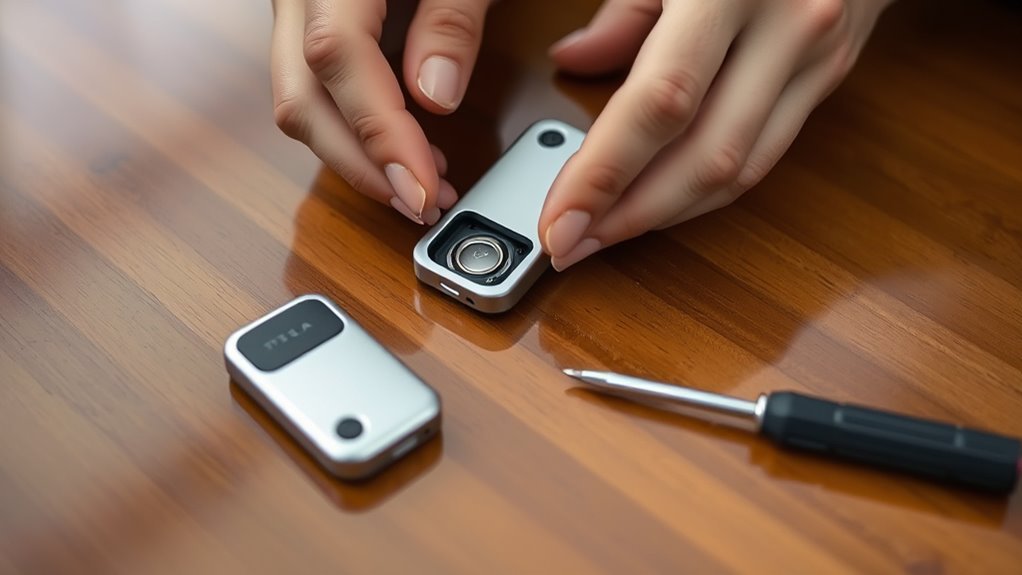
When replacing your Tesla key fob battery, you might encounter a few common issues that can hinder the process. One common mistake is incorrectly inserting the new CR2032 battery; verify the positive (+) side faces up and aligns with the compartment markings.
If you struggle to remove the old battery due to corrosion, a small amount of isopropyl alcohol can effectively clean the contacts.
If the key fob cover won’t snap back, check for debris in the grooves that may prevent proper sealing.
After reassembly, always test the key fob; if it doesn’t work, double-check that the battery is seated correctly and the cover is fully closed.
If problems persist despite following these troubleshooting tips, the internal components may be damaged, necessitating a replacement of the entire key fob.
Being aware of these issues can streamline your battery replacement process.
Conclusion: Ensuring Your Key Fob Functions Well
Ensuring your Tesla key fob functions well requires regular testing and maintenance.
Regular testing and maintenance are essential for keeping your Tesla key fob in optimal working condition.
Take proactive steps to keep it operating smoothly and avoid any inconvenience.
- Regularly test locking and unfastening features after battery replacements.
- Keep a backup CR2032 battery on hand as a battery alternative.
- Properly dispose of old batteries by following local recycling guidelines.
- Clean your key fob regularly to remove debris and enhance performance.
- Perform routine checks on your key fob battery status to prevent unexpected issues.
Frequently Asked Questions
How Do I Replace the Battery in a Tesla Key Fob?
To replace the battery in your Tesla key fob, open it using a screwdriver, remove the old battery, and insert a new CR2032 battery with the positive side up. Test the key fob afterward.
How Do You Change the Battery in a Tesla Fob?
To change the battery in your Tesla key fob, pry open the cover with a screwdriver, replace the old battery with a new CR2032 type, and secure the cover. Test to verify it’s functioning perfectly.
Do I Have to Reprogram My Key Fob if I Change the Battery?
No, you won’t need to reprogram your key fob after changing the battery. Its programming remains intact throughout the battery’s lifespan, ensuring seamless reconnection with your vehicle once the new battery’s installed correctly.
How to Replace a Tesla Key?
To replace a Tesla key, access the touchscreen, disconnect the old key fob, and press the new key fob’s “Unlock” button until recognized. Confirm on-screen instructions and test its functionality for seamless driving liberation.
Conclusion
So there you have it—replacing your Tesla key fob battery is almost as easy as finding a parking spot at a supercharger. Just remember, if your key fob starts acting like it’s auditioning for a role in a horror movie, it’s time for a new battery. With a little finesse and some elbow grease, you’ll have it working like new in no time. Now go forth and access your Tesla with confidence—after all, it’s not just a car; it’s a lifestyle!







Leave a Reply