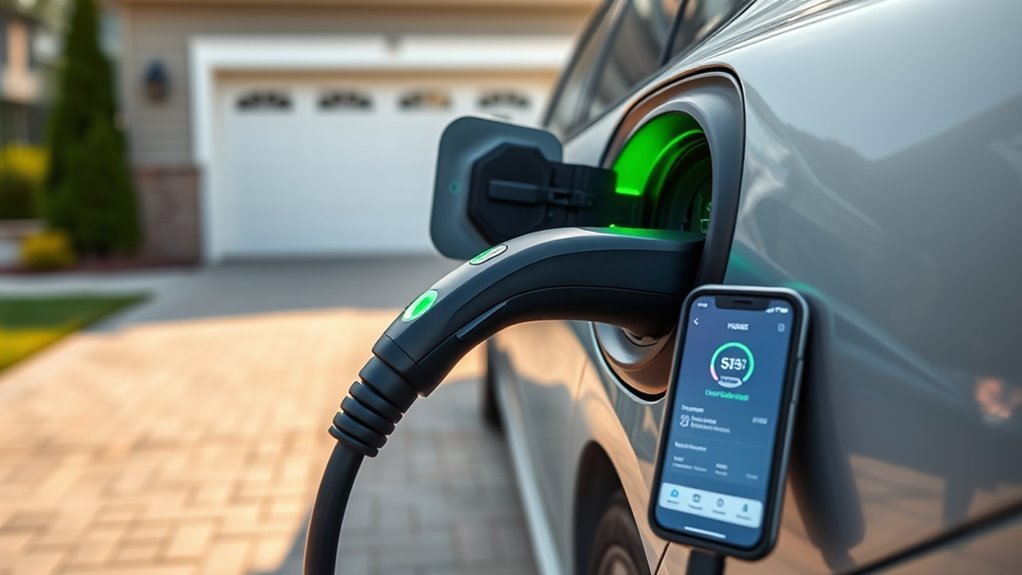
To check if your EV charger is working, start with visual indicators like a pulsing green light, which shows active charging. Verify connections are secure and inspect the cable for damage. Use a voltage tester to confirm the power supply is functioning (120V or 240V). Monitor your vehicle’s state of charge to see if it’s rising. If you still have concerns, keep exploring troubleshooting insights and maintenance tips for reliable EV charging.
Quick Visual Checks to Confirm Your EV Charger Status
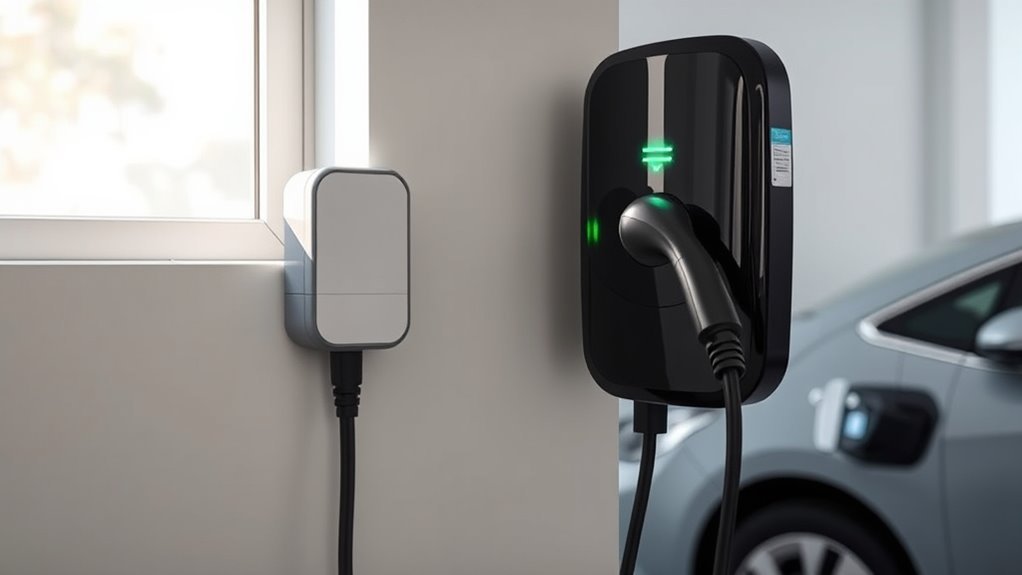
How can you quickly assess if your EV charger is functioning properly? Start with the charger display; a pulsing or animated green light signals that active charging is happening.
Next, check the charging connection; confirm the connector is latched securely and sits flush in the vehicle’s port. A proper fit is essential for ideal charger compatibility.
Ensure the connector is securely latched and fits flush in the vehicle’s port for optimal charging efficiency.
Monitor the vehicle’s state of charge (SOC) on the dashboard or app; a rising SOC confirms energy is flowing into the battery. Additionally, verify that the charger shows a non-zero power output (kW) on its display or app. A steady reading above 0 kW indicates charging is in progress.
Finally, inspect the charging cable for warmth—some warmth is normal, but excessive heat or visible damage may signal a problem. Following these checks helps you confirm your EV charger is working effectively, keeping you on the road with confidence.
Understanding Charger Indicator Lights and Their Meanings
Understanding your EV charger’s indicator lights is essential for evaluating its performance.
Different colors convey specific meanings, from active charging to potential faults, so you need to be aware of these signals.
Always consult your charger’s manual for precise interpretations, as light indicators may vary between brands.
Light Color Indicators Explained
When you plug in your electric vehicle (EV) charger, the indicator lights provide essential information about the charging status. Understanding light color meanings can help you quickly assess your charger’s performance. Here’s a breakdown of common visual charging cues:
| Light Color | Meaning |
|---|---|
| Pulsing Green | Active charging in progress |
| Solid Green/White | Charger connected and ready, or charging complete |
| Blue/Cyan | Charger connected, waiting for vehicle to initiate |
| Red/Ambers | Fault present; check connections or authentication |
Different charger brands may vary, so always consult your user manual for specific details. Trusting numerical indicators, like kW or SOC, guarantees you accurately assess if charging is occurring.
Common Charging Light Issues
While charging your electric vehicle, you might encounter various light indicators that signal different issues with your charger. A pulsing green light means active charging, confirming power flow to your vehicle.
A solid green or white light suggests the charger is ready or that charging is complete, but always check the kW readings for accuracy.
If you see a blue or cyan light, the charger is waiting, possibly due to a scheduled charge.
Red or amber lights indicate charging light malfunctions, prompting you to investigate loose connections or charger issues.
For effective troubleshooting tips, refer to the specific light meanings from your charger’s user manual, as different brands may have unique indicators.
Consult Charger Manual Always
Referencing your charger manual is key to accurately interpreting the status of your electric vehicle charger. Different brands and models may have unique indicator light meanings.
A pulsing green light usually means your charger is actively charging, while a solid green or white light indicates charging is complete. Blue or cyan lights suggest a connection but await vehicle handshake, whereas red or amber lights often signal a fault or user error.
When light colors conflict, trust the numerical indicators like kilowatts (kW) and state of charge (SOC) for reliable status information. By regularly consulting your manual, you’ll also understand error codes, aiding effective troubleshooting and ensuring charger compatibility with your vehicle.
How to Check Your Power Supply: Quick Tips?
How can you quickly determine if your EV charger is receiving the power it needs? Start by using a voltage tester to check the power supply, expecting readings around 120V or 240V, depending on your charger specifications.
Next, turn off the circuit breaker supplying power and verify the voltage at the breaker. This confirms it aligns with the expected voltage. After confirming the breaker’s status, turn it back on and measure the voltage at the charger input terminals to guarantee consistent power delivery, essential for avoiding power fluctuations.
Additionally, inspect your electrical panel for any tripped breakers, and reset them if they’re in the middle or “off” position. If a breaker trips repeatedly after resetting, it may signal a larger issue affecting circuit safety, necessitating professional evaluation.
Taking these steps helps make certain your EV charger functions efficiently and safely.
Inspecting Your EV Charger Cables and Connectors for Damage
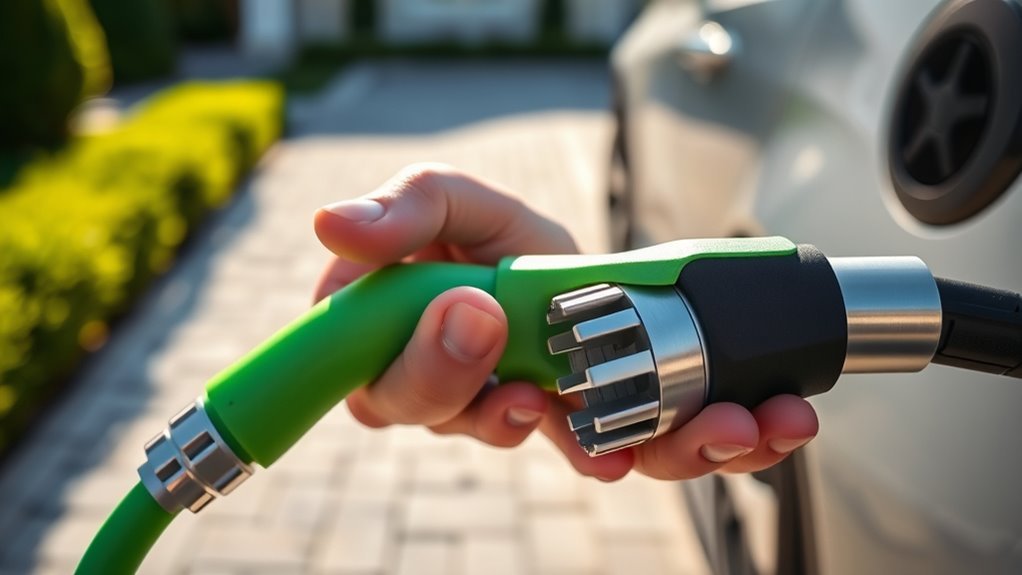
After verifying that your power supply is functioning properly, the next step is to inspect your EV charger cables and connectors for any signs of damage.
Regular cable maintenance is essential for safe operation. Here’s what to look for:
- Visible Wear: Check for cracks or fraying in the cable, which can signal safety hazards.
- Connector Condition: Inspect the connector for dirt or debris; clean connectors guarantee a secure electrical connection.
- Proper Seating: Make sure the connector is seated properly in the vehicle’s charging port, as a loose connection disrupts charging.
- Exposed Wiring: Look for any exposed wiring or melted spots on the cable, indicating serious risks that may need professional evaluation.
For effective connector cleaning, use a soft, dry cloth to gently clean the connector, preventing corrosion and maintaining efficient charging.
Your vigilance in these checks can enhance safety and reliability.
How to Track Your Vehicle’s Charging Efficiency
To track your vehicle’s charging efficiency, monitor the charging power output in kilowatts to guarantee it aligns with your charger’s specifications.
Keep an eye on the state of charge (SOC) displayed on your vehicle’s screen or app, confirming it rises steadily during the charging process.
Additionally, analyze the duration of your charging sessions to evaluate whether the energy delivered meets your vehicle’s battery capacity requirements.
Monitor Charging Power Output
Do you know how to effectively monitor your vehicle’s charging efficiency? By keeping an eye on the charging power output, you can guarantee peak performance. Here’s how:
- Check the Charger Display: Verify the power output shows a non-zero value in kW, indicating active energy transfer.
- Use Your Vehicle’s App: Observe the state of charge (SOC) rising, typically around a 12% increase every 10-15 minutes with a Level 2 charger.
- Track Total Session Energy: Monitor kWh increments, confirming energy is being stored.
- Compare Power Output: If it’s considerably lower than the charger’s rating (~7.2-7.7 kW), investigate potential issues.
Trust the numerical indicators over light colors for accurate insights into your charging efficiency.
Track State Of Charge
Tracking your vehicle’s state of charge (SOC) is essential for ensuring charging efficiency and performance. Regularly monitor the SOC displayed on your car; it should rise steadily, typically around 12% every 10-15 minutes on Level 2 chargers.
Use your EV’s app or onboard display to check real-time power flow, ensuring the charging power (in kW) remains above zero—this confirms active charging. Watch the estimated time to full charge (ETA) decrease as SOC increases, indicating effective charging.
Document the total energy consumed in kilowatt-hours (kWh) during sessions to aid your efficiency analysis. Trust numerical indicators like kW, kWh, and SOC over light signals, as these are more reliable for evaluating charging metrics.
Analyze Charging Time Duration
Monitoring charging time duration is essential for evaluating your EV’s charging efficiency.
To perform a thorough charging duration analysis, follow these steps:
- Track the SOC: Verify it rises about 12% every 10-15 minutes using a Level 2 charger.
- Measure energy consumed: Monitor the total kWh used during the session to confirm steady charging.
- Check ETA: Use your vehicle’s app or display to see the countdown to a full charge.
- Compare charging rates: Look at the actual charging rate against the charger’s rated output (7.2-7.7 kW for Level 2).
If charging takes longer than expected based on these efficiency metrics evaluations, it may indicate issues with the charger or vehicle compatibility.
Step-by-Step Troubleshooting for Common Charging Issues
How can you quickly diagnose common issues with your EV charger? Start by checking the charger display for error messages or indicators, like a pulsing green light that shows active charging. Confirm the charging connector is fully seated and latched; if it isn’t, reinsert it until you hear a click.
Next, monitor your vehicle’s state of charge (SOC) on the dashboard; a rising SOC confirms successful charging. Use a multimeter to verify power supply, looking for a reading above 0 kW. If problems persist, inspect the charging cable and plug for damage.
Here’s a quick reference table for troubleshooting:
| Issue | Solution |
|---|---|
| Charger display off | Check power source |
| Loose connector | Reinsert until it clicks |
| SOC not increasing | Verify charger power with multimeter |
| Visible damage on cable | Replace cable or plug |
Implement these home installation tips for a better charging experience.
When to Call a Professional for Charger Problems?
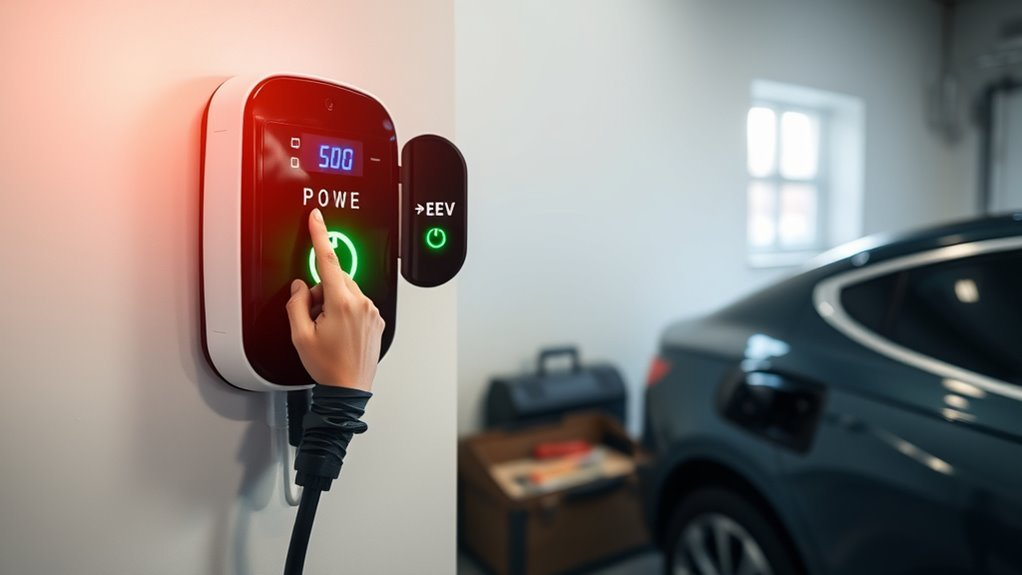
While most charging issues can be resolved with basic troubleshooting, knowing when to call a professional is essential for safety and efficiency.
Here are key scenarios to take into account:
- Tripped Breakers: If your breaker frequently trips or the charger won’t power on, it may signal wiring issues or problems with the electrical panel that need expert evaluation.
- Damaged Cables: Visible fraying or exposed wiring in your charging cable or connector warrants immediate professional inspection and replacement for safety.
- Persistent Errors: If your charger displays ongoing error messages despite resets, consult a manufacturer or certified technician for thorough diagnostics.
- Inconsistent Charging Rates: Noticeable discrepancies in expected charging rates over time could indicate a malfunction needing professional repair or replacement.
In these cases, don’t hesitate to seek expert help to guarantee your EV charging system operates safely and efficiently.
Preventive Maintenance Tips for Reliable EV Charging
To guarantee your EV charger remains reliable and efficient, implementing preventive maintenance is essential. Start by establishing a maintenance schedule that aligns with your charging frequency.
Regularly inspect your charging cables and connectors for any visible damage, like cracks or fraying, to avoid safety hazards and ascertain peak performance. Clean the connectors with a soft, dry cloth to eliminate dust and debris that could impede the connection.
Also, periodically test the ground fault circuit interrupter (GFCI) feature to verify it works correctly, providing necessary safety protections.
Don’t forget to keep your charger’s software updated; manufacturers often release updates that enhance functionality and security.
Finally, monitor your charger’s display for error messages, and consult the user manual for troubleshooting guidance to effectively address any recurring charging issues.
Following these preventive measures will help you maintain a dependable EV charging experience.
Frequently Asked Questions
How to Check if an EV Charger Is Working?
To check if your EV charger is working, monitor charger indicators for proper lights and listen for charging sounds. Verify the connection is secure and the vehicle’s display shows increasing charge levels.
How to Check if Your Charger Is Fast Charging?
To check if your charger is fast charging, monitor the charging speed displayed on your vehicle. Look for performance indicators like rapid state of charge increases, a pulsing green light, and consistent power delivery above 0 kW.
How Do I Test if My Charger Is Working?
To test your charger’s functionality, check the display for power output and monitor your vehicle’s state of charge. Inspect cables for damage and use a voltage tester to verify proper power supply.
How Do You Troubleshoot an EV Charger?
To troubleshoot your EV charger, check for error messages, inspect the cable, guarantee compatibility, and verify power output. Follow these charger maintenance tips, and don’t hesitate to contact support if issues persist.
Conclusion
By regularly checking your EV charger and following these quick steps, you can guarantee it’s working as smoothly as a well-oiled machine. Keeping an eye on indicator lights, inspecting cables, and monitoring charging efficiency will help you catch issues before they escalate. If you encounter persistent problems, don’t hesitate to call a professional—they’re like superheroes for your charging woes! With a little preventive maintenance, you can enjoy worry-free charging for your electric vehicle, keeping you on the road longer.





Leave a Reply