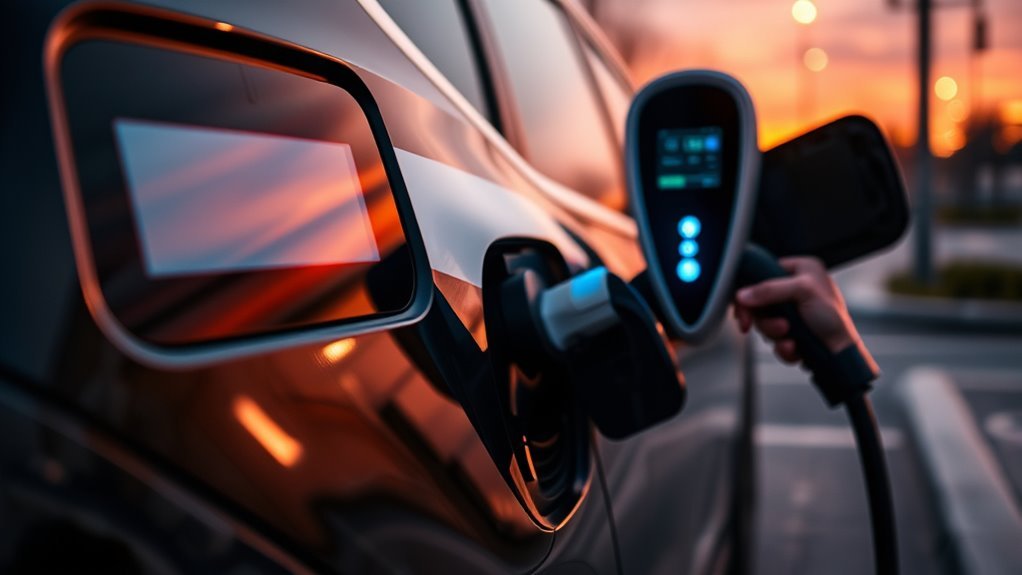
If your public EV charger won’t start, first check the station’s status and indicators for errors. Make sure the connector is properly placed and check for cable damage. Confirm that your EV is compatible with the charger type. If everything seems okay, restart the charging process and double-check your payment method and subscription status. Don’t hesitate to consult the EV manufacturer or the charger’s help desk if problems persist. There are more steps that can help you troubleshoot effectively.
Check Charging Station Status and Indicators
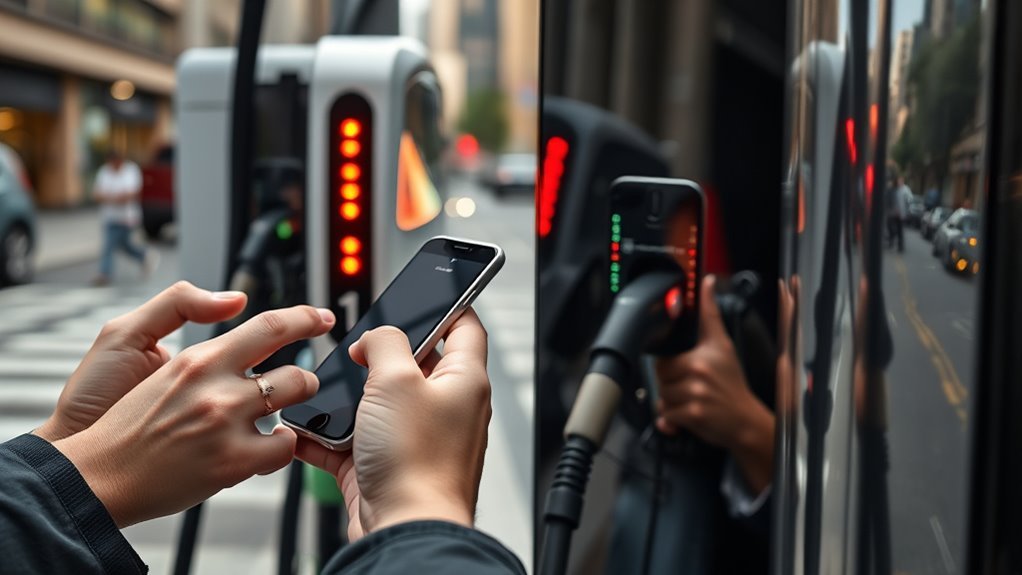
Have you ever arrived at a charging station only to find it unresponsive? Before you lose hope, take a moment to check the station’s status and indicators.
Start by examining the display for any error codes or notifications regarding the power status. Indicator lights can tell you if the station is operational or already in use. If you’re unsure, verify the charging station’s status through an app or website—this can reveal any reported outages or maintenance issues.
Examine the display for error codes and check indicator lights to ensure the charging station is operational before proceeding.
Don’t overlook messages on the screen that might indicate payment problems or vehicle incompatibility. It’s vital to confirm the station is fully functional before digging deeper into troubleshooting tips.
Many issues stem from the station itself, so confirming its operational status can save you time and frustration. By being proactive, you empower yourself to navigate the world of electric vehicle charging with confidence and ease.
Ensure Proper Connector Placement and Cable Conditions
Once you’ve confirmed the charging station is operational, the next step is to verify proper connector placement and cable conditions.
Start by ensuring that both the EV and the charging station have securely connected cables. Any loose or misaligned connector can prevent a successful charging session, so double-check their alignment.
Next, inspect the charging cable for any signs of damage, like frayed wires or cracked insulation. Damaged cables not only compromise cable integrity but can also pose safety risks.
Don’t forget to examine your vehicle’s charging port for debris or obstructions. A clean, unobstructed port is essential for a solid connection.
If you suspect the cable might be the issue, try using a different charging cable to isolate the problem. This simple step can often reveal whether the charging failure stems from the cable or another source.
Confirm EV Compatibility and Connector Type
Before plugging in, it’s essential to confirm that your electric vehicle (EV) is compatible with the charging station. Here’s how to ascertain everything lines up perfectly:
- Verify the connector type compatibility: CHAdeMO, CCS, Tesla, or J1772.
- Check the physical fit of the connector; it should connect snugly but also support the correct protocol.
- Review your EV model specifications to find out the required charging type: Level 1, Level 2, or DC fast charger.
- Consult the documentation for both your vehicle and the charging station to confirm compatibility, especially with less common protocols.
- Look into any necessary software updates for your vehicle to ascertain it can effectively communicate with the charger.
Restart the Charging Station and Retry the Process
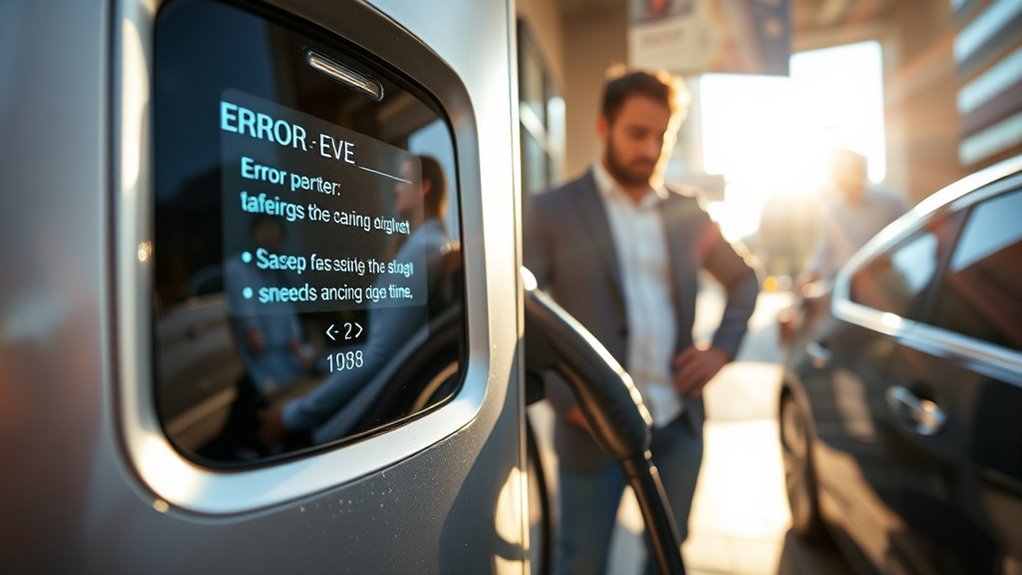
If you’re experiencing issues with a public EV charger, restarting the charging station can often resolve the problem quickly.
Start by disconnecting the plug from your electric vehicle and wait about a minute. This brief pause allows for a charging reset, which can clear minor communication errors that might be blocking your charging session.
Disconnect the plug and wait a minute to reset the charging station and clear any minor communication errors.
Reconnect the plug firmly to both the station and your vehicle. After reconnecting, make sure to restart any required payments or authentication processes to facilitate the session.
If the issue persists, consider restarting your vehicle’s software or charging system as well.
Sometimes, the problem mightn’t be with the charging station but with your vehicle. To isolate the issue, try testing your EV with another charging station.
These troubleshooting tips can empower you to take control and get back on the road smoothly and efficiently.
Check EV Charger Payment Method and Subscription Status
Before you start charging, make certain your payment method is up-to-date and supported by the network.
If you’re using a subscription service, check your status to verify it’s active; an inactive account can block access.
Finally, regularly review your app payment settings to prevent any interruptions during your charging sessions.
Verify Payment Method Status
Ensuring your payment method is up-to-date is essential for a seamless EV charging experience.
To avoid interruptions, follow these steps for effective payment validation and subscription renewal:
- Regularly check your payment information in the charging app.
- Use major credit cards like Visa and Mastercard for reliability.
- Enable digital wallets, such as Google Pay and Apple Pay, for quick access.
- If you see a “Transaction Failed” error, troubleshoot your network connection first.
- Confirm your subscription status is active, avoiding any suspension or cancellation.
Update Subscription Information
How often do you check your subscription information for your EV charger? Keeping your payment method updated is essential for a smooth charging experience.
Regularly verify your subscription status and guarantee your payment method is current—expired cards or unsupported options can lead to transaction failures. Use the Plugsurfing app to update your payment information and avoid interruptions during charging sessions.
Supported payment methods typically include major credit cards like Visa and Mastercard, along with quick options like Google Pay and Apple Pay.
Don’t forget to pay attention to those payment notifications regarding subscription renewal; staying ahead prevents issues. If problems arise, reach out to customer support to resolve any payment or subscription-related concerns promptly.
Check App Payment Settings
Are you confident that your payment settings in the app are correctly configured? If the charger won’t start, it’s time to explore your app settings to tackle any potential payment issues.
Here’s what to check:
- Verify your payment method is valid and up-to-date.
- Confirm your subscription status is active and no payments are overdue.
- Verify that the payment info matches your card details, including the billing address.
- Utilize quick payment options like Google Pay or Apple Pay for smoother transactions.
If you still encounter payment issues, reach out to the charge point operator or customer support via the app.
Taking these steps can empower you to reclaim your charging experience and get back on the road!
Consult EV Manufacturer or Charging Station Help Desk
If you’re facing charging issues, don’t hesitate to contact your EV manufacturer’s support team for specialized help tailored to your vehicle.
They can often provide insights or remote diagnostics that might uncover issues you didn’t notice.
Additionally, reaching out to the charging station’s customer service can reveal known problems or outages that could be affecting your experience.
Contact Manufacturer Support
When you encounter issues with your EV’s charging system, reaching out to the manufacturer’s support can be an essential step in resolving the problem quickly.
Here are some tips for maximizing support effectiveness:
- Utilize various contact options like phone, email, or live chat for immediate assistance.
- Provide detailed information, including error codes and charging status, to expedite troubleshooting.
- Consider remote diagnostics, which can save you time and hassle.
- Document recurring issues to help technicians spot patterns and diagnose effectively.
- Engage with online forums or EV owner communities for additional insights and shared experiences.
Reach Out for Assistance
How can you guarantee a smooth charging experience with your electric vehicle? When facing issues with public chargers, reach out for assistance. Contact your EV manufacturer’s customer support for tailored troubleshooting options. They can guide you through specific problems related to your model. Additionally, if the charger displays error messages, don’t hesitate to reach out to the charging station’s customer service. Document recurring issues, including error codes, to provide helpful context for support representatives.
| Action | Resource | Outcome |
|---|---|---|
| Contact EV Manufacturer | Customer Support | Specialized troubleshooting |
| Reach Charging Station | Help Desk | Operational issue resolution |
| Document Issues | Notes | Better assistance |
| Join EV Community | Online Forums | Shared experiences |
Frequently Asked Questions
Why Is My EV Charger Not Working?
Your EV charger isn’t working due to common issues like connection problems, payment failures, or compatibility mismatches. Check for secure connections and verify your payment method with these troubleshooting tips to guarantee smooth charging.
How to Reboot an EV Charger?
To reboot your EV charger, disconnect the plug, wait a minute, then reconnect it securely. If needed, consult the manual for the reset process and guarantee proper charger maintenance for a smooth charging experience.
How to Fix a Charger Suddenly Not Working?
To fix a charger suddenly not working, check electrical connections for secure attachment and damage. Maintain your charger regularly, and if issues persist, contact support for assistance or further diagnostics to restore functionality.
Why Is My EV Charger Plugged in but Not Charging?
If your EV charger’s plugged in but not charging, check for common problems like loose connections, damaged cables, or compatibility issues. Verify your vehicle’s in Park mode and watch for error messages on the dashboard.
Conclusion
If your public EV charger won’t start, don’t get discouraged. By following these troubleshooting steps, you can often resolve the issue quickly. Remember, it’s not always a fault with the charger or your vehicle; sometimes, it’s just a minor glitch. Even if it seems challenging, take a deep breath and work through the checklist. You’ll be back on the road in no time, enjoying the benefits of electric driving without the hassle!





Leave a Reply