If your RFID card isn’t working at your EV charger, check for common issues like card damage, improper registration, or a faulty reader. Make sure the charger has RFID authentication enabled and update the firmware if needed. Power cycling the charger can reset any glitches, while a hard reset might fix persistent problems. Regular maintenance of your RFID card can also help. Discover more tips and tricks for smooth charging as you explore further.
Common Reasons Your RFID Card Isn’t Working at Your EV Charger
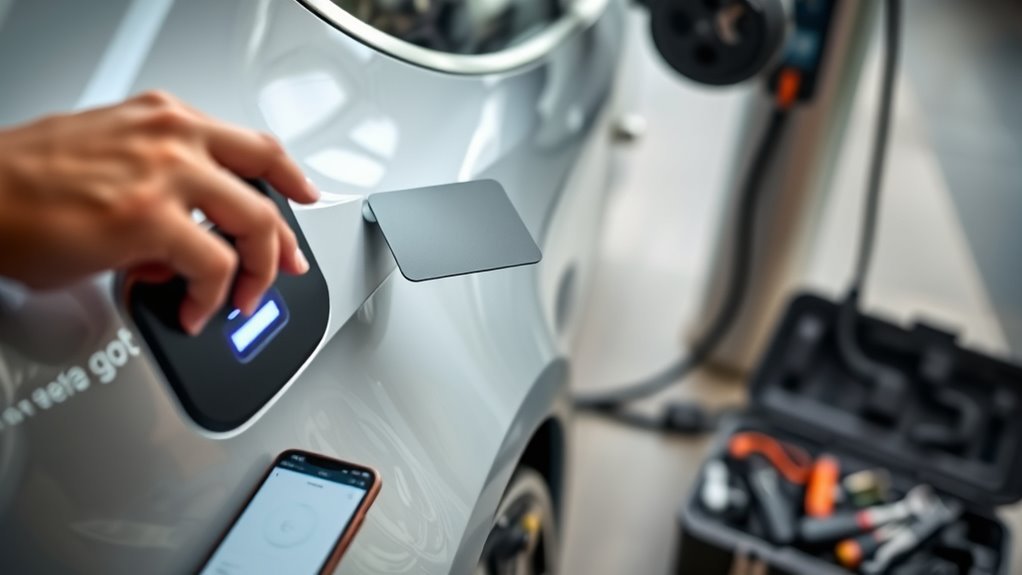
If your RFID card isn’t working at your EV charger, several common issues could be to blame.
First, check for RFID card damage; scratches or demagnetization from heavy use might prevent it from being recognized.
Next, consider the charger settings. Verify that the RFID authentication feature is enabled in the app to avoid automatic charging overrides.
If the charger’s RFID reader is faulty, it won’t detect your card, so look into that as well.
Additionally, keeping your charger and app updated with the latest firmware can resolve communication issues that impact card recognition.
Finally, if you’ve recently set up the charger and it’s unresponsive, try re-registering your RFID card in the app or web portal.
Key Issues That Affect RFID Functionality
Several key issues can affect RFID functionality at EV chargers, impacting your ability to charge efficiently.
Understanding these problems can help you navigate the frustrations of unreliable charging infrastructure.
- Improper registration of your RFID tag can prevent it from being recognized.
- A beeping sound without charging initiation often signals a faulty RFID card.
- First-generation chargers might’ve unreliable RFID readers, leading to frequent scanning failures.
- Environmental factors, like moisture, can cause corrosion on your RFID card, degrading its performance.
How to Fix RFID Card Recognition Problems
While dealing with RFID card recognition problems at EV chargers can be frustrating, there are several effective solutions you can try. Start by checking your RFID card setup in the charger’s app settings; make certain RFID authentication is enabled. If that’s good, re-register your RFID card under RFID Management, guaranteeing you enter the tag number in the correct 8-digit format.
If you still face RFID compatibility issues, consider contacting the CMS host for a remote reset. Don’t forget to regularly check for firmware updates in the GivEnergy app, as these often enhance RFID card recognition.
| Action | Purpose |
|---|---|
| Enable RFID Authentication | Guarantees the charger recognizes your card |
| Re-register the Card | Fixes errors in card recognition |
| Check for Firmware Updates | Improves overall performance and reliability |
Power Cycle Your Charger for a Fresh Start
Power cycling your charger can be a quick and effective way to resolve issues with RFID functionality.
This simple charger reset can eliminate minor software glitches that may be causing your RFID card not to work.
Here’s how to do it:
- Turn off the power supply at the isolator switch or fuse board.
- Wait about 5-10 minutes to allow all residual energy to dissipate.
- Turn the charger back on.
- Test your RFID card again by tapping it on the reader.
When to Hard Reset Your Charger for RFID Issues?
If your RFID functionality remains unresponsive even after basic troubleshooting steps, it may be time to contemplate a hard reset of your EV charger.
Consider a hard reset for your EV charger if RFID issues persist after troubleshooting.
Before you proceed, make sure you’ve exhausted all charger troubleshooting techniques, like checking for firmware updates and confirming RFID settings. A hard reset can often restore your charger’s software, addressing any glitches that might be affecting the RFID reader.
To initiate a hard reset, follow the specific hard reset methods provided by your manufacturer. This usually involves pressing a combination of buttons or disconnecting the power supply for a set period.
If your problems persist after the hard reset, don’t hesitate to reach out to customer support or schedule a technician visit. They can help diagnose potential hardware malfunctions that may be beyond a simple reset.
Taking these steps can liberate you from ongoing RFID issues and enhance your EV charging experience.
Tips for Maintaining Your RFID Cards
After ensuring your EV charger is functioning properly through troubleshooting and resets, it’s important to maintain the RFID cards you use for charging.
Proper RFID card maintenance can save you from unexpected charging interruptions. Here are some key tips to keep your cards in great shape:
- Store your RFID cards in protective cases to prevent scratches and damage.
- Regularly clean the card’s surface with a soft cloth to eliminate dirt and debris.
- Avoid exposing your cards to extreme temperatures or moisture that can cause corrosion.
- Handle your cards gently, avoiding bending or twisting to maintain their structural integrity.
Using the Charging App as a Backup for RFID Issues
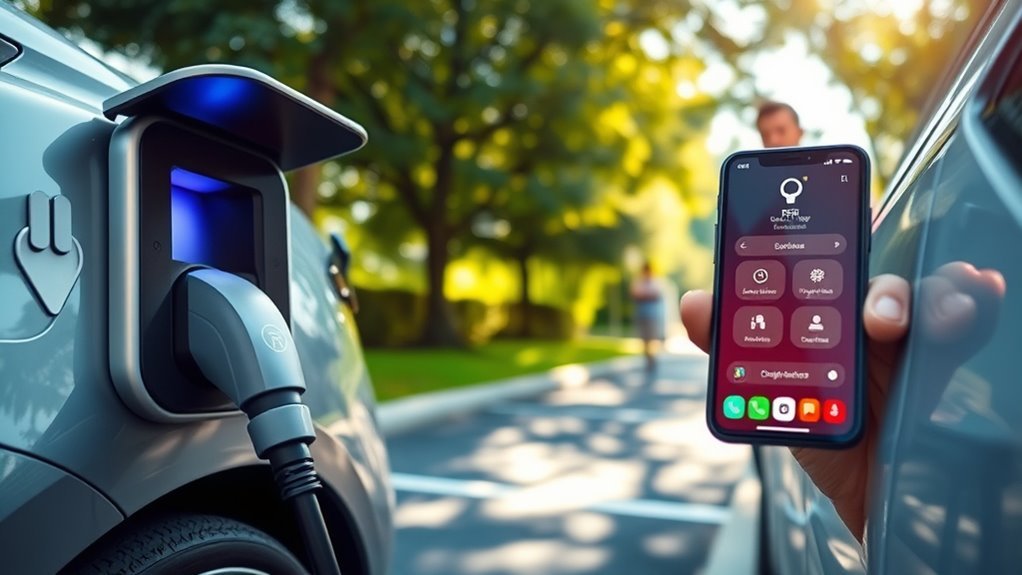
If your RFID isn’t working, the charging app can be a lifesaver.
It lets you manage your charging sessions and access credits directly from your phone, making it a reliable backup.
We’ll cover the app’s features, how to use it step-by-step, and troubleshoot any issues you may encounter.
App Features Overview
Many EV charging apps serve as an excellent backup when your RFID tag isn’t working.
These apps enhance app usability and provide an intuitive user interface, allowing you to manage your charging experience effectively.
Here are some key features to explore:
- Initiate charging sessions directly from your smartphone.
- Access your charging history and manage payment methods easily.
- Monitor your charging progress in real-time.
- Gain access to charging stations remotely in case of RFID issues.
Step-by-Step App Usage
When your RFID tag fails to work at an EV charger, the charging app becomes a valuable tool to manage your charging session.
First, open the app interface and access your user settings. Look for the option to enable app-based authentication, ensuring it’s activated. This allows you to start charging without relying on the RFID tag.
Regularly check for app updates, as newer versions often include bug fixes that enhance functionality. The app may also provide notifications about your charging status, helping you stay informed of any issues.
If RFID problems persist, use the app to manually monitor and adjust your charging settings, ensuring everything is configured correctly for a successful charging experience.
Troubleshooting via App
How can you effectively troubleshoot RFID issues using your charging app? Start by diving into your app settings to guarantee the RFID authentication feature is enabled.
If that doesn’t work, utilize these troubleshooting tips:
- Select timed charging or plug-and-charge options as a backup.
- Re-register your RFID tags in the app, guaranteeing you use the correct 8-digit format.
- Check for firmware updates that could improve functionality and resolve issues.
- If problems persist, don’t hesitate to contact customer support for assistance.
Frequently Asked Questions
Why Is My RFID Tag Not Working?
Your RFID tag might not be working due to improper registration, incorrect format, or disabled features in the EV infrastructure. Check settings, re-register, and verify the app’s updated for ideal RFID technology performance.
Is There a Universal RFID Card for EV Charging?
No, there isn’t a universal RFID card for EV charging yet. Each network uses its own RFID technology, so you’ll need to check compatibility and register your card with specific providers for access.
How to Fix RFID Card Not Working?
To fix your RFID card not working, check EV charger compatibility, enable RFID authentication in settings, power cycle the charger, and guarantee your tags are correctly registered. Update firmware for improved functionality and performance.
Do I Need an RFID Card for EV Charging?
You absolutely need an RFID card for EV charging at many stations. This powerful RFID technology guarantees secure access and authentication, making your charging experience seamless. Don’t forget to explore app options if needed!
Conclusion
In the world of EV charging, a malfunctioning RFID card can feel like a flat tire on a smooth road. By understanding common issues and applying the fixes we’ve discussed, you can get back on track in no time. Don’t forget to maintain your RFID cards and keep a charging app handy as a safety net. With a little care, you’ll keep your charging experience as seamless as a well-oiled machine, ready for every adventure ahead!







Leave a Reply