Tesla Supercharger idle fees start after a 5-minute grace period once your vehicle is fully charged. If the station is over 50% occupied, fees are $0.50 per minute; at full capacity, they rise to $1.00 per minute. This means you could rack up charges of $30 to $60 an hour. By promptly retrieving your vehicle and setting appropriate charging limits, you can avoid these fees. Wondering how to navigate these charges? There’s more to explore on this topic.
Key Takeaways
- Idle fees start accumulating after a 5-minute grace period once the vehicle is fully charged.
- Charges are $0.50 per minute if the Supercharger station is over 50% occupied.
- Fees increase to $1.00 per minute when the station reaches full capacity.
- Accumulated idle fees can range from $30 to $60 per hour depending on station traffic.
- Proper charging etiquette, like setting limits and moving promptly, can help avoid these fees.
What Are Tesla Supercharger Idle Fees?
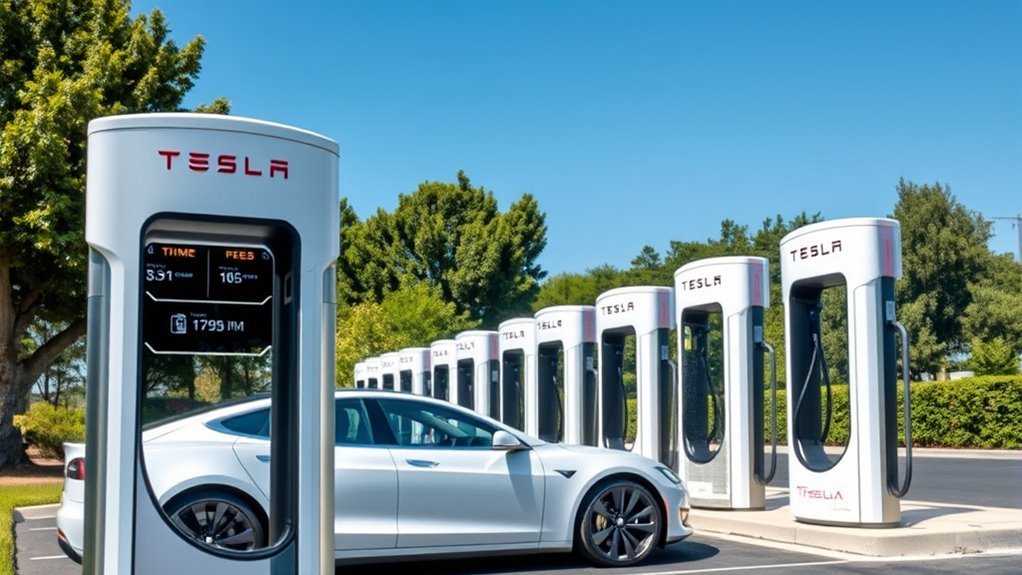
Have you ever wondered what happens if you leave your Tesla plugged into a Supercharger after it’s fully charged? You might be surprised to learn that idle fees kick in if you don’t unplug your vehicle.
Once charging stops, you get a 5-minute grace period. After that, if the station’s over 50% occupied, you’ll incur an idle fee of $0.50 per minute, which jumps to $1.00 per minute when it’s full. These fees can add up quickly, hitting between $30 to $60 per hour depending on traffic at the Supercharger.
Tesla implemented this policy to address user complaints about vehicles blocking charging stations, directly impacting charging station availability for others.
Understanding idle fee implications is essential for any Tesla owner who values both cost efficiency and the communal spirit of electric vehicle charging. So, next time you charge, keep an eye on the clock!
How Tesla Supercharger Idle Fees Work
When you leave your Tesla plugged into a Supercharger after it’s fully charged, idle fees begin to accumulate if the station’s occupancy requires it. To guarantee fair access for all EV users, these fees were introduced based on the station’s capacity.
Leaving your Tesla plugged in after charging can lead to idle fees, ensuring fair access for all EV users.
Here’s how they work:
- You get a 5-minute grace period after charging stops.
- If the station is over 50% full, you incur a fee of $0.50 per minute.
- At 100% capacity, the fee increases to $1.00 per minute.
- Charging sessions typically last 30 to 45 minutes, but extended stays can cost you $30 to $60 per hour.
Adjusting your charging limits via the Tesla app can help manage idle time effectively.
User feedback indicates that while many embrace this charging technology, it’s best to avoid setting your limit to 100% just to buy time, as that’s considered poor etiquette.
Idle Fees: Cost Breakdown
When using a Tesla Supercharger, it’s crucial to understand the fee structure, which starts at $0.50 per minute when the station is at 50% capacity.
If the station is fully occupied, that fee jumps to $1.00 per minute.
Fee Structure Overview
Understanding Tesla’s idle fee structure is essential for drivers who want to avoid unexpected charges after charging their vehicles.
Idle fee implications impact both your wallet and charging station accessibility. Here’s a breakdown of the current fee structure:
- $0.50 per minute when the station is over 50% occupied.
- $1.00 per minute once it hits 100% capacity.
- $30 to $60 per hour for prolonged idling, incentivizing quick retrieval.
- Fees have gradually increased since their introduction in December 2016, reflecting user demand for available stations.
Grace Period Details
To help you avoid idle fees, Tesla provides a 5-minute grace period after your vehicle finishes charging. This short window allows you to enjoy charging convenience without immediate financial penalties.
However, once the grace period ends, fees kick in. If the Supercharger station is over 50% full, you’ll face a $0.50 per minute charge. This fee doubles to $1.00 per minute when the station reaches 100% capacity.
Idle fees can add up quickly, potentially costing you between $30 to $60 for just an hour of idling. These measures aim to promote timely vehicle retrieval, ensuring availability for fellow drivers.
How to Avoid Idle Fees When Charging
Avoiding idle fees at Tesla Superchargers is crucial for both your wallet and the overall charging experience for all EV users.
To keep costs down and guarantee efficient charging, follow these tips:
- Return Promptly: Make sure to get back to your vehicle within the 5-minute grace period after charging is complete to avoid fees.
- Limit Charging: Use the Tesla app to set your charging limit to 80%. This minimizes charging time and encourages quicker vehicle retrieval.
- Adjust Limits When Necessary: If you need to charge beyond 80%, temporarily set your limit to 100% to gain extra time, as charging slows considerably afterward.
- Monitor Station Capacity: Stay informed about Supercharger occupancy levels; fees increase when stations reach 50% capacity ($0.50/min) or full capacity ($1.00/min).
Community Reactions to Idle Fees and Charging Etiquette
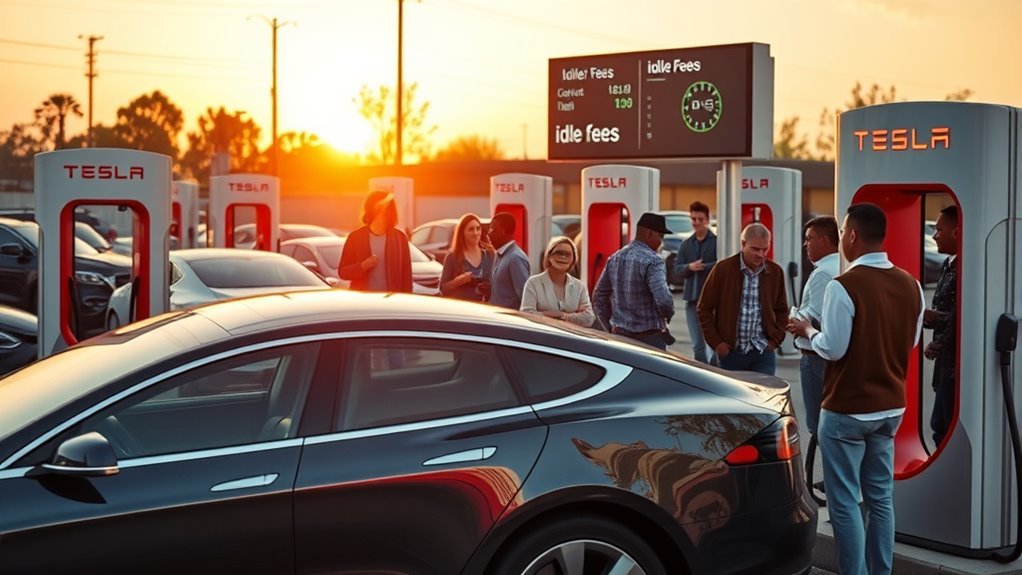
As a Tesla driver, you’re likely aware of the importance of charging etiquette to avoid idle fees that can quickly add up.
Community discussions and social media platforms are buzzing with shared experiences and best practices, highlighting the need for timely vehicle retrieval.
Engaging in these conversations fosters awareness and encourages responsible charging behavior among all electric vehicle owners.
Charging Etiquette Best Practices
While charging your Tesla at a Supercharger station, it’s important to be mindful of your vehicle’s idle time, especially with the implementation of idle fees.
To enhance your charging etiquette and avoid unnecessary costs, consider these charging tips:
- Set charge limits: Aim for around 80% to minimize idle time while maintaining battery health.
- Prompt vehicle retrieval: Move your car as soon as charging completes to free the stall for others.
- Monitor station occupancy: Be aware of how busy the station is to gauge your potential idle fees.
- Engage with the community: Share experiences and tips with fellow Tesla owners to promote respectful behavior.
Community Awareness Initiatives
The implementation of idle fees has sparked significant discussions within the Tesla community, highlighting the importance of charging etiquette among users.
As idle fees can hit $1.00 per minute at full capacity, many are becoming aware of the charging challenges these fees present. This awareness fosters a culture of consideration, urging you to unplug and move your vehicle promptly after charging.
Through platforms like TikTok and online forums, there’s a growing exchange of community solutions aimed at minimizing costs while respecting fellow EV drivers.
Additionally, the trend of idle fees isn’t limited to Tesla; networks like Electrify America are adopting similar policies, reflecting a collective push towards efficient use of public charging stations.
User Experiences Shared Online
With idle fees becoming a reality for many Tesla owners, user experiences shared online reveal a mix of frustration and awareness regarding charging etiquette.
Many drivers have reported charging frustrations after unintentionally exceeding the grace period, leading to unexpected fees. Here are some common themes from the community:
- Grace Period Confusion: Users often misunderstand the grace period, resulting in idle fees.
- Blocking Access: Some drivers leave their vehicles plugged in, causing inconvenience for others.
- Notification Issues: Many feel the app doesn’t effectively alert them when charging is complete.
- Costly Sessions: Charging longer than recommended can lead to fees reaching up to $60/hour.
What to Do If You Receive an Incorrect Idle Fee Charge?
Receiving an incorrect idle fee charge can be frustrating, but addressing it promptly can lead to a resolution. Start by contacting Tesla’s customer support through the app’s “Contact Us” feature. Document your charging session details—time, location, and any notifications—to support your case in the dispute process.
Here’s a quick reference to guide you through the steps:
| Step | Action |
|---|---|
| 1. Contact Support | Use the app’s “Contact Us” feature |
| 2. Document Details | Record time, location, and notifications |
| 3. Mention Context | Specify if it was a valet-only station |
| 4. Stay Persistent | Follow up if responses are delayed |
Many users have successfully received refunds, especially if they were the only vehicle at the station. If applicable, don’t forget to ask for a fee waiver to enhance your chances of a favorable outcome.
Frequently Asked Questions
How Much Does Tesla Charge for Idle Fees?
Tesla charges idle fees of $0.50 per minute at 50% capacity and $1.00 at full capacity. To avoid these fees, practice charging etiquette and be aware of idle fee exemptions for specific circumstances.
How to Avoid Idle Fees on Tesla?
To dodge idle fees, you’ve gotta dance with charging etiquette. Keep your payment methods ready, limit charging to 80% for everyday trips, and return within five minutes after charging stops. Plan wisely, and enjoy the ride!
What Is the Idle Fee Charging?
Idle fee definition refers to charges incurred when you leave your Tesla connected to a Supercharger after charging completes. Practicing good charging etiquette helps avoid fees, ensuring a smooth experience for all users at stations.
What Is the Idle Fee for EV Charging?
The idle fee for EV charging encourages proper charging etiquette, imposing costs based on a fee structure that increases with station occupancy. You’ll want to unplug promptly to avoid accumulating high charges at busy locations.
Conclusion
In the world of electric vehicle charging, avoiding idle fees is like maneuvering through a bustling city—awareness and strategy are key. By understanding how these fees work and practicing good charging etiquette, you can keep costs down and contribute to a smoother experience for everyone. Remember, a little vigilance goes a long way; staying mindful of your charging habits not only saves you money but also enhances the community’s overall charging experience.






Leave a Reply