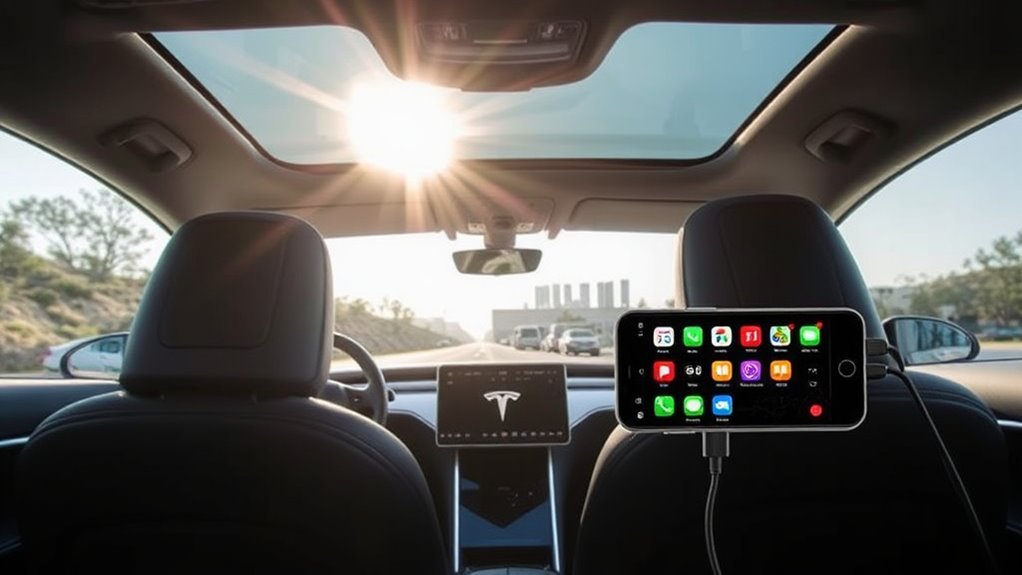
Tesla doesn’t support Apple CarPlay, as it prefers to maintain control over its unique infotainment system. However, you can explore several alternatives like the Carlinkit T2C Adapter or ElecMod F99 to integrate CarPlay functionality into your Tesla. These third-party solutions enhance your infotainment experience without losing key features. If you want to know more about installing CarPlay in your Tesla and other future possibilities, keep checking for updates and insights.
Key Takeaways
- Tesla does not support Apple CarPlay to maintain control over its proprietary infotainment system and prioritize user data collection.
- Users have reported mixed preferences, noting Tesla’s system lacks features like easy text messaging and real-time navigation notifications compared to CarPlay.
- Alternatives for Tesla owners include the Carlinkit T2C Adapter and ElecMod F99 CarPlay Instrument Cluster, providing wireless CarPlay functionality.
- Third-party solutions enhance the infotainment experience, offering improved navigation and music streaming capabilities without sacrificing existing features.
- Future updates may introduce limited CarPlay functionality, enhancing smartphone connectivity and user interface customization options for Tesla drivers.
Why Tesla Doesn’t Support Apple CarPlay
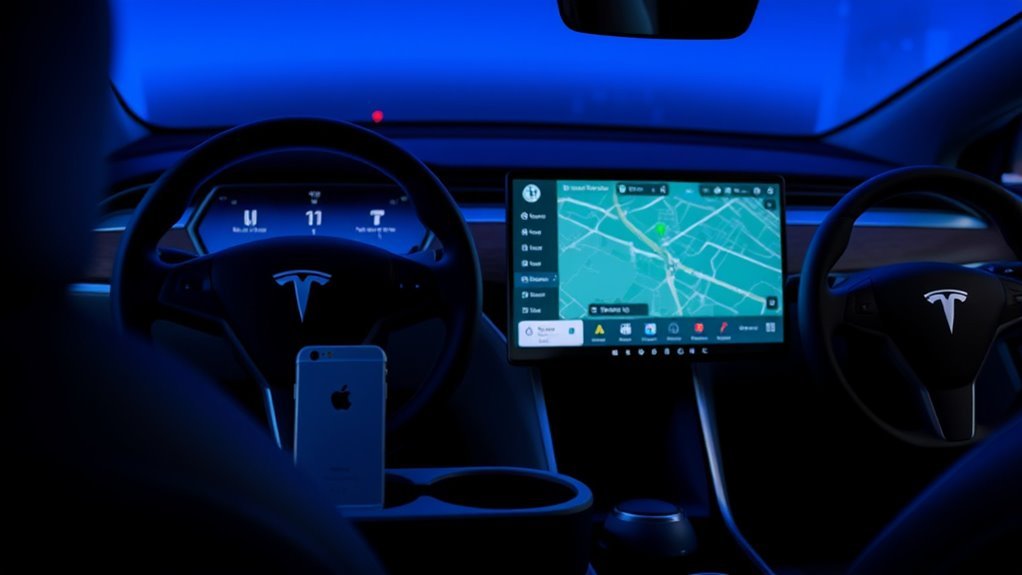
While many drivers appreciate the convenience of Apple CarPlay, Tesla chooses not to support it, primarily to maintain control over its unique software ecosystem. This decision reflects Tesla’s strategy to innovate and enhance its proprietary infotainment system, tailoring updates specifically for its vehicles. By doing so, Tesla guarantees a seamless user experience that aligns with its vision of cutting-edge technology.
Moreover, user data collection is a significant factor in this choice. Tesla prefers to gather and analyze data directly from its users, bypassing Apple’s data collection methods. This approach not only empowers Tesla to personalize features but also addresses privacy concerns that many consumers have today.
Despite ongoing consumer demand for CarPlay, Tesla remains steadfast in its commitment to developing its own systems, focusing on delivering distinctive features that set it apart in the automotive industry.
Real User Feedback on Tesla’s Infotainment vs. CarPlay
How do Tesla’s infotainment features stack up against the widely praised Apple CarPlay? User preferences reveal a mixed bag, with many Tesla owners expressing a strong desire for CarPlay integration due to its seamless functionality.
Here’s how they compare:
- Text Messaging: CarPlay allows for easy text access, while Tesla’s system lacks this capability.
- Navigation Alerts: Users miss the real-time navigation notifications that CarPlay offers.
- App Integration: CarPlay excels in integrating multiple apps effortlessly, enhancing user experience.
- Voice Commands: The voice command functionalities in CarPlay are often seen as superior.
While Tesla’s proprietary system has its merits, community discussions highlight a notable interest in the enhanced features CarPlay brings.
Some users have even turned to aftermarket solutions like Carlinkit and ElecMod to bridge the gap, underscoring the ongoing feature comparisons and user feedback in pursuit of a more liberated infotainment experience.
Top Alternatives to CarPlay for Tesla Users
Tesla owners seeking a more extensive infotainment experience have turned to various alternatives to Apple CarPlay, which remains absent from Tesla’s native system.
One popular option is the Carlinkit T2C Adapter, enabling wireless CarPlay functionality while maintaining your original Tesla screen’s operating system.
If you’re looking to enhance your dashboard, the ElecMod F99 CarPlay Instrument Cluster provides a 9.6-inch display compatible with the Model 3 and Model Y, ensuring CarPlay compatibility without voiding your warranty.
For those who prefer more flexibility, installing an Android-based tablet can transform your Tesla into a multi-functional hub, allowing both CarPlay and Android Auto.
Installation typically takes 3 to 4 hours, involving some routing of USB cables.
With these alternatives to evaluate, you can achieve seamless Tesla integration and elevate your infotainment experience, liberating you from the constraints of the stock system.
Why Go for Third-Party CarPlay Solutions?
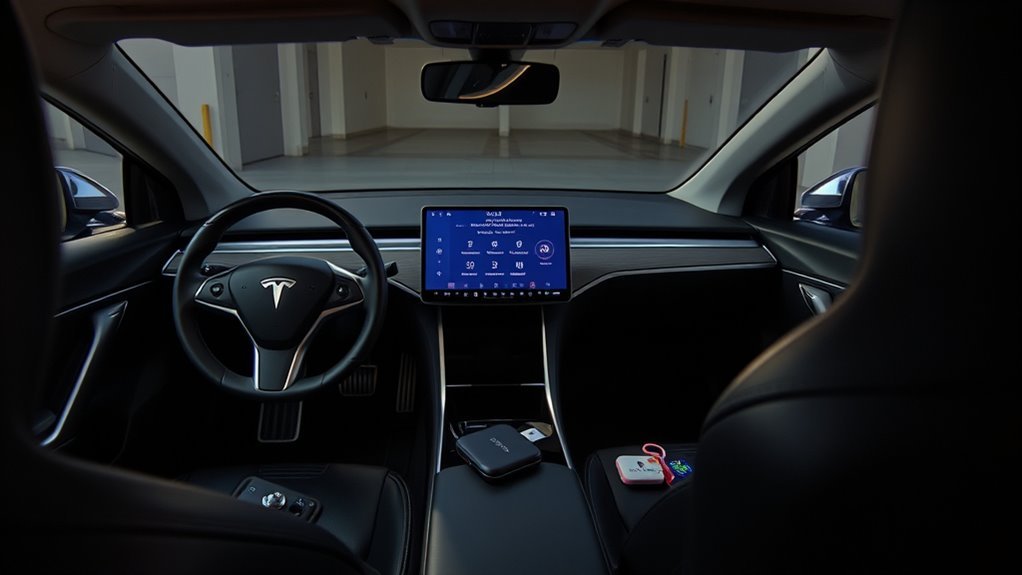
If you’re looking to enhance your driving experience, third-party CarPlay solutions offer a compelling alternative to the limitations of Tesla’s native infotainment system. Here’s why you might consider them:
- Third party benefits: These solutions, like the Carlinkit T2C Adapter, grant you access to Apple CarPlay functionality, enhancing your connectivity.
- Seamless integration: They work alongside your existing Tesla system, providing a smooth user experience without sacrificing original features.
- Customization options: Installation can be tailored for ideal visibility and accessibility, ensuring you get the setup that suits your needs.
- User satisfaction: Many users report improved navigation and music streaming capabilities, making every drive more enjoyable.
While there are some installation challenges—typically requiring 3 to 4 hours and cable routing—the rewards of enhanced functionality outweigh the hurdles.
Embrace the liberation of having CarPlay in your Tesla!
Installing CarPlay in Your Tesla: A Step-by-Step Guide
Enhancing your Tesla with Apple CarPlay can transform your driving experience, making it more connected and enjoyable. To get started, consider using the Carlinkit T2C Adapter, which allows for wireless functionality while keeping your Tesla’s original operating system intact.
Enhance your Tesla’s driving experience with Apple CarPlay using the Carlinkit T2C Adapter for seamless wireless integration.
The installation typically takes about 3 to 4 hours, so prepare for some troubleshooting issues, especially when routing USB cables to the rear USB-C port.
For ideal visibility and ease of use, explore mounting options like the steering column or behind the wheel. If you want an integrated experience, the ElecMod F99 CarPlay Instrument Cluster offers a 9.6-inch dashboard screen compatible with Model 3 and Model Y without voiding your warranty.
Finally, don’t hesitate to check YouTube for installation videos on different Android-based tablet solutions. These resources can provide valuable installation tips and flexibility in screen size and placement for an enhanced CarPlay experience.
What’s Next for CarPlay in Tesla: Future Updates and Features?
As Tesla tests Apple CarPlay, you might be wondering about the potential feature expansions and user interface improvements on the horizon.
With the system expected to operate within a limited portion of the touchscreen, there’s room for innovation that could enhance your driving experience.
Keep an eye out for future updates that may reveal new capabilities and third-party app integrations tailored for Tesla users.
Potential Feature Expansions
While Tesla has long prioritized its in-house infotainment system, the potential introduction of Apple CarPlay marks a significant pivot toward integrating popular smartphone functionalities.
This move could lead to several exciting feature enhancements and user customization options:
- Flexible Display: CarPlay might operate within a small window on Tesla’s touchscreen, allowing you to multitask seamlessly.
- Over-the-Air Updates: Regular updates could introduce new features based on your evolving preferences.
- Tech-Savvy Appeal: Enhanced smartphone connectivity could attract more users who crave intuitive tech in their vehicles.
- Exclusive Experience: With no plans for Android Auto, Apple users could enjoy a more tailored experience.
These possibilities indicate a promising direction for Tesla, aiming to enrich your driving experience with modern technology.
User Interface Improvements
With Tesla’s decision to incorporate Apple CarPlay, exciting user interface improvements are on the horizon, promising a more integrated and efficient driving experience.
While CarPlay will function in a windowed interface, this limited capacity opens doors for significant user experience enhancements. Future updates may allow seamless integration of CarPlay features alongside Tesla’s proprietary software, offering you a customizable interface that reflects your preferences.
Expect improved navigation options and a broader app selection, catering to your needs as an iPhone user. As Tesla listens to community feedback, the push for more advanced features signals a commitment to evolving their infotainment capabilities.
Embrace these developments, as they promise to liberate and enhance your journey behind the wheel.
Frequently Asked Questions
Does Tesla Support Apple Carplay?
No, Tesla doesn’t support Apple CarPlay. Instead, you’ll find Tesla’s proprietary infotainment system. While alternatives exist, many owners still hope for Apple CarPlay integration to enhance their connectivity experience in the future.
Does the 2025 Tesla Model Y Have Apple Carplay?
The 2025 Tesla Model Y doesn’t include Apple CarPlay. Instead, Tesla features its own infotainment system, prioritizing proprietary technology. However, there’s speculation about future testing, so stay tuned for potential updates on connectivity options.
What Does Tesla Have Instead of Apple Carplay?
Instead of Apple CarPlay, Tesla offers its unique infotainment system packed with features. You’ll enjoy tailored navigation, entertainment, and communication options, giving you a distinct driving experience that prioritizes seamless integration over traditional smartphone mirroring.
Can You Airplay to Tesla?
You can’t AirPlay to Tesla, as it lacks AirPlay compatibility. Instead, focus on Tesla features like Bluetooth audio for streaming from your Apple device. Embrace this unique approach to enjoy your multimedia experience!
Conclusion
To sum up, while Tesla’s decision to forgo Apple CarPlay may frustrate some fans, you’ve got plenty of promising possibilities. From third-party solutions to Tesla’s own innovative interface, you can still savor seamless smartphone integration. As the automotive landscape evolves, staying informed about future features will help you navigate this tech terrain. Embrace the excitement of exploration and find the perfect fit for your driving dreams—your journey’s just beginning!






Leave a Reply