Tesla’s phantom braking happens when your vehicle suddenly brakes without a clear reason, often due to sensor inaccuracies or environmental conditions. Factors like overpasses, large trucks, and bad weather can confuse the optical system, leading to misinterpretations. Managing phantom braking includes keeping your foot near the accelerator and reporting incidents to help improve the system. Tesla’s ongoing software updates aim to enhance braking logic and sensor performance. There’s much more to uncover about Tesla’s future solutions and advancements.
Key Takeaways
- Phantom braking occurs due to sensor inaccuracies, often triggered by environmental factors like shadows, overpasses, and large vehicles obstructing views.
- Tesla’s optical sensors can misinterpret complex road markings or glare, leading to unexpected braking events during driving.
- Drivers can manage phantom braking by gently pressing the accelerator, maintaining situational awareness, and using voice commands to report incidents.
- Tesla is addressing these issues through software updates, focusing on refining braking logic and enhancing AI training for obstacle recognition.
- The NHTSA is investigating phantom braking complaints, highlighting the need for continuous improvements in Tesla’s braking systems and sensor performance.
Understanding Phantom Braking in Tesla Vehicles
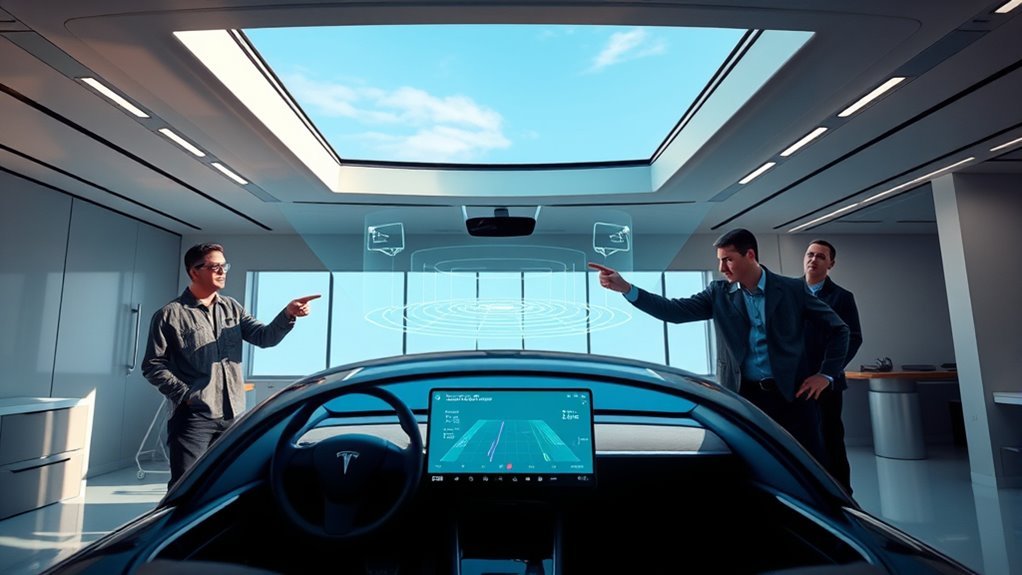
Understanding phantom braking in Tesla vehicles is vital for both safety and driving experience, especially since it can catch drivers off guard. This phenomenon occurs when your car unexpectedly brakes without any clear obstacles, often due to sensor inaccuracies.
Tesla’s advanced braking algorithms rely heavily on an optical system with cameras, which can misinterpret environmental conditions like shadows or road markings.
Common situations include driving on highways, near large vehicles, or during adverse weather, where glare can skew sensor readings. Reports of phantom braking have flooded in, prompting investigations by regulatory bodies like the NHTSA.
It’s important to remain aware of these potential misreadings. While Tesla’s technology aims to enhance your driving experience, understanding its limitations will empower you.
Awareness and gentle accelerator presses can help you manage these incidents, ensuring a smoother journey as you navigate the roads with confidence.
How to Manage and Override Phantom Braking While Driving
While unexpected braking can be unsettling, there are effective ways to manage and override phantom braking in your Tesla. Start by gently pressing the accelerator pedal during minor braking events; this simple braking technique helps you maintain speed and regain control.
For more severe situations, you can tap the brake pedal to disengage Autopilot, allowing you to take manual control swiftly.
It’s wise to develop the habit of keeping your foot poised over the accelerator, enabling quicker responses to sudden braking. Maintaining situational awareness is also essential; be mindful of environmental triggers like overpasses or large vehicles that might cause phantom braking.
Finally, don’t hesitate to use the voice command “Bug Report” during a phantom braking episode. This action sends valuable data to Tesla, aiding in sensor calibration and future improvements.
Common Scenarios That Trigger Phantom Braking
Phantom braking can catch drivers off guard, especially in certain situations that commonly trigger these unexpected events.
Understanding these scenarios can empower you to navigate them more safely:
Recognizing these scenarios helps enhance your awareness and safety on the road.
- Overpass effects: As you approach an overpass, sudden changes in lighting can confuse your vehicle’s sensors, leading to abrupt braking.
- Truck influence: Large trucks create significant visual obstructions. When you drive near them, your Tesla might misinterpret the space around you, resulting in unintended stops.
- Complex road markings: If you encounter faded or complicated road markings, your vehicle’s sensors may struggle to read the conditions accurately, causing phantom braking.
Environmental Factors That Lead to Misinterpretation by Sensors
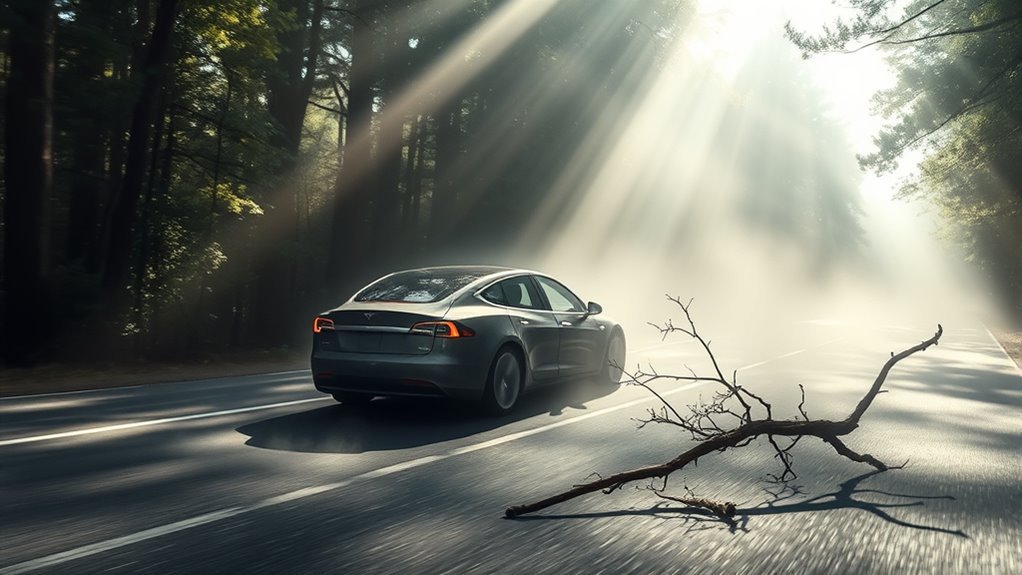
Environmental factors considerably influence how your Tesla’s sensors interpret the surrounding landscape, which can lead to unexpected braking.
For instance, shadows from overpasses or trees might trigger sensor misinterpretation, causing your vehicle to perceive obstacles that aren’t there. Nearby large vehicles can create wind turbulence and visual distractions, prompting sudden braking without any real threat present.
Weather conditions like heavy rain, fog, or snow degrade sensor performance, leading to false positives that result in abrupt stops. Additionally, complex or faded road markings can confuse your Tesla’s sensors, further increasing the chances of unnecessary braking.
The reliance on an optical system without radar integration limits the vehicle’s ability to accurately assess its environment, making it more susceptible to these environmental influences.
Staying aware of these factors can help you better understand when phantom braking may occur and how to navigate it safely.
Why Software Glitches Cause Unexpected Braking
When software glitches occur in Tesla’s Autopilot system, they can trigger unexpected braking by misreading environmental cues like shadows or faded road markings as obstacles. This misinterpretation often stems from the reliance on Tesla’s Vision system, which utilizes cameras instead of radar, increasing the chances of false positives.
Key factors contributing to phantom braking include:
- Software bugs responsible for misinterpretations
- Inadequate sensor calibration affecting accuracy
- Continuous software updates that may not resolve all issues
Despite Tesla’s ongoing efforts to address these glitches through regular software updates, reports show a significant rise in phantom braking incidents, with complaints reaching 1,845.
This situation can shake your confidence in the system, reminding you to stay vigilant and ready to take control. Understanding how software glitches influence braking behavior helps you navigate the complexities of autonomous driving more effectively.
Practical Tips for Handling Phantom Braking Events Safely
Understanding how software glitches can lead to unexpected braking is just the first step in steering Tesla’s Autopilot system. To handle phantom braking events safely, you’ll want to adopt certain safety habits that enhance driver awareness. Here are some practical tips:
| Action | Description | Purpose |
|---|---|---|
| Keep your foot over the pedal | Poised over the accelerator for quick response | React swiftly to braking |
| Gently press the accelerator | Override minor phantom braking | Maintain smooth driving |
| Adjust vehicle settings | Change cruise control behavior and clean cameras | Reduce phantom braking risks |
How to Report Phantom Braking Incidents to Tesla
Reporting a phantom braking incident to Tesla is essential for improving the Autopilot system and ensuring your safety on the road.
When you experience phantom braking, here’s how to effectively report the incident:
- Use the voice command “Bug Report” during the event to automatically send data to Tesla.
- Document vital details such as location, weather conditions, and the specific nature of the phantom braking event.
- After submitting your report, consider scheduling a service appointment to discuss the issue with Tesla technicians for further insight.
Tesla’s Efforts to Fix Phantom Braking
Although phantom braking remains a concern for many Tesla owners, the company is actively addressing the issue through targeted software updates and enhancements.
Tesla acknowledges the problem and is refining its braking logic, integrating advanced artificial intelligence to better interpret environmental conditions. These software updates aim to reduce false positives, making your driving experience smoother and safer.
In addition to technical improvements, Tesla values driver feedback. By encouraging you to report phantom braking incidents using voice commands, the company collects valuable data for ongoing analysis and enhancement.
This proactive approach not only helps identify patterns but also guarantees that your experiences contribute to future refinements.
Furthermore, Tesla provides guidance for safer Autopilot use, emphasizing the importance of situational awareness and readiness to take control.
Through continuous improvements in automatic emergency braking systems, Tesla is committed to enhancing vehicle safety and addressing your concerns about phantom braking effectively.
Future Solutions for Phantom Braking in Tesla
As Tesla continues to innovate, future solutions for phantom braking are on the horizon, promising to enhance your driving experience considerably. The company is actively refining its braking logic and AI training processes to minimize these frustrating incidents.
Upcoming software updates aim to improve the vehicle’s ability to differentiate between genuine hazards and benign environmental factors, such as shadows and road markings.
Here are some key advancements you can expect:
- Enhanced AI training to better recognize and classify obstacles.
- Improved braking logic that responds appropriately to real-time driving conditions.
- Continued collaboration with regulatory bodies for additional safety measures.
What’s Next for Tesla and Phantom Braking?
Tesla’s commitment to refining its braking systems indicates a proactive approach to tackling phantom braking issues. With AI advancements and sensor upgrades on the horizon, you can expect significant improvements in braking logic and training. The National Highway Traffic Safety Administration’s investigation into rising phantom braking complaints highlights the urgency of these efforts.
Here’s a snapshot of Tesla’s initiatives:
| Focus Area | Current Status | Future Enhancements |
|---|---|---|
| Software Updates | Ongoing refinements | Improved braking logic |
| Sensor Systems | Optical system criticized | Integration of advanced sensors |
| AI Training | Continuous updates | Enhanced training algorithms |
| Owner Feedback | Encouraged reporting | Data-driven improvements |
| NHTSA Investigation | 1,845 complaints recorded | Addressing safety concerns |
As these developments unfold, you’ll likely see a more reliable driving experience with reduced phantom braking incidents.
Frequently Asked Questions
What Causes Phantom Braking in Tesla?
Phantom braking in Tesla occurs due to sensor calibration issues and software glitches. Regular software updates can help improve performance, but environmental factors and driver behavior might still trigger unexpected braking events during your drives.
Why Does My Tesla Brake by Itself?
Imagine driving a ship through fog; your Tesla sometimes brakes by itself due to sensor misinterpretations. This can compromise driver safety, so stay alert and ready to take control when necessary.
How Common Is Phantom Braking?
Phantom braking frequency is a significant concern for many Tesla drivers. You might experience unexpected braking multiple times, often during highway speeds, leading to frustration and highlighting the need for ongoing improvements in vehicle software and safety.
What Causes Phantom Drain Tesla?
Like a thief in the night, phantom drain steals your Tesla’s charge. It’s caused by energy consumption from features like Sentry Mode, software updates, and extreme temperatures, all impacting battery efficiency while parked.
Conclusion
To summarize, dealing with phantom braking in your Tesla can be frustrating, but understanding its causes and knowing how to respond can make your drive safer. As the saying goes, “An ounce of prevention is worth a pound of cure.” By staying informed and reporting incidents, you contribute to Tesla’s efforts to improve the technology. Embrace the advancements in autonomous driving, and remember that with time, these glitches will likely become a thing of the past.






Leave a Reply